If you’ve ever had a cool idea in your head—but no time (or patience) to open a complicated design tool—this is the kind of workflow you’ll love.
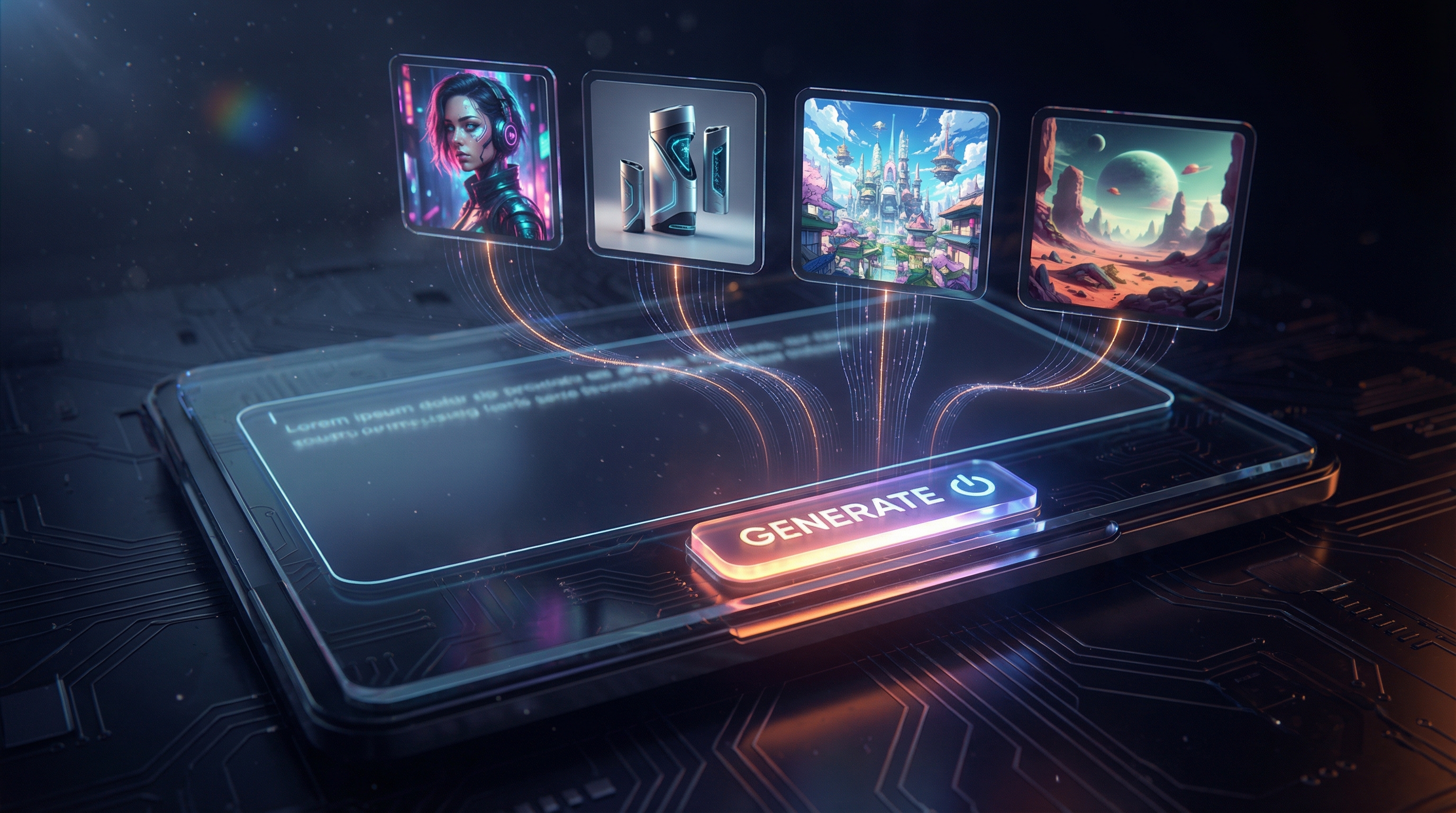
With FreeImgen’s free text to image tool, you can type a description, click generate, and start iterating immediately. No account setup. No login hoops. Just prompt → image → refine.
In this guide, I’ll walk you through exactly how it works, how to write prompts that actually produce good results, and how to get polished images faster—without turning prompt-writing into homework.
What This Tool Is (and What It Isn’t)
At its core, FreeImgen is a text-to-image generator: you describe what you want, and the AI turns your words into a visual.
That means you can create:
- Character portraits and concept art
- Simple product mockups
- Social media visuals
- Blog images and thumbnails (without text)
- Scene ideas for stories, games, and worldbuilding
And here’s the honest part: like every AI text to image tool, it isn’t magic-perfect 100% of the time. You may still see common AI quirks like odd hands, slightly “off” faces, or random background details that don’t belong.
The good news? FreeImgen is designed for fast iteration—so you can fix most issues by adjusting your prompt in seconds.
Why People Love FreeImgen: The “No Barriers” Advantage
Let’s be real: most people don’t quit creative tools because they’re hard. They quit because the tool adds friction.
FreeImgen keeps the process lightweight:
- free text to image no signup — you can start immediately
- free text to image no login — no account gatekeeping
- Great for quick ideation loops and “try 10 versions fast” workflows
If you’re the kind of creator who likes to explore multiple ideas quickly, this is where the unlimited text to image vibe really shines: you can keep experimenting until something clicks.
Quick Start: Make Your First Image in 60 Seconds
Here’s the simplest way to start:
- Open FreeImgen’s text to image free generator.
- Type a prompt (don’t overthink it yet).
- Click Generate.
- Look at the result and make one small improvement.
- Generate again.
That’s it. The secret is to treat the first output as a draft, not the final answer.
If you want a “starter prompt” that’s easy to succeed with, try something like:
A cozy reading nook by a rainy window, warm lamp light, soft shadows, cinematic photo, high detail
It’s simple, visually clear, and doesn’t require the model to juggle complicated anatomy or action.
How to Write Prompts That Actually Work
A lot of people assume prompts need to be long, poetic, or full of fancy keywords.
They don’t.
What prompts really need is structure.
A beginner-friendly prompt formula
Use this template:
Subject + Action/Pose + Environment + Style + Lighting + Camera
Example:
A futuristic street-food vendor, smiling, night market with neon signs, cyberpunk illustration style, glowing rim light, shallow depth of field, 35mm cinematic framing
This works because it tells the AI:
- Who/what the image is about
- Where it is
- What vibe you want
- How it should look (lighting/camera)
Three rules that boost success fast
- One subject, one scene, one style.
- Add a few constraints (like “clean background” or “center composition”).
- Change one thing at a time when iterating.
Prompt Templates You Can Copy-Paste
Below are ready-to-use templates. Swap the bracketed parts and generate.
1) Social Avatar / Profile Illustration
Prompt:
A portrait of [person/character type], [expression], [background], clean composition, [art style], soft lighting, high detail, sharp focus, no text
Example:
A portrait of a confident young mage, gentle smile, simple dark gradient background, clean composition, semi-realistic illustration, soft lighting, high detail, sharp focus, no text
2) YouTube Thumbnail-Style Image (No Text)
Prompt:
[subject] in [scene], exaggerated emotion, bold lighting, strong contrast, clean background, centered subject, dramatic cinematic look, high detail, no text, no watermark
Example:
A surprised astronaut in a glowing alien forest, exaggerated emotion, bold lighting, strong contrast, clean background, centered subject, dramatic cinematic look, high detail, no text, no watermark
3) Product Hero Image / E-commerce Mockup
Prompt:
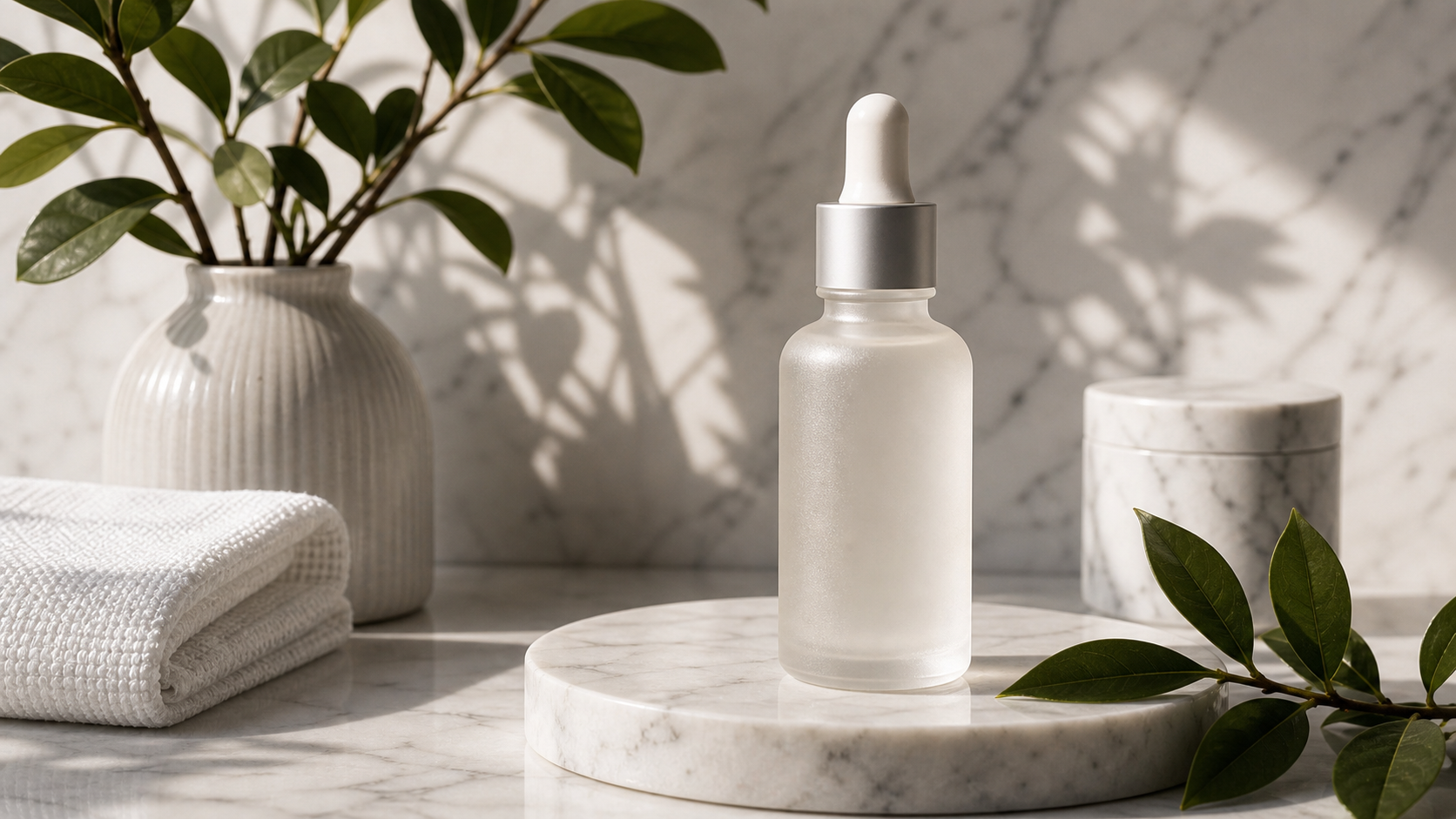
[product] on a minimal studio background, softbox lighting, realistic photo, clean reflections, high detail, premium commercial look, no text, no logo
Example:
A matte black insulated water bottle on a minimal studio background, softbox lighting, realistic photo, clean reflections, high detail, premium commercial look, no text, no logo
4) Poster-Style Concept Art
Prompt:
Epic cinematic concept art of [main subject], [environment], dramatic atmosphere, volumetric lighting, wide angle, high detail, film still, no text
Example:
Epic cinematic concept art of a lone knight with a glowing wand-sword, stormy cliffside ruins, dramatic atmosphere, volumetric lighting, wide angle, high detail, film still, no text
5) Anime / ACG Character Splash Art
Prompt:
Anime character illustration of [character], dynamic pose, [outfit details], [background], vibrant colors, crisp line art, dramatic lighting, high detail, no text
Example:
Anime character illustration of a fox-masked assassin, dynamic pose, black cloak with red lining, moonlit rooftop city, vibrant colors, crisp line art, dramatic lighting, high detail, no text
These templates work great with a free AI image generator because they keep the request focused and visually clear.
Getting Better Results: The 5-Minute Iteration Playbook
Here’s a fun way to think about it: you’re not “prompting,” you’re directing.
Step 1: Lock the subject
Make sure your subject is unambiguous:
- “one person”
- “centered portrait”
- “clean background”
Step 2: Control the camera
Camera cues reduce randomness:
- “close-up portrait”
- “wide shot”
- “35mm film still”
- “shallow depth of field”
Step 3: Control the light
Light is the shortcut to polish:
- “soft daylight”
- “warm lamp light”
- “cinematic rim light”
- “volumetric lighting”
Step 4: Upgrade the style with a single phrase
Pick one:
- “realistic photo”
- “anime illustration”
- “cinematic concept art”
- “minimal graphic poster”
Step 5: Micro-edit only one variable per re-roll
If you change everything at once, you’ll never know what worked.
Common Problems (and How to Fix Them)
AI image generation is powerful, but predictable problems pop up. Here are quick fixes.
Problem: Faces look a bit off
Try:
- “natural facial proportions”
- “soft lighting”
- “sharp focus on face”
- “front-facing portrait”
Problem: Hands are weird
Try:
- “hands behind back”
- “hands in pockets”
- “holding a simple object”
- “wearing gloves”
Problem: Random text appears
Add:
- “no text, no watermark, no logo”
Problem: Background is messy
Add:
- “minimal background”
- “studio backdrop”
- “clean gradient background”
Problem: Too dark or too bright
Add:
- “balanced exposure”
- “soft daylight”
- “gentle shadows”
Best Use Cases for Creators and Marketers
Because it’s fast and low-friction, FreeImgen fits a bunch of creator workflows:
- Content ideation: generate 10 visual directions quickly
- Blog visuals: simple feature images or scene illustrations
- Social posts: stylized images for themed campaigns
- Product concepting: mockups and hero-image ideas
- Story/game development: concept art for characters, weapons, locations
If your workflow involves “make variations until one is perfect,” this kind of text to image no signup free approach is a big win.
Is It Really Unlimited and No Signup?
FreeImgen clearly positions its tool as:
- No account required
- No login required
- Designed for easy repeated generation
In real-world use, “unlimited” usually means you can generate plenty of images freely—though any online tool may still have practical constraints like traffic-based slowdowns or occasional rate limits.
That’s why the best way to use it is:
- Start simple
- Iterate quickly
- Save your best prompts as reusable templates
If your goal is lots of creative exploration, the unlimited AI image generator angle will feel especially useful.
Mini FAQ
Is it really free?
FreeImgen presents this as a text to image free tool you can use immediately.
Do I need an account?
No—this is positioned as no signup and no login.
What prompts work best?
Prompts that are:
- Clear about the subject
- Simple about motion/action
- Focused on one style
- Specific about lighting and camera
Can I use the images commercially?
If you plan commercial use, check the site’s current terms and usage rules to be safe.
Final Take: When FreeImgen Is the Right Tool
If you want a fast, fun way to turn words into visuals—without signing up—FreeImgen is a solid place to start.
- Use it when you want speed and quick variations.
- Use Image-to-Image (or other tools) when you need strict brand consistency.
- Keep prompts structured, keep scenes simple, and iterate like a director.
Ready to try it? Here’s the tool again: