Free PNG to JPG Image Format Converter
100% Free & Unlimited PNG to JPG Converter
Experience the most powerful PNG to JPG converter that's completely FREE and unlimited! Process everything locally in your browser for maximum security - no file uploads needed. While PNG files excel at preserving image quality with lossless compression, they can be unnecessarily large. Our converter intelligently transforms them into web-optimized JPG files that look just as stunning but are dramatically smaller. Perfect for websites, social media, and anywhere you need efficient image delivery. No registration, no limits, no compromises - just drag, convert and download instantly with superior results!
Unique Features of Free PNG to JPG Converter
Professional image conversion with powerful features
Comprehensive Format Compatibility
Supports output in multiple image formats including WebP, JPG, PNG, providing one-stop format conversion services to flexibly meet hundreds of image processing needs.
Local High-Speed Processing
Leveraging browser-side real-time technology, conversion speed is increased 3x, achieving second-level response without uploading any files - saving time and highly efficient.
Strong Privacy Protection
All operations are completed locally, no uploading or storing of user images, cache automatically cleared after conversion, privacy protection comparable to end-to-end encryption.
No Registration Required
No login needed, no usage limits, no feature locks - truly 'drag to convert, complete to download' bringing you the ultimate convenient experience.
Application Scenarios of Free PNG to JPG Converter
Whether for image display, content editing, or platform uploads, the free PNG to JPG converter makes your images more universal, efficient and easy to use.

Reduce Image Size, Improve Loading Speed
Converting PNG to JPG can significantly reduce image file size, suitable for scenarios requiring faster webpage loading and social platform preview speeds, such as blog covers and mobile image displays.
Optimize Display When Transparency Isn't Needed
When images no longer need transparent backgrounds (like photos, real scenes, illustrations), converting PNG to JPG saves space while maintaining good image quality, suitable for report covers, presentation charts, etc.
Improve Compatibility, Adapt to All Platforms
Some platforms (like older systems, certain document tools, email clients) have poor PNG support. Converting to JPG ensures images display without issues on almost all devices and software.
More Stable for Document Embedding and Printing
JPG performs better in Office suites, PPT, PDF and other office documents. Converting helps avoid display anomalies, reduces document size, and improves printing compatibility.
How to Convert PNG to JPG in Four Simple Steps
Easy PNG to JPG conversion:
Upload your PNG image
Select JPG as the target format
Start conversion
Download your converted image
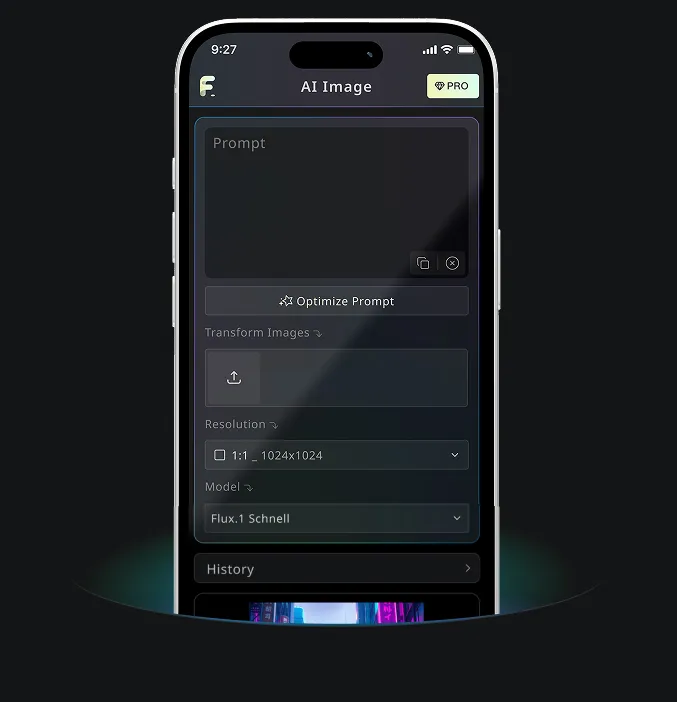
Android & iOS Mobile Application for Free AI Image Generator
Download Free AI Image Generator mobile Application now to tap into Free AI Image Generator's robust tools—boost your creativity with a spark of inspiration that transforms words into stunning visuals!