Free JPG to PNG Image Format Converter
Free Efficient JPG to PNG Image Converter
Experience our 100% free, unlimited JPG to PNG converter powered by secure browser-side technology - no registration or uploads needed! While maintaining exceptional output quality, our tool processes everything locally in your browser, ensuring complete privacy and data security. Convert JPG images to high-quality PNG format with perfect transparency support, ideal for graphic design and web development. The advanced conversion algorithm preserves every detail while enabling transparent backgrounds, making it perfect for professional design work. Start converting instantly with unlimited free access - no file size limits, no quality compromises, just drag and drop for instant results!
Unique Features of Free JPG to PNG Image Converter
Comprehensive format support and efficient conversion
Comprehensive Format Compatibility
Supports multiple image format outputs including WebP, JPG, and PNG, providing one-stop format conversion service for hundreds of image processing needs.
Ultra-Fast Local Processing
Leveraging browser-side real-time technology, conversion speed is 3x faster, achieving instant response without file uploads, saving time and improving efficiency.
Ultimate Privacy Protection
All operations are completed locally, with no uploading or storing of user images. Cache is automatically cleared after conversion, providing privacy protection comparable to end-to-end encryption.
Instant Use Without Registration
No login required, no usage limits, no feature locks - truly achieving 'drag to convert, complete to download' for an ultimate convenient experience.
Application Scenarios of Free JPG to PNG Converter
Whether for image display, content editing, or platform uploads, our free JPG to PNG converter makes your images more universal, efficient, and user-friendly.

Preserve Image Clarity and Lossless Quality
Converting JPG to PNG avoids compression loss, suitable for scenarios requiring higher image detail and clarity.
Facilitate Post-Image Editing and Design Processing
PNG format supports lossless storage and higher color accuracy, more suitable for secondary design, adding borders, watermarks, or image cropping.
Meet Platform or Software PNG Format Requirements
Some websites, printing services, or online editors only support PNG uploads - format conversion ensures normal usage.
Create Lossless Display Materials
Converting to PNG avoids blur or color blocks caused by JPG compression, suitable for images in reports and presentations.
How to Convert JPG to PNG in Four Simple Steps
Easily convert your JPG images to PNG:
Upload your JPG image
Select PNG as the target format
Start conversion
Download your converted image
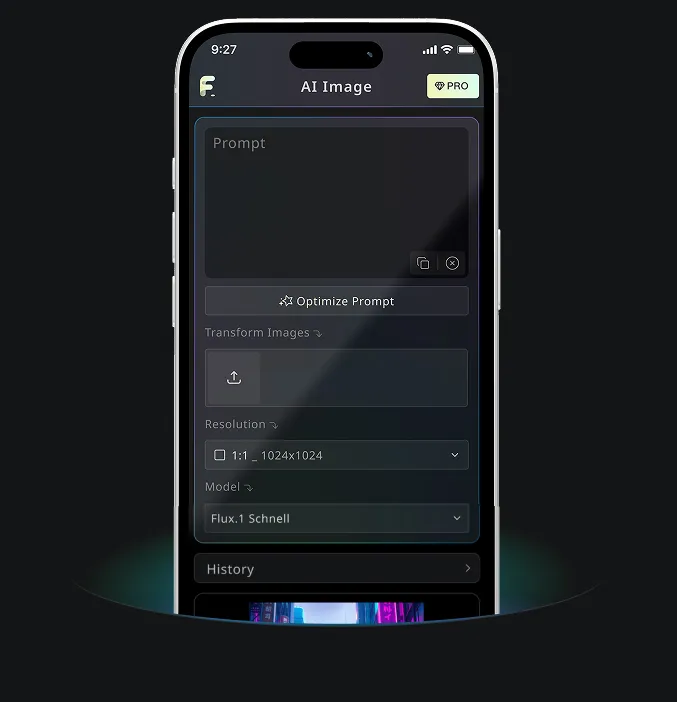
Android & iOS Mobile Application for Free AI Image Generator
Download Free AI Image Generator mobile Application now to tap into Free AI Image Generator's robust tools—boost your creativity with a spark of inspiration that transforms words into stunning visuals!