Raphael AI is useful when you want to create an image from a written prompt, but many users eventually need a different workflow: upload an existing image, describe a change, and generate a new version without opening another account. That is the practical gap this guide addresses.
For that use case, FreeImGen’s Free Image-to-Image AI is the main alternative. Its current page presents a browser-based upload-and-transform workflow with Nano Banana AI model support, JPEG, JPG, PNG, and WebP uploads, image downloads, and continued regeneration. The page also advertises free access and no signup, but those are live platform claims that should be checked in a fresh browser session before publication or a time-sensitive project.

Raphael AI vs Image-to-Image AI: Two Different Starting Points
Raphael AI and FreeImGen image-to-image tools solve different parts of the image-creation process. Raphael AI is primarily associated with text-to-image generation: you start with an idea and ask the system to create a new visual. Image-to-image AI starts with a visual reference and lets you change the background, style, color, object, clothing, lighting, or environment.
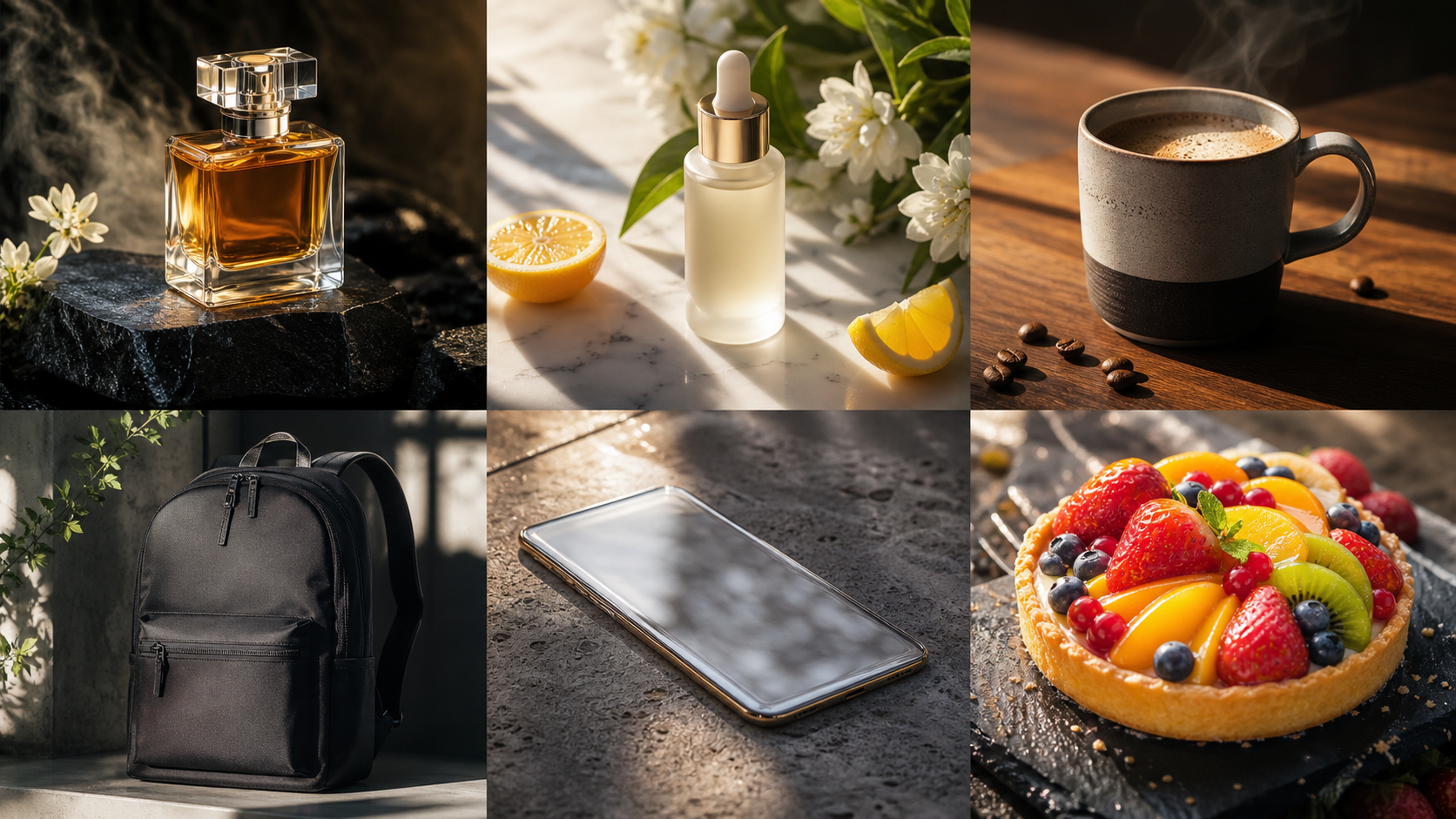
That difference matters for practical work. A student creating an illustration from a written concept may want a text-to-image generator. An ecommerce seller who already has a product photo needs an image-to-image editor that can preserve the bottle or package while placing it in a new setting. A social creator may use Raphael AI for the first concept, then use a Free AI Image Editor to create variations from the result.
FreeImGen’s Raphael AI guide describes Raphael as a browser-based text-to-image tool that can often be used without creating an account, while noting that editing functions, limits, watermarks, and higher-resolution access may vary. The safer workflow is to treat Raphael as a starting-point generator and FreeImGen image-to-image as the editing path.
Neither tool should be described as the other platform’s underlying model or official partner. The useful comparison is workflow-based: Raphael creates from text; FreeImGen transforms an uploaded image.

Is Free Image-to-Image AI for Raphael AI Users Available Without Signup?
FreeImGen’s image-to-image page currently advertises “100% free,” “No Signup Required,” “No credit card required,” and “Unlimited Generations.” It also presents Nano Banana AI support, common image-format compatibility, and a simple upload, generate, and download flow.
There is an important wording conflict on the live page: the headline and feature badges say no signup is required, while a later feature paragraph says “Sign up and try immediately.” That inconsistency means an article should not promise that every user, session, or generation will always work without registration. Test the page in a fresh private browser window immediately before publishing the claim.
The same caution applies to “unlimited.” A page can advertise unlimited generations while still applying practical limits through queues, fair-use rules, session controls, model availability, upload constraints, or temporary service changes. Check whether repeated generations remain available, whether the page asks for login after several attempts, and whether the output can be downloaded in the needed format.
For casual users, the no-signup workflow may be exactly what they want. For a client campaign or repeated production pipeline, verify the terms, privacy policy, rate behavior, and output rights before building the entire process around it.

How to Use FreeImGen Image-to-Image AI Without Creating an Account
The basic workflow is simple: upload a source image, describe the edit, generate a result, then download or regenerate. The quality of the result depends on how clearly the prompt separates protected details from the one change you want.
Use this process:
- Choose a clear source image. Use a well-lit portrait, product photo, room image, artwork, poster, or social asset with the important subject visible.
- Decide what must stay unchanged. Name the face, product proportions, clothing, pose, room dimensions, camera angle, or composition that the model should preserve.
- Request one primary change. Start with a background replacement, style transfer, hair-color change, object removal, lighting adjustment, or color variation rather than combining many unrelated edits.
- Add the intended use. Say whether the result is for an ecommerce listing, blog header, social post, illustration, campaign concept, or classroom example.
- Generate once, then revise. If the subject drifts, simplify the prompt. If the edit is too subtle, make the requested change more specific.
- Download and inspect the result. Review identity, product shape, text, hands, edges, shadows, and image quality before sharing or publishing.
FreeImGen’s current page describes temporary storage and deletion of uploaded and generated images shortly after processing. Verify the latest privacy policy and actual behavior before uploading confidential material. Temporary storage is not the same as a guarantee of private generation.

Which FreeImGen Page Should You Use?
The right FreeImGen tool depends on whether you already have a reference image. Use the image-to-image page when the source visual matters; use text-to-image when you want to create from a blank prompt.
| Starting material | Recommended page | Best for |
|---|---|---|
| Existing photo, artwork, or product image | Free Image-to-Image AI | Background changes, restyling, variations, and reference-guided edits |
| A focused editing request | Free AI Image Editor | Prompt-based edits, object removal, retouching, and photo changes |
| A color, object, outfit, or scenery change | Free AI Image Changer | Background swaps, color changes, props, and scene variations |
| An uploaded image for Nano Banana-style editing | Free Nano Banana AI | Model-specific image generation and transformations |
| A written concept with no source image | Free Text-to-Image Generator | New scenes, illustrations, portraits, posters, and thumbnails |
For Raphael AI users, the most natural handoff is Raphael for the initial image and FreeImGen Image-to-Image AI for edits. If the Raphael output is not suitable as a reference, start again with FreeImGen text-to-image or use a stronger source image before attempting a transformation.

Prompt Formula for Free Image-to-Image AI Editing
A good image-editing prompt says what to preserve before it says what to change. This reduces identity drift, altered product proportions, extra objects, and unwanted changes to lighting or composition.
Use this reusable formula:
Use the uploaded image as the main reference. Preserve [subject, face, product, pose, composition, colors, or materials]. Change only [background, style, clothing, object, lighting, season, or atmosphere]. Create the result as a [format and purpose]. Use [visual style], [lighting], and [color palette]. Avoid [identity drift, altered products, extra objects, distorted anatomy, unreadable text, or logos].
Copy-to-use prompts:
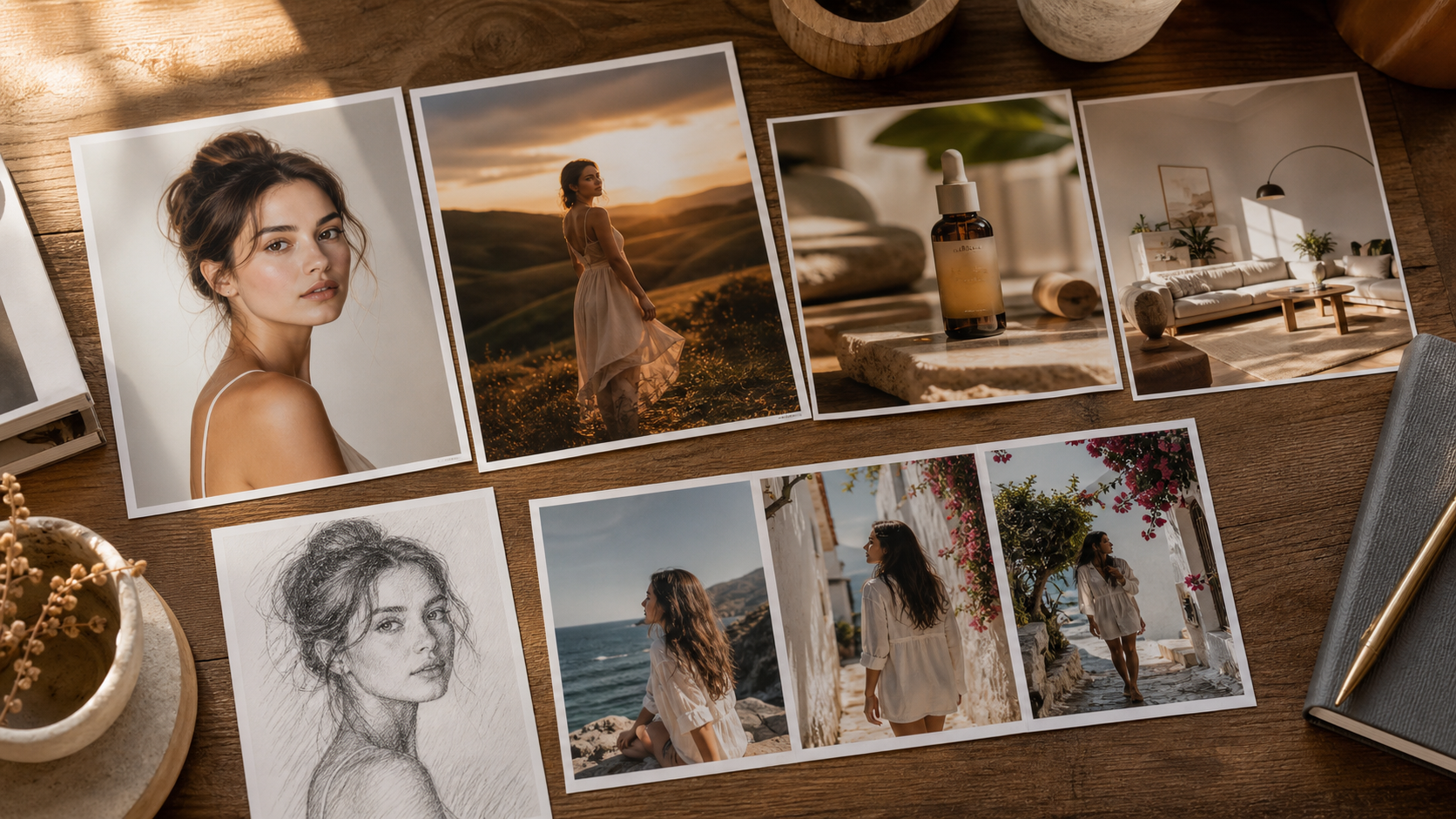
Use the uploaded portrait as the reference. Preserve the face, hairstyle, age, skin tone, expression, and pose. Replace only the background with a softly lit professional photography studio.Use the uploaded product image as the base. Preserve the exact product shape, packaging, label, colors, and camera angle. Replace only the background with a bright modern kitchen.Transform the uploaded photograph into a clean pencil-sketch illustration. Preserve the subject, composition, pose, and facial identity. Use delicate graphite shading and a white paper background.Use the uploaded room photo as the reference. Keep the walls, windows, floor, and camera perspective unchanged. Replace the furniture with warm minimalist furniture and add afternoon sunlight.Change the person’s hair color to blonde. Preserve the hairstyle, face, skin tone, expression, clothing, background, and lighting.Use the uploaded image as the base. Turn it into a premium cinematic editorial photograph with dramatic side lighting, realistic textures, subtle film grain, and deeper contrast.Remove the distracting object in the background. Reconstruct the hidden area naturally and preserve the subject, lighting, shadows, colors, and composition.Create three social-media variations from the uploaded product image. Preserve the product exactly while changing the background to a studio, outdoor lifestyle scene, and luxury interior.
The best starting prompt usually contains one protected subject, one requested change, and one intended visual direction. If the first result changes too much, remove extra adjectives and make the preservation instructions more concrete.

What to Test Before Relying on the Tool
A practical test should measure more than whether the page loads. Open FreeImGen in a fresh browser session and record what happens for the exact workflow your readers care about.
Test these points:
- Signup: Can you upload and generate without login, or does the page request registration after an initial step?
- Repeated generations: Can you make several variations, or do queues, session limits, or model changes appear?
- Reference fidelity: Does the face, product, room structure, pose, or composition remain recognizable?
- Background replacement: Does the new background match the subject’s perspective, light, and shadows?
- Style transformation: Does the tool change the medium without destroying the subject?
- Object and color changes: Can it modify one object or color without changing unrelated details?
- Portrait consistency: Does hair, age, expression, skin tone, and clothing remain stable?
- Product preservation: Are packaging, labels, proportions, materials, and edges still accurate?
- Prompt adherence: Does the result follow “change only” instructions?
- Output speed: Is the result fast enough for casual use or a production queue?
- Download quality: Is the file available in the format and quality you need?
- Watermarks: Inspect the actual download instead of assuming the page is watermark-free.
- Mobile browser use: Test upload, prompt entry, generation, and download on a phone-sized browser.
This checklist turns “free image-to-image AI no signup” into a verifiable workflow. It also protects the article from overstating claims that can change with model routing, traffic, terms, or account policy.

FAQ: Raphael AI Image Editing Without Signup
Is Raphael AI an image-to-image editor?
Raphael AI is primarily associated with text-to-image generation. If you already have an image and want to change its background, style, color, object, or environment, use a dedicated image-to-image tool such as FreeImGen’s workflow.
What is the best free image-to-image AI for Raphael AI users?
FreeImGen’s Free Image-to-Image AI is the main alternative in this guide because it is designed around uploading a source image and describing a transformation. Its current page advertises free, no-signup access, but verify those claims live.
Can I edit Raphael AI images without signup?
You can try uploading a Raphael AI output to FreeImGen’s image-to-image page if the live session accepts uploads without registration. The platforms are separate, and FreeImGen should not be described as Raphael AI-powered or officially affiliated with Raphael.
What image formats does FreeImGen support?
The current image-to-image page lists JPEG, JPG, PNG, and WebP support. Confirm the live upload control and file-size limits before publishing a detailed compatibility claim.
Can I use FreeImGen outputs commercially?
Do not assume commercial rights from a free or no-signup label. Review the current terms, privacy information, model conditions, likeness concerns, copyright issues, and project requirements before using an output in paid work.

Conclusion: Use Raphael for Creation and FreeImGen for Transformation
Raphael AI is a useful starting point when you want an image from a written idea. FreeImGen’s image-to-image workflow is better aligned with the next step: upload an existing image, preserve the important subject, describe one targeted change, and regenerate without immediately opening another account.
For the most direct test, start with FreeImGen Free Image-to-Image AI. Use Free AI Image Editor for focused edits, Free AI Image Changer for background and object changes, and Free Text-to-Image Generator when you are starting from text rather than a reference image.
Before publication or commercial use, verify signup behavior, repeated generation, output quality, download details, watermarks, mobile usability, privacy handling, and current terms in a fresh browser session.