尋找一款不受限制的免費 AI 圖像生成器的人,通常想要的是一個感覺開放、快速、且容易測試的工具。實務上,這意味著不需要繁重的設定、基本探索不必被登入流程卡住、能彈性處理提示詞,並且具備足夠的創作範圍,讓你能快速製作產品圖、社群貼文、縮圖、人像、海報與行銷活動概念。
最佳的起點是 FreeImGen,因為它為新手與創作者提供免費、基於瀏覽器的方式來測試提示詞、生成圖片、編輯視覺內容,並探索文字轉圖片與圖片轉圖片工具。若要更精緻、更偏向正式製作的工作,Flaq AI 上的 Seedream 4.5 是進階推薦。若你需要參考圖來做改圖,Fylia AI Image to Image 在你已經有一張來源圖片、想把它轉換成全新風格時最合適。

創作者真正想要的「不受限制的免費 AI 圖像生成器」是什麼
「不受限制的免費 AI 圖像生成器」這句話通常是創作自由與低工作流程摩擦的縮寫。多數使用者不是在找複雜的製作堆疊;他們想要打開瀏覽器、輸入提示詞、生成圖片、修改提示詞,然後快速把想法變成可用的視覺成品。
對行銷人員與電商賣家來說,重點是速度:產品樣機、廣告概念、節慶視覺與社群貼文通常需要多個版本,才會有值得精修的一個。對學生、部落客與提示詞撰寫者來說,重點是探索:他們需要快速測試風格、構圖、光線與主題想法。對設計師與產品團隊來說,重點是方向:他們想要可轉成情緒板、活動參考或製作簡報的初步概念。
實用檢查清單很簡單:
- 低摩擦: 基於瀏覽器的存取與最少的設定。
- 快速提示詞測試: 有足夠彈性可以嘗試很多想法。
- 多種工作流程: 文字轉圖片、圖片轉圖片與編輯。
- 有用的輸出範圍: 產品圖、人像、海報、縮圖、電商視覺與活動概念。
- 清楚的下一步: 能把草稿想法推進到更高品質的生成或參考圖導向的編修。
這也是為什麼本指南推薦三工具工作流程:先從 FreeImGen 開始,圖片需要更高製作品質時再轉到 Seedream 4.5;當來源圖片應該引導最終結果時,就用 Fylia AI Image to Image。

為什麼 FreeImGen 是快速提示詞實驗的最佳起點
FreeImGen 是想要在線上免費圖片生成器、又不想面對複雜設定的使用者的最佳起點。當目標是快速探索時,它特別好用:寫提示詞、產出草稿、調整想法,持續測試直到方向清楚。
FreeImGen 是很好的第一站,因為它把多種實用的圖片工作流程整合在同一處。使用者可以先用 Free Text to Image Generator 進行純提示詞創作;手上有參考圖時試用 Free Image to Image AI;用 Free AI Image Editor 來做視覺編修;或探索像是 Nano Banana AI 與 Flux AI Image Generator 等模型頁面。
在你需要以下用途時使用 FreeImGen:
- 快速的社群圖片點子;
- 行銷活動的情緒板;
- 部落格封面概念;
- 在使用付費或 API 工作流程前先測提示詞;
- 簡單的圖片轉圖片變體;
- 無需註冊、用於早期創意探索的 AI 圖像工具。
使用 FreeImGen 的最佳方式,是讓第一個提示詞保持聚焦:要一個主體、一種視覺風格、一個光線方向與一個使用情境。當結果接近想要的方向後,再用更清楚的構圖、長寬比、背景與品質細節來精修提示詞。

為什麼 Flaq AI 上的 Seedream 4.5 是偏向正式製作的進階選擇
在需要更專業完成度時,Flaq AI 上的 Seedream 4.5 是更強的推薦。它更適合重視高解析輸出、彈性長寬比、以提示詞引導構圖、多語言排版指示、電商視覺、產品概念設計,以及 API 友善的創意製作流程的使用者。
在點子已經測過之後再使用 Seedream 4.5。舉例來說,行銷人員可以先在 FreeImGen 草擬五個社群廣告點子,接著把最強的概念用 Seedream 4.5 重新製作,指定更精準的光線、鏡頭角度、產品擺位、字體排版指示與活動氛圍。產品團隊也可以用它來做精緻概念圖、包裝視覺、落地頁素材或簡報級樣機。
Seedream 4.5 特別適用於:
- 產品活動視覺;
- 4K 風格的行銷圖片;
- 電商主視覺產品 Hero Shot;
- 多語言海報概念;
- 專業的文字轉圖片提示詞;
- 透過 Flaq AI 進行 API 導向的圖片生成工作流程。
代價是:進階生成更吃提示詞品質。模糊的需求可能仍會產出好看的圖片,但結構化的提示詞能給模型更強的方向。請包含主體、場景、鏡頭角度、光線、長寬比、風格、視覺層級,以及任何文字或排版需求。

為什麼 Fylia AI Image to Image 最適合編修既有視覺素材
當你已經有一張圖片、想要做出全新版本時,Fylia AI Image to Image 是最佳選擇。你不必從空白提示詞開始,而是上傳參考圖,要求更換背景、風格、打光、色盤、活動氛圍,或進行針對性編修,同時保留核心主體。
這對電商與行銷很重要,因為許多創意工作都是從既有素材開始。賣家可能有產品照,但需要生活情境版本。社群經理可能有人像,但需要適合活動的變體。設計師可能有粗略概念,但需要更乾淨的編輯風格方向。在這些情況下,圖片轉圖片 AI 比文字轉圖片更有效率,因為來源圖片承載了身份特徵、姿勢、產品形狀、比例與構圖。
使用 Fylia AI Image to Image 的情境包含:
- 產品圖片改造;
- 人像風格變體;
- 以參考照片生成活動視覺;
- 背景與光線變更;
- 社群貼文變體;
- 需要保留主體一致性的針對性編修。
為了最佳效果,請上傳乾淨的來源圖片。避免模糊照片、產品邊緣被裁切、過重陰影、反光眩光、雜亂背景,以及必須精準保留的極小細節。接著在提示詞中清楚描述「哪些要保持不變」與「哪些要改變」。

彈性 AI 圖像創作的提示詞公式與範例
更好的提示詞能產出更好的圖片,因為它能降低模型猜測。無論你使用 FreeImGen、Seedream 4.5 或 Fylia AI Image to Image,提示詞都應描述主體、構圖、光線、風格、細節、長寬比與用途。
可重用的文字轉圖片提示詞公式
Create a [type of image] for [use case]. Subject: [main subject]. Composition: [centered / close-up / wide editorial layout / product hero shot / poster layout / social ad layout]. Lighting: [studio / natural daylight / cinematic / softbox / golden hour / neon]. Style: [photorealistic / editorial / ecommerce / poster / infographic / brand campaign / character concept]. Details: [materials, colors, environment, camera angle, mood]. Output should be [aspect ratio] for [platform or purpose]. Keep the image clean, polished, and visually strong.
Seedream 4.5 提示詞公式
Create a high-resolution 4K image for [marketing / product design / social campaign / poster / ecommerce / concept art]. Include [main subject], [scene layout], [camera angle], [lighting], [style], [color palette], and [text or typography direction if needed]. Prioritize accurate prompt following, clean composition, readable visual hierarchy, and professional production quality.
圖片轉圖片提示詞公式
Use the uploaded image as the reference. Preserve [subject identity / product shape / outfit / pose / composition / facial features / material / label area]. Change [background / lighting / style / color palette / camera angle / season / mood / setting] to [new direction]. Keep the result realistic, clean, high-quality, and suitable for [ecommerce / social ad / poster / blog cover / product page / campaign visual].
產品圖片提示詞公式
Create a clean product image for [product]. Preserve product shape, material, color, scale, and label area. Use [studio / lifestyle / ecommerce / editorial] lighting, realistic shadows, clean background, and strong subject separation. Leave subtle negative space for marketing copy. Output in [1:1 / 4:5 / 16:9].
社群圖片提示詞公式
Create a social media visual for [product/service/topic]. Main subject: [product/person/scene]. Mood: [friendly / premium / playful / calm / futuristic / cinematic]. Composition: clear focal point, strong visual hierarchy, blank space for headline text, clean background, and platform-ready crop.
可直接複製使用的提示詞範例
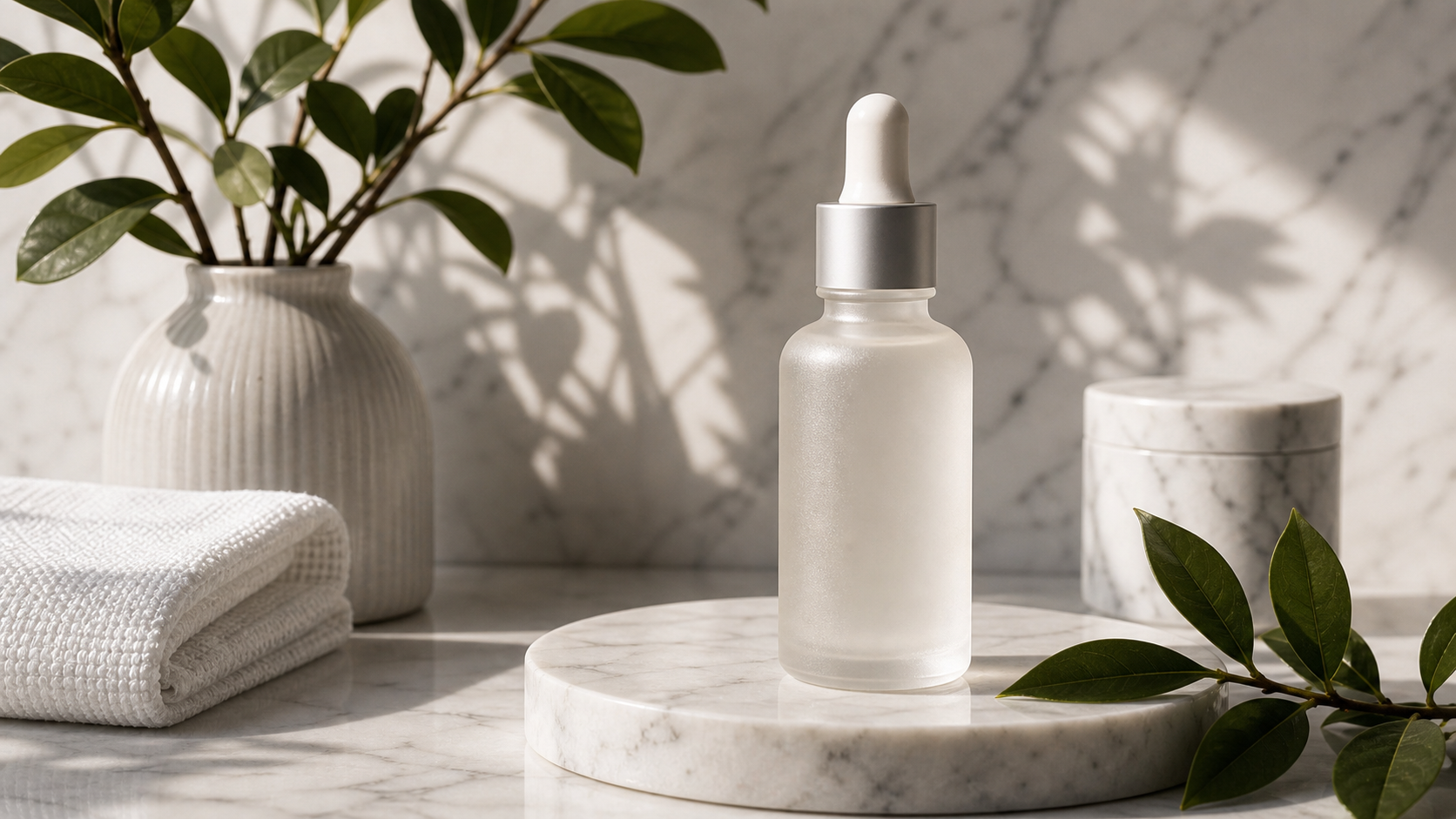
- Create a photorealistic ecommerce image of a minimalist skincare serum bottle on a pale stone surface, soft studio lighting, realistic shadows, clean luxury mood, and subtle negative space for ad copy. Output 1:1.
- Create a social media visual for a coffee subscription box. Show a warm kitchen counter, coffee beans, steam from a cup, natural morning light, cozy premium mood, and blank headline space. Output 4:5.
- Create a cinematic poster for a fictional travel campaign. A lone traveler stands on a cliff at sunrise, dramatic clouds, warm golden light, strong central silhouette, and clean title space. Output 16:9.
- Use the uploaded product photo as a reference. Preserve the product shape, material, color, and label area. Change the background to a clean lifestyle bathroom scene with soft morning light.
- Create a YouTube thumbnail concept for an AI image editing tutorial. Show one strong focal object, high contrast lighting, simple background, and large empty space for title text. Output 16:9.
- Create an ecommerce product image for wireless earbuds. Show the charging case open on a clean desk, earbuds visible, premium tech lighting, realistic reflections, and minimal props.
- Create a fashion portrait for a social campaign. Use soft natural light, clean neutral background, editorial styling, realistic skin texture, and confident but approachable mood.
- Create a product concept image for a smart water bottle. Show durable materials, clear lid detail, studio lighting, realistic scale, and a clean product design presentation.
- Use the uploaded portrait as a reference. Preserve face shape, hairstyle, expression, and outfit. Change the lighting to polished studio light and replace the background with a soft editorial backdrop.
- Create a clean infographic image showing three steps for better product photography: lighting, composition, and background. Use simple visual blocks, balanced spacing, and no fake numbers.
- Create a 9:16 social ad background for a fitness app. Show a clean gym bag, water bottle, sneakers, bright morning light, energetic mood, and blank text space at the top.
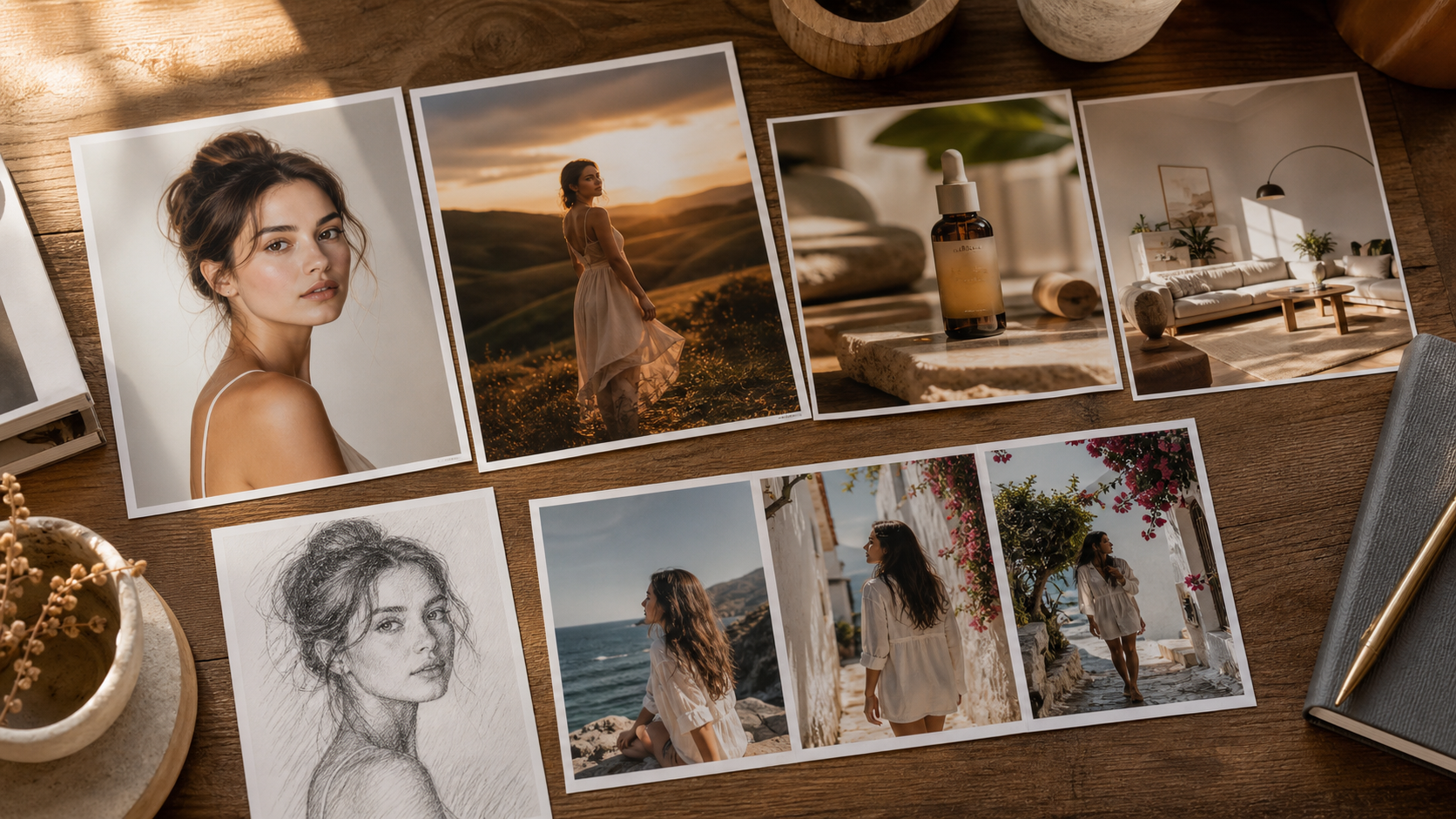
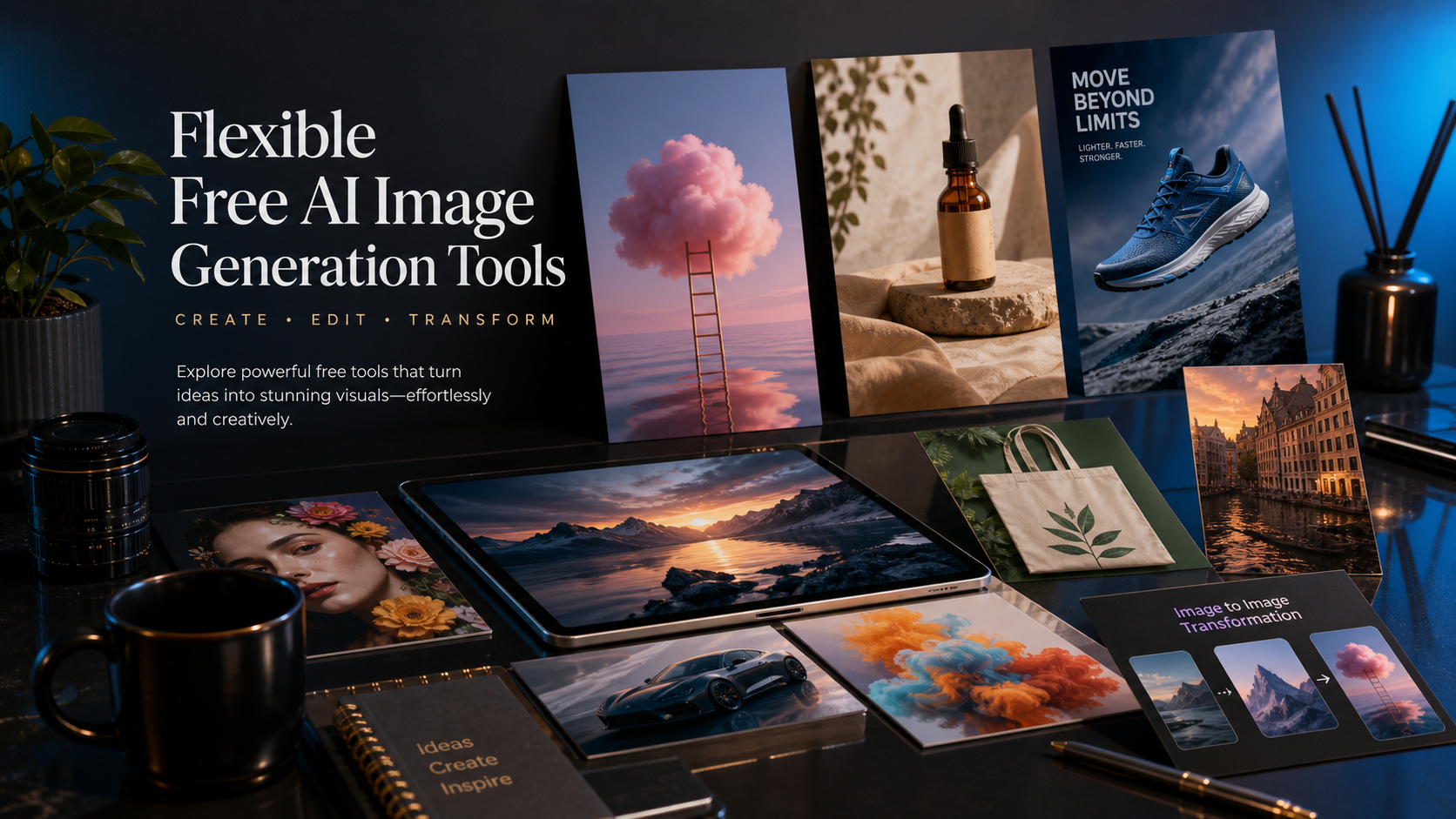
- Create a blog cover image about AI image generation. Show a premium editorial table with product photos, poster concepts, portrait cards, and abstract creative visuals. Output 16:9.

如何比較 FreeImGen、Seedream 4.5 與 Fylia AI Image to Image
最佳工具取決於你想做什麼。當你想要快速、免費、基於瀏覽器的圖片生成時,FreeImGen 是最佳第一站。當你需要高解析精修、專業提示詞控制或 API 風格製作時,Flaq AI 上的 Seedream 4.5 是更好的進階選擇。當新結果應由來源圖片引導時,Fylia AI Image to Image 才是正確選擇。
| 使用者類型 | 最佳首選 | 原因 |
|---|---|---|
| 新手測試提示詞 | FreeImGen | 瀏覽器快速存取、易於提示詞實驗、且有多種圖片工具。 |
| 社群媒體經理 | FreeImGen,接著 Seedream 4.5 | 先快速出概念,再把最好的廣告或貼文方向精修。 |
| 電商賣家 | Seedream 4.5 或 Fylia AI Image to Image | 用 Seedream 做精緻產品概念,用 Fylia 做來源圖片編修。 |
| 設計師或行銷人 | Seedream 4.5 | 更適合活動視覺、海報、排版指示與高解析素材。 |
| 有參考照片的使用者 | Fylia AI Image to Image | 最適合在改風格、背景或氛圍時保留主體一致性。 |
| 開發者或製作團隊 | Seedream 4.5 on Flaq AI | 更適合 API 友善的創意製作與可重複的圖片生成。 |
最順暢的工作流程是先廣後專:用 FreeImGen 快速測試點子;需要精緻製作品質時,把最強提示詞移到 Seedream 4.5;需要讓既有產品照、人像或活動素材保持可辨識時,用 Fylia AI Image to Image。
FAQ
對新手來說,最好的「不受限制的免費 AI 圖像生成器」是什麼?
FreeImGen 是最佳起點,因為它基於瀏覽器、容易使用,並可在文字轉圖片、圖片轉圖片與編輯工作流程中快速測試提示詞。
什麼時候該用 Seedream 4.5,而不是免費圖片生成器?
當圖片需要更高解析精修、專業構圖、行銷級品質、彈性長寬比、排版指示或 API 友善製作時,使用 Seedream 4.5。
什麼時候圖片轉圖片 AI 會比文字轉圖片更好?
當你已經有參考圖片,並希望在改風格、光線、背景或活動方向時,保留產品、人物、姿勢、構圖或視覺身份一致性時,圖片轉圖片更好。
彈性 AI 圖像創作的最佳工作流程是什麼?
先用 FreeImGen 快速發想,再用 Seedream 4.5 進行精緻的文字轉圖片製作,最後用 Fylia AI Image to Image 做參考圖導向編修與創意變體。
結論
如果你想要一款在務實意義上具備快速存取、廣泛創作彈性、且工作流程障礙更少的不受限制的免費 AI 圖像生成器,就從 FreeImGen 開始。當想法需要專業精修時,試試 Flaq AI 上的 Seedream 4.5。當工作是從既有照片或產品圖開始時,用 Fylia AI Image to Image 在保留重要細節的前提下完成轉換。
相關文章
- FreeImGen Free Text-to-Image Generator: Create Stunning Images in Seconds (No Signup)
- Free AI Image Editor No Login Required: Edit Photos Online with FreeImGen
- FreeImGen’s Free Image-to-Image AI: Turn Any Photo Into Fresh Variations (No Signup)
- Try Free Seedream 4.0 AI Image Generation With No Limits
- Image to Image Creation Guide: How to Edit, Restyle, and Rebuild Visuals with Flaq AI
也有人在看
- Seedream 4.5 on Flaq AI
- Fylia AI Image to Image
- Free Image to Image AI
- Free Text to Image Generator
- Free AI Image Editor
- Nano Banana AI
- Flux AI Image Generator
- Fylia AI Image Generator