免註冊的免費 Nano Banana AI 在你想測試影像提示詞、編輯照片,或快速做出一張視覺圖、又不想先準備 API 金鑰、開發者帳號或付費設計訂閱時特別實用。主要的試用入口是 FreeImGen Nano Banana AI Generator,其線上頁面目前主打免費的瀏覽器端生成、免註冊、提示詞輸入、參考圖上傳、編輯,以及可下載的結果。

本指南說明如何使用 Nano Banana 風格的影像生成來做文字生圖、上傳圖片編輯、產品照變體、縮圖、社群圖、部落格封面、角色概念,以及快速的視覺實驗。同時也會區分原始 Nano Banana 模型與 Nano Banana Pro、Nano Banana 2,並解釋為什麼「Free FAL Nano Banana」應被視為搜尋用語,而非 FreeImGen 使用 fal.ai 基礎架構的證明。
什麼是免註冊的免費 Nano Banana AI?
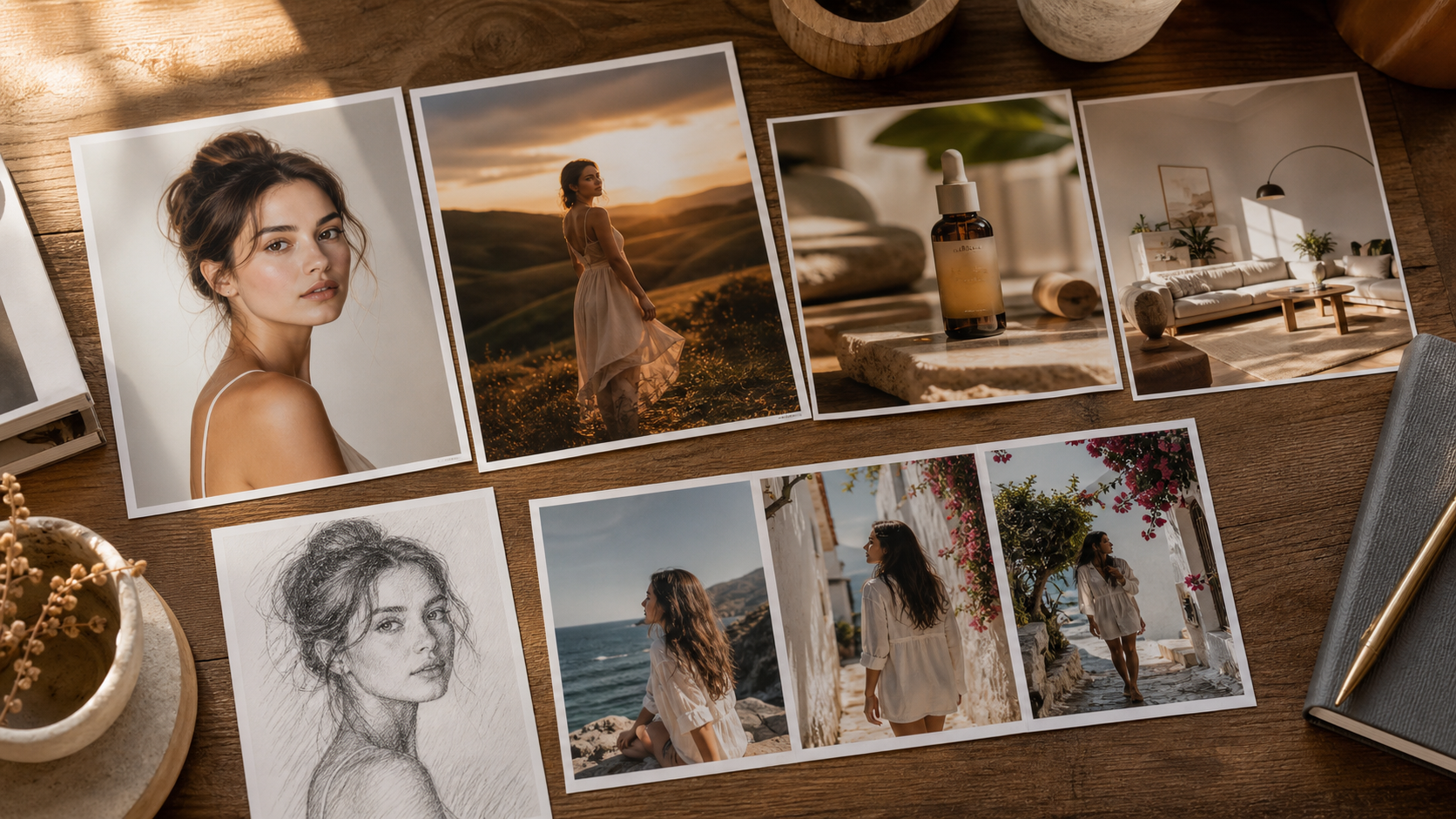
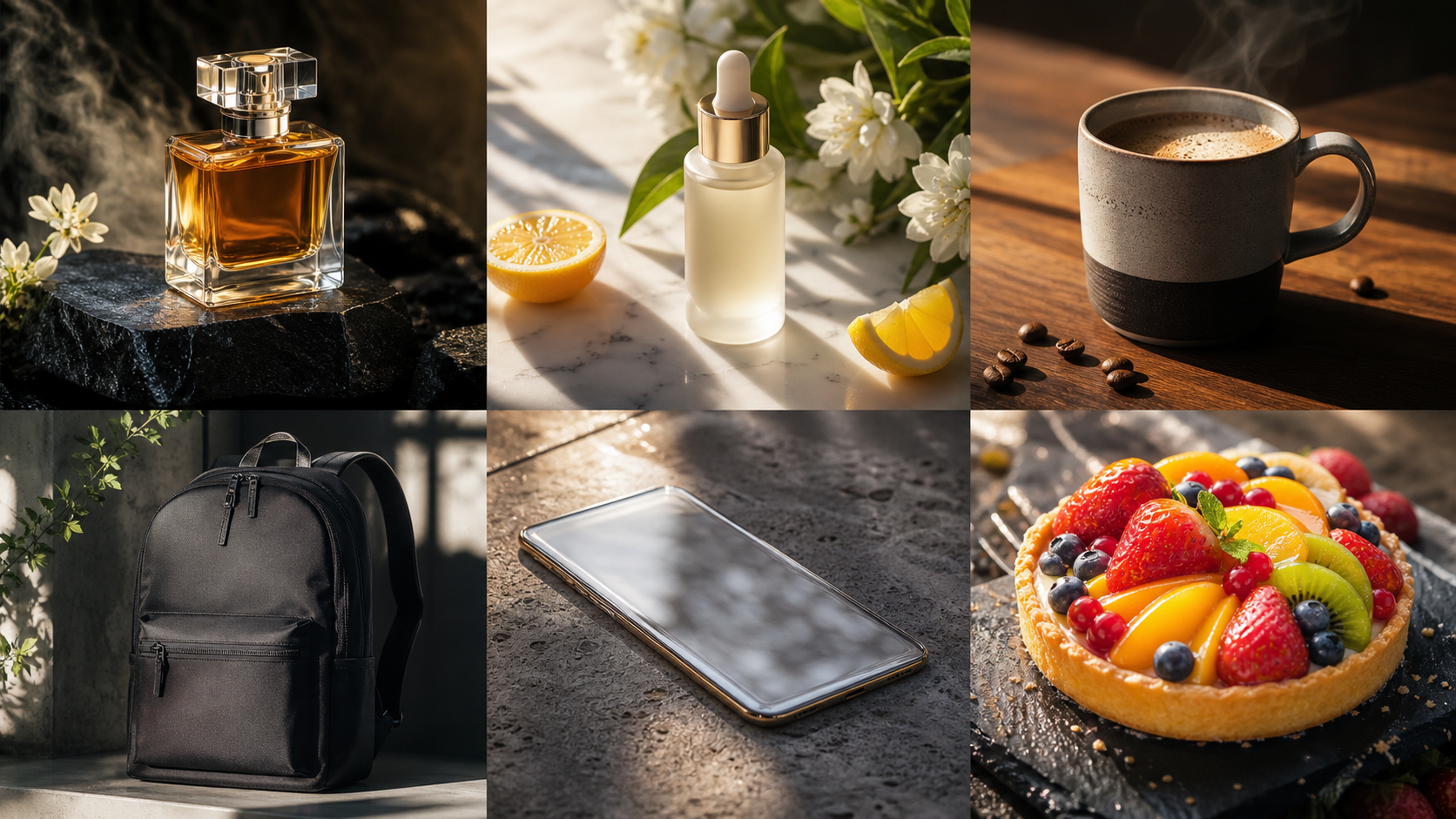
免註冊的免費 Nano Banana AI 指的是一種瀏覽器工作流程:你可以在不先註冊的情況下,試用 Nano Banana 風格的影像生成或編輯。FreeImGen 的 Nano Banana AI 頁面 目前將工具描述為免費、免註冊、以提示詞為核心,並可同時使用文字與圖片提示。頁面也列出常見影像格式,並展示生成、本機編輯、風格變換與影像變體等範例。
模型名稱需要稍微留意。Google 將原始 Nano Banana 模型辨識為 Gemini 2.5 Flash Image。這與 Nano Banana Pro 以及較新的 Nano Banana 2 變體不同;後者可能採用不同的模型架構,並可能在編輯行為、解析度選項、定價與存取規則上有所差異。FreeImGen 的頁面將其 Nano Banana 工作流程連結到 Gemini 2.5 Flash Image,但實際生成當下可用的確切模型與設定,仍應在即時介面中確認。
對初學者而言,FreeImGen 是很實用的起點,因為其流程以提示詞與(可選的)上傳圖片為中心。你不需要一開始就進入 Google AI Studio、設定 API 端點、建立本機開發環境,或只是為了測試一個視覺點子就先辦 fal.ai 帳號。就相鄰工作流程而言,FreeImGen 也提供 Gemini 2.5 Flash Image AI、Free Text-to-Image Generator、Free Image-to-Image AI 與 Free AI Image Editor 等頁面。
線上頁面目前宣傳「100% free」「no signup required」與「unlimited generations」。這些是有用的存取訊號,但不是永久保證。排隊、配額、支援模型、速率限制、登入要求、下載規則與生成可用性都可能改變,因此在發佈文章或規劃大量批次作業前,務必即時驗證。

如何使用 FreeImGen Nano Banana AI Generator
最簡單的 Nano Banana AI 線上免費流程是:先選擇要生成新圖或編輯,寫下精準指令,生成草稿,再在下載前檢查結果。當你的需求有清楚的主體與目的時,這個工具最有價值;而不是像「做一張漂亮的」這種模糊指令。
使用這個可重複的流程:
- 開啟 FreeImGen Nano Banana AI Generator。
- 在文字生圖與編輯上傳圖片之間做選擇。
- 描述主體、場景、構圖、光線、風格、色盤與重要限制條件。
- 當主體、產品外形、人臉、服裝或構圖需要保持可辨識時,上傳參考圖片。
- 生成第一版草稿並檢視主體、文字、手部、標籤、陰影與背景。
- 一次只調整一到兩個提示詞細節,不要每次都把整段重寫。
- 下載前確認目前的格式、解析度、浮水印、隱私與使用條款。
生成新圖時,描述觀者應該看到什麼。進行編輯時,先描述哪些必須保持不變,再說明要改什麼。這種區分有助於降低身份漂移、產品比例被改動,以及原始構圖被意外變更的機率。
文字生圖工作流程
當你需要從零開始做部落格封面、縮圖概念、海報背景、產品情境、角色想法、簡報視覺或社群圖時,文字生圖是最佳起點。它讓你在沒有參考素材的情況下自由探索主題。
參考圖工作流程
當起始素材本身就包含有用的主體時,使用 Free Image-to-Image AI 流程。產品照可以被移到更明亮的環境;人像可以換背景;粗略概念可以在保留主要構圖的前提下重新上色與重塑風格。結果仍需檢查,因為影像編輯可能改動臉、標籤、手部與物體幾何形狀。
相關模型工作流程
當你想比較對應頁面或確認 FreeImGen 如何呈現 Gemini 2.5 Flash Image 工作流程時,可試用 Free Gemini 2.5 Flash Image AI。當主要任務是編輯而非生成新圖時,使用專用的 Free AI Image Editor。

Nano Banana AI 影像生成的提示詞公式與使用情境
最好的免費 Google Nano Banana 影像生成器提示詞,會分層描述視覺目標:先說目的與主體,再補上場景、構圖、光線、風格、色盤、重要細節、長寬比,以及要避免的元素。這會給影像模型一份可執行的簡報,而不是鬆散的形容詞集合。
使用這個文字生圖公式:
Create a [type of image] for [purpose]. Feature [main subject] in [setting]. Composition: [shot type and subject placement]. Lighting: [lighting]. Style: [photorealistic, editorial, illustration, product photography, or poster]. Color palette: [colors]. Preserve or include [important details]. Aspect ratio: [ratio]. Avoid [unwanted elements].
使用這個影像編輯公式:
Use the uploaded image as the reference. Preserve [subject identity, product shape, pose, clothing, composition, or facial features]. Change only [background, lighting, color, object, style, or atmosphere]. Keep [important details] unchanged. Avoid [distortion, extra objects, altered text, identity drift, or inaccurate proportions].
可直接複製使用的提示詞:
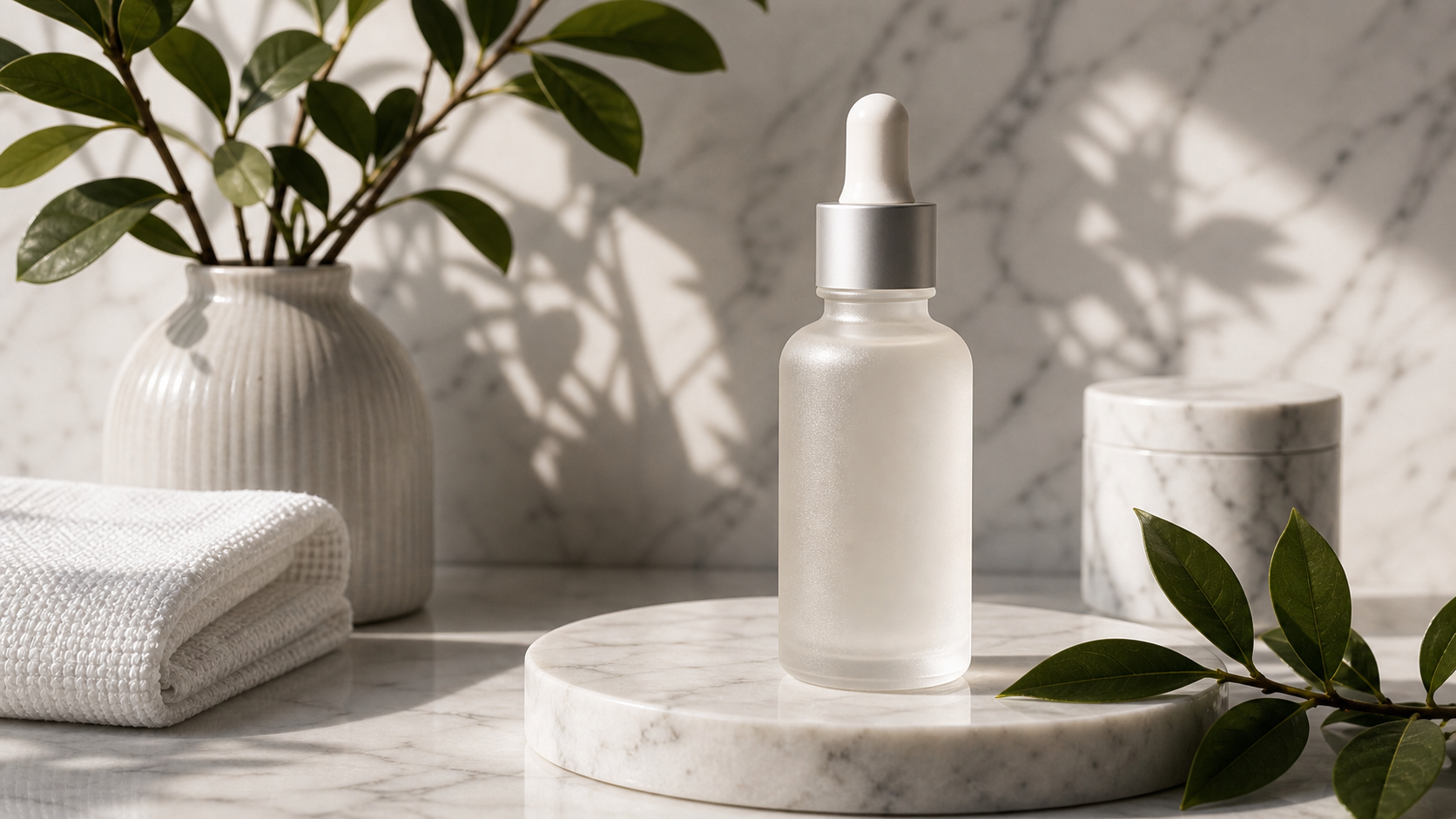
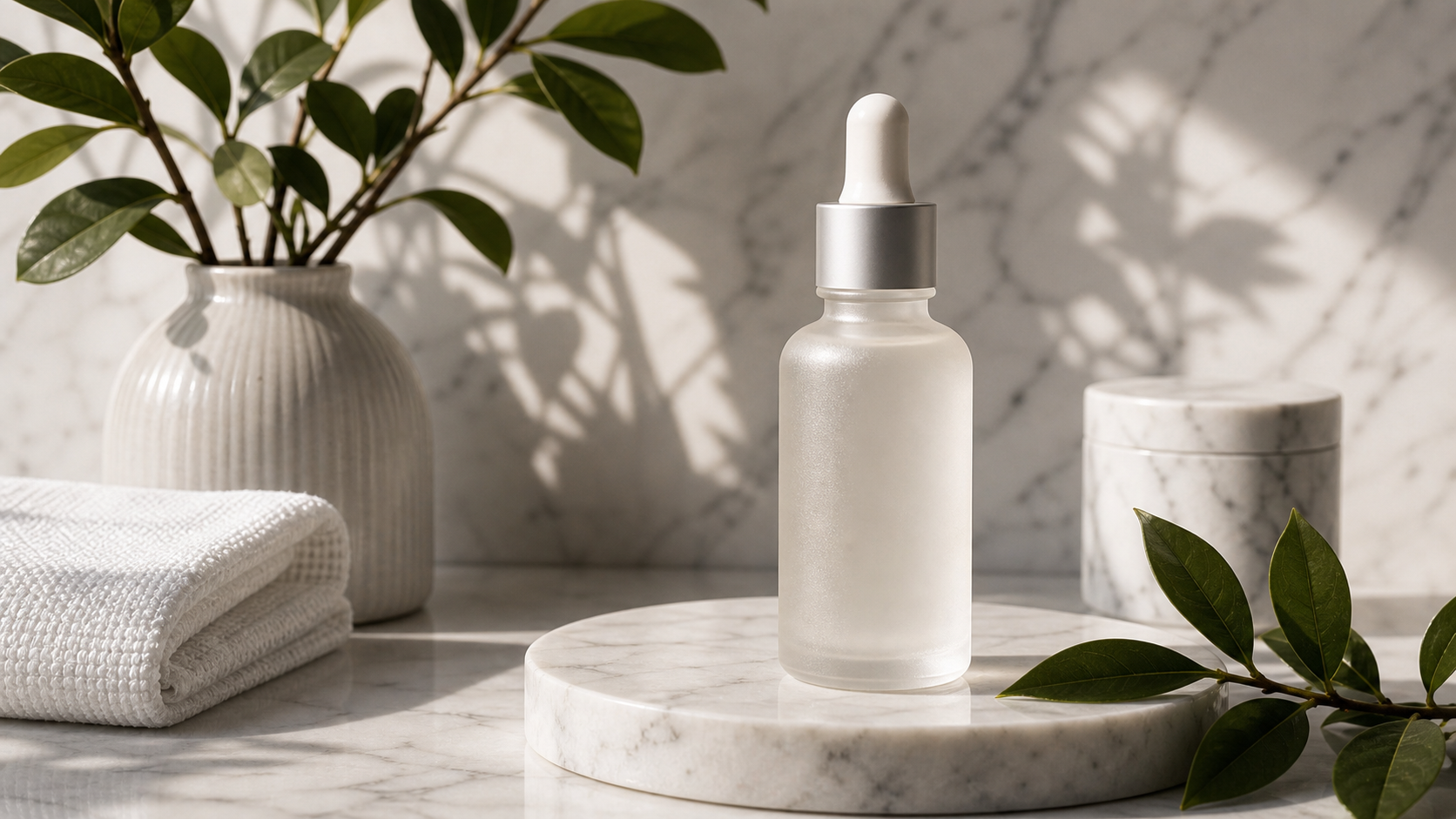
Create a photorealistic product image of a minimalist skincare bottle on pale stone, soft studio lighting, realistic shadows, luxury editorial style, clean background, negative space for ad copy, 4:5 ratio.Create a 16:9 technology-journal cover about AI image generation. Show physical photographs, abstract digital forms, sculptural light, and rich material detail in a sophisticated editorial composition. No logos or interface screenshots.Create a cinematic travel poster featuring a fictional coastal town at sunrise, dramatic cliffs, warm mist, one distant traveler, refined vintage-print texture, and clear empty space for a headline.Create a clean YouTube thumbnail about [topic]. Use one strong focal subject, dramatic lighting, a simple background, high contrast, and large empty space on the left for title text. Output 16:9.Use the uploaded product photo as the reference. Preserve the product’s shape, materials, proportions, colors, and label position. Replace the background with a bright modern bathroom and add soft morning light.Use the uploaded portrait as the reference. Preserve the face, expression, hairstyle, clothing, and pose. Replace only the background with a softly lit editorial studio and match the original depth of field.Create a premium ecommerce scene for [product]. Place it on a natural wooden surface beside subtle lifestyle props, warm window light, realistic textures, accurate product proportions, and a clean commercial composition.Create a consistent fantasy-character portrait sheet showing the same fictional character from the front, three-quarter view, and profile. Preserve facial structure, hairstyle, costume, colors, and age across all views.
這些提示詞涵蓋主要的新手工作流程:產品視覺、縮圖、編輯類圖片、旅行海報、上傳照片編輯、電商情境與角色概念。當準確性很重要時要加上限制條件。「保留產品外形」「不要可讀文字」「不要額外 logo」「保持同一張臉」「避免扭曲的手」等語句,能讓輸出更容易審核。

影像編輯、限制、FAL 說明、FAQ 與結論
Nano Banana AI 的編輯往往比一次性生成更有價值,因為既有照片已包含值得保留的主體、姿勢、產品或構圖。需要變體時用 Free Image-to-Image AI,要做以提示詞為主的修改時用 Free AI Image Editor,而當你想直接使用「Nano Banana」命名的流程時就用 Nano Banana 頁面。
對於上傳圖片,每次生成後請檢查四個面向:
- 身份一致性:臉、髮型、服裝、姿勢或角色是否保持一致?
- 產品準確性:外形、標籤、材質、顏色與比例是否正確?
- 文字與標記:工具是否憑空生成、改動或模糊文字、logo、標籤或介面元素?
- 構圖:光線、透視、陰影與背景是否可信?
請謹慎看待「free FAL Nano Banana」這個說法。fal.ai 確實提供獨立的 Nano Banana model page,但 FreeImGen 目前並未清楚提供證據證明其公開的 Nano Banana 頁面由 fal.ai 驅動。應將「free alternative to FAL Nano Banana」與「Nano Banana without an API key」視為搜尋語言,而不是已確認的供應商關係。
在把輸出用於客戶案、付費廣告、產品上架或公開發佈之前,請在即時介面中確認:
- 生成使用的確切模型
- 輸出解析度與檔案格式
- 參考圖限制與可接受格式
- 可見或不可見的浮水印
- 圖像保存、上傳隱私與刪除行為
- 商用許可與權利歸屬條款
- 每日/每次工作階段/排隊相關的生成限制
- 下載是否需要註冊
不要假設免費存取就等於不限商用權、私密生成、無浮水印輸出或永久無限使用。同時避免名人肖像、受版權保護的角色、受保護的商標 logo、誤導性的產品宣稱,以及可能讓真實人物看起來在說或做其未曾說做之事的編輯。
FAQ
FreeImGen 上的 Nano Banana AI 是否真的免註冊且免費?
FreeImGen 的 Nano Banana 即時頁面目前宣傳可免費使用且免註冊。請在依賴該宣稱投入專案或發佈指南前,先確認當前限制、排隊情況、下載行為與任何登入提示。
FreeImGen 是否與 Google 或 fal.ai 有官方關係?
本文不主張 FreeImGen 與 Google 或 fal.ai 有官方關係。Google 的官方參考有助於辨識原始 Nano Banana 模型家族,而 fal.ai 提供另一條模型存取路徑。除非確認官方關係,否則應將 FreeImGen 視為獨立的瀏覽器端平台。
Nano Banana 與 Nano Banana Pro 或 Nano Banana 2 有何不同?
原始 Nano Banana 名稱與 Gemini 2.5 Flash Image 相關。Nano Banana Pro 與 Nano Banana 2 則是不同、較新的模型變體,可能在品質、編輯、解析度、定價與存取特性上有所差異。不要把這些名稱視為可互換。
我可以用 Nano Banana AI 編輯上傳圖片嗎?
FreeImGen 的 Nano Banana 頁面目前描述了影像編輯與參考圖工作流程。上傳合適圖片,先說明哪些必須保持不變,再描述你想要的單一變更,並檢查結果是否出現身份漂移、文字被改動或產品不準確。
我應該先用 FreeImGen 做什麼?
先從低風險的視覺實驗開始,例如部落格封面、縮圖概念、產品氛圍情境、社群圖或背景變體。只有在確認當前權利、隱私、浮水印、下載與使用條款後,再進一步用於客戶或商業用途。
結論
對於在搜尋「免註冊的免費 Nano Banana AI」的人來說,FreeImGen 是一個實用的地方,可以在瀏覽器內測試以提示詞為核心的影像生成與編輯。主流程使用 FreeImGen Nano Banana AI Generator,當任務改變時再切換到其 Gemini 2.5 Flash Image AI、Free Image-to-Image AI 與 Free AI Image Editor 頁面。保持模型名稱的區隔,把 FAL 視為獨立的存取路徑,並在發佈前確認當前限制與權利條款。
Source Note
模型與平台參考來源: Google AI Studio Nano Banana、FAL Nano Banana、FreeImGen Nano Banana AI、Free Gemini 2.5 Flash Image AI、Free Image-to-Image AI、Free AI Image Editor 與 Free Text-to-Image Generator。FreeImGen 的存取方式、配額、模型命名、支援格式、隱私、浮水印行為與商用條款,應在發佈前於即時介面中完成驗證。