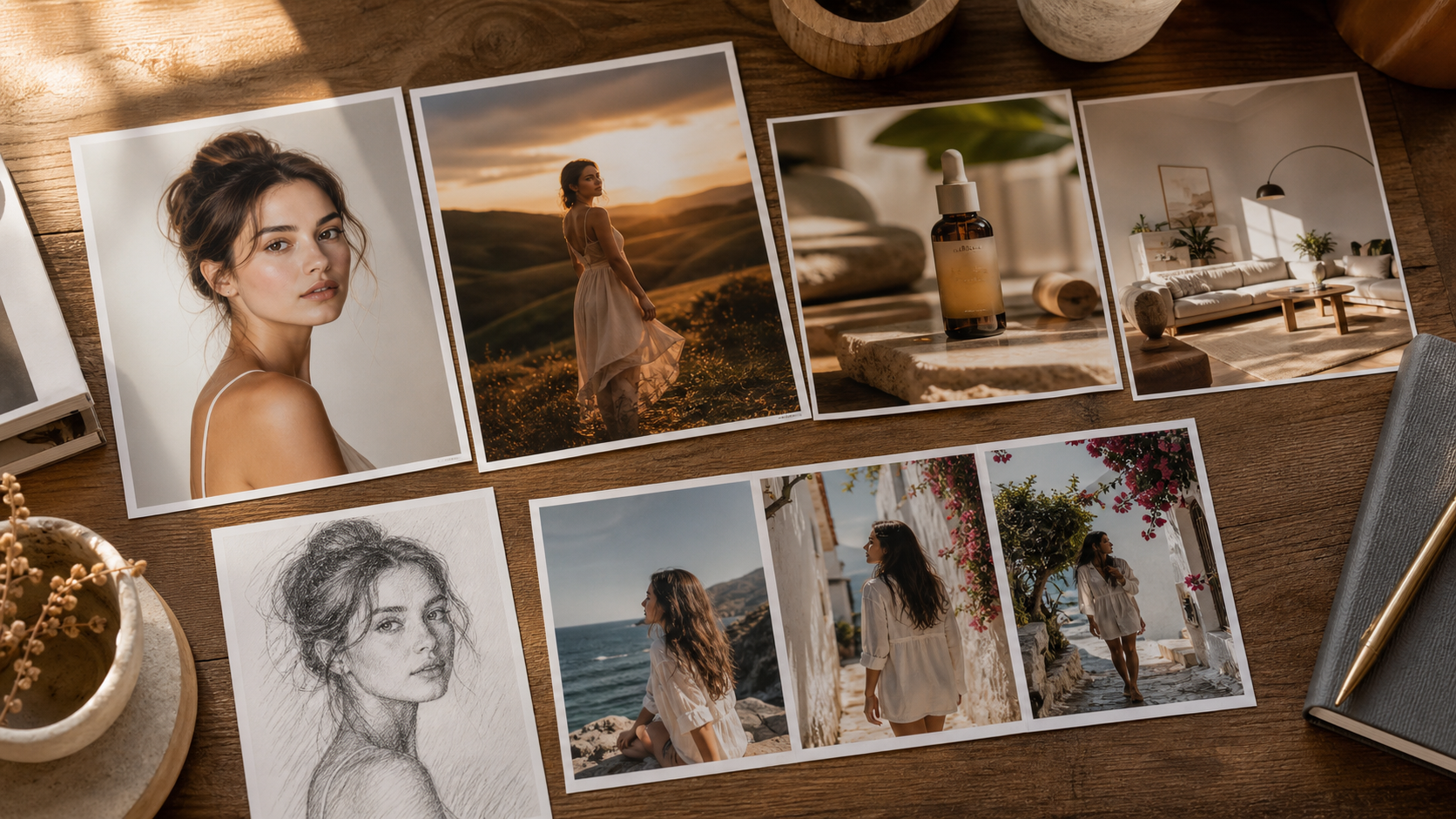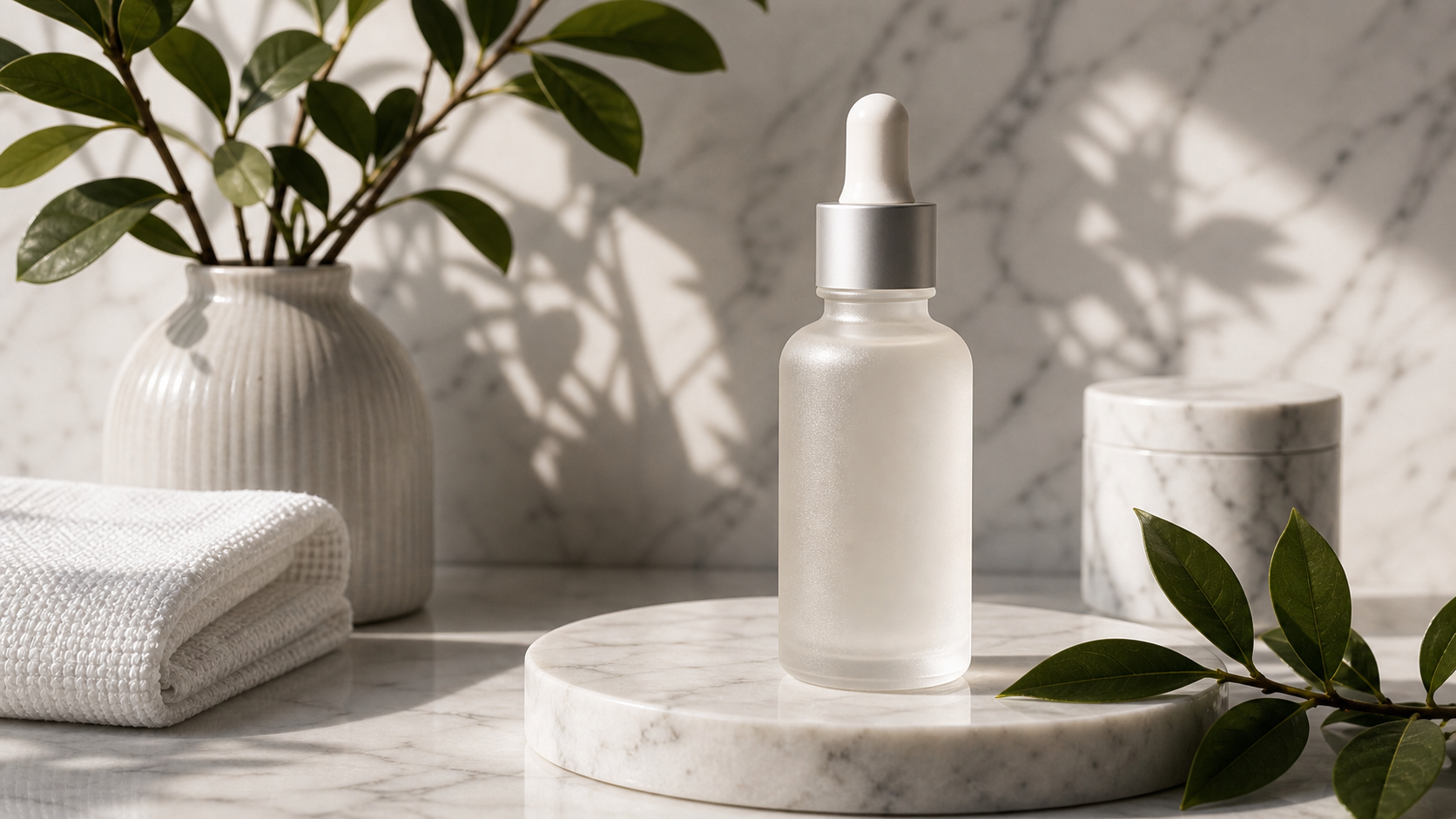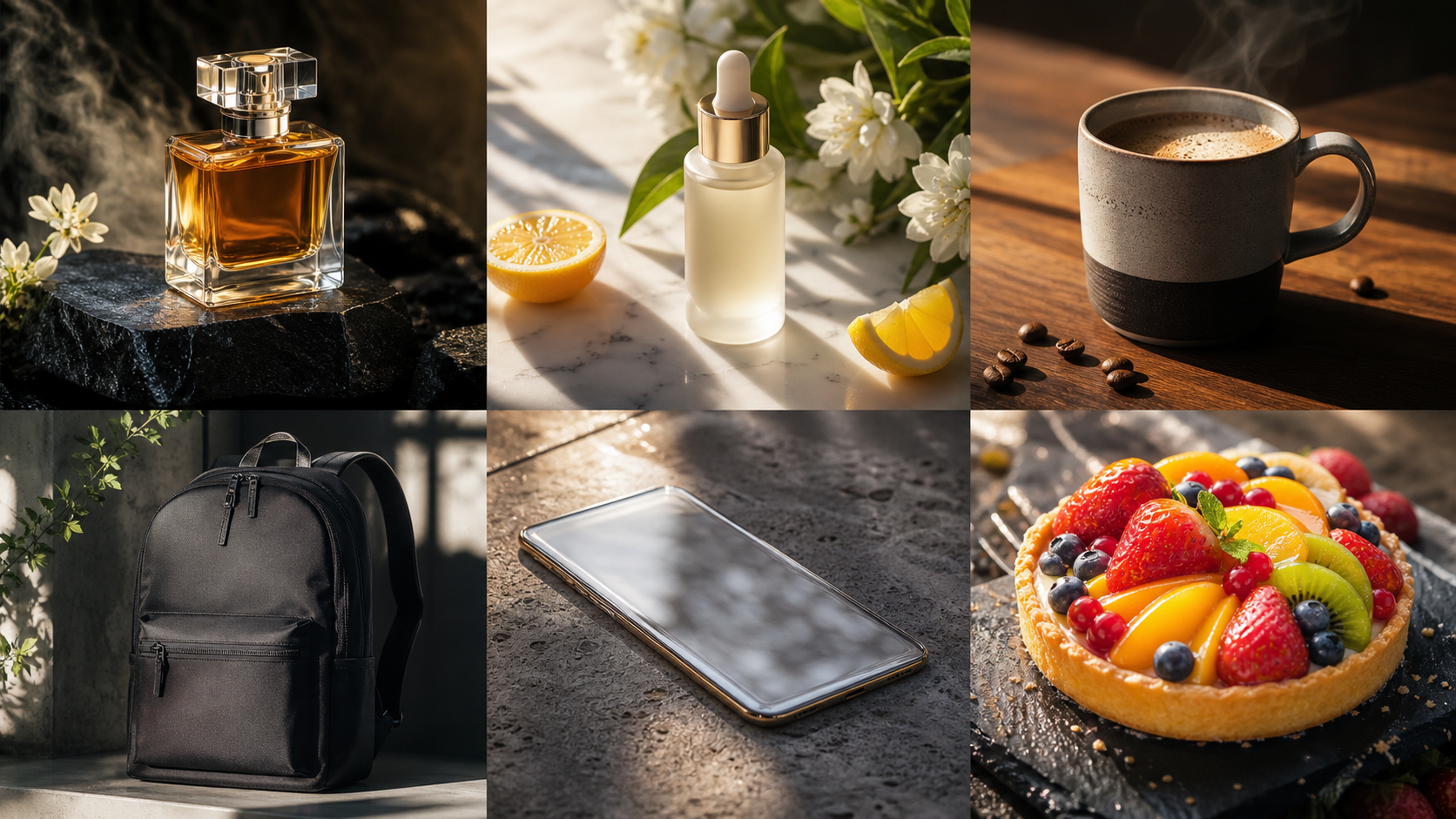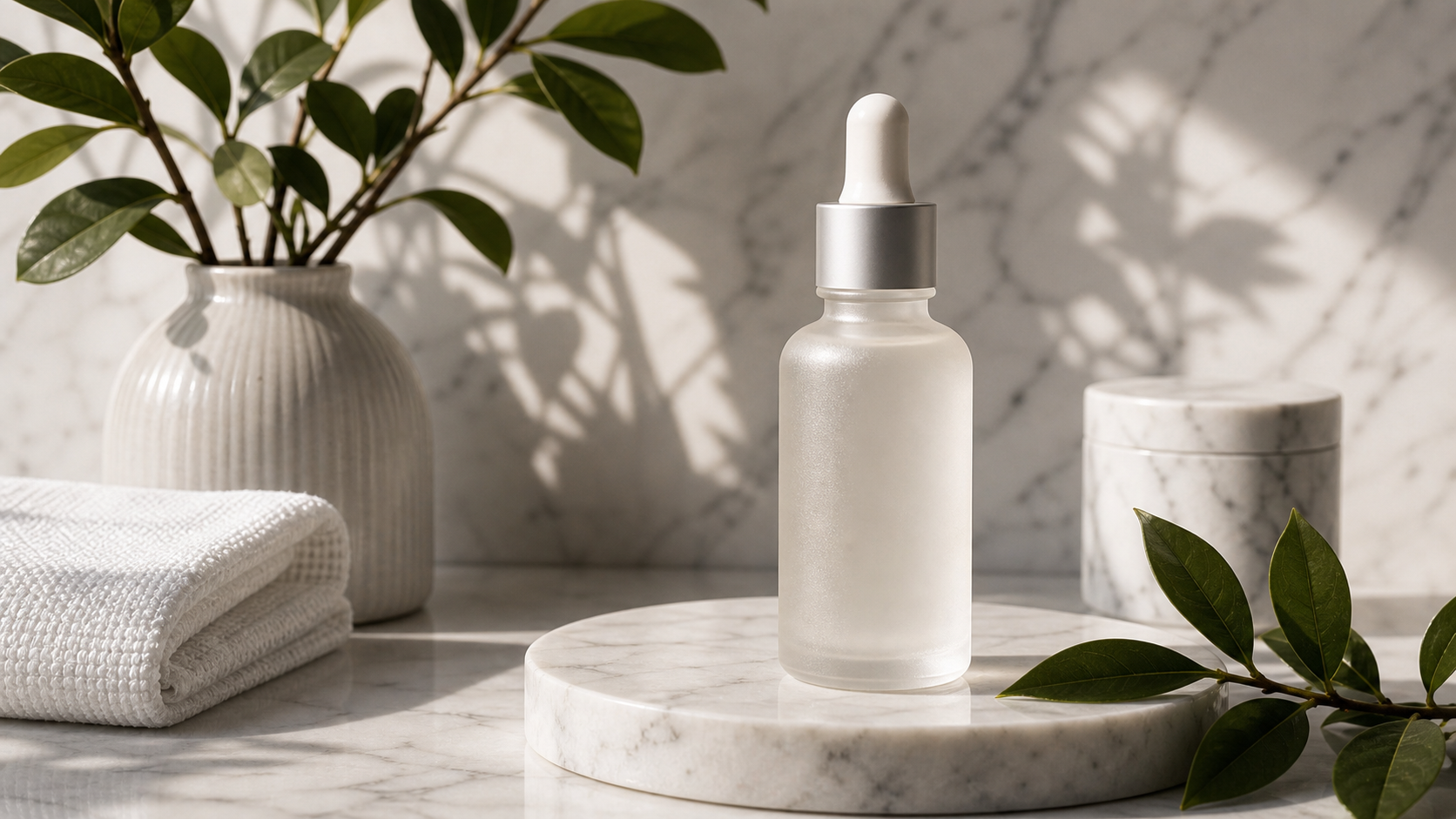
Free Nano Banana AI without signup is useful when you want to test an image prompt, edit a photo, or create a quick visual without starting with an API key, developer account, or paid design subscription. The main place to try it is the FreeImGen Nano Banana AI Generator, whose live page currently promotes free browser-based generation, no signup, prompt input, reference-image uploads, editing, and downloadable results.

This guide explains how to use Nano Banana-style image generation for text-to-image creation, uploaded-image editing, product-photo variations, thumbnails, social graphics, blog covers, character concepts, and fast visual experiments. It also separates the original Nano Banana model from Nano Banana Pro and Nano Banana 2, and explains why “Free FAL Nano Banana” should be treated as a search phrase rather than proof that FreeImGen uses fal.ai infrastructure.
What Is Free Nano Banana AI Without Signup?
Free Nano Banana AI without signup refers to a browser workflow where you can try Nano Banana-style image generation or editing without registering first. FreeImGen’s Nano Banana AI page currently describes the tool as free, no-signup, prompt-based, and able to work with text and image prompts. The page also lists common image formats and shows examples of generation, local editing, style changes, and image variations.
The model name needs a little care. Google identifies the original Nano Banana model as Gemini 2.5 Flash Image. That is different from Nano Banana Pro and newer Nano Banana 2 variants, which may use different model architectures and may have different editing behavior, resolution options, pricing, and access rules. FreeImGen’s page connects its Nano Banana workflow with Gemini 2.5 Flash Image, but the exact model and settings available at generation time should still be checked in the live interface.
FreeImGen is a practical starting point for beginners because the workflow is centered on a prompt and an optional uploaded image. You do not need to begin with Google AI Studio, an API endpoint, a local development environment, or a fal.ai account just to test a visual idea. For adjacent workflows, FreeImGen also has pages for Gemini 2.5 Flash Image AI, Free Text-to-Image Generator, Free Image-to-Image AI, and Free AI Image Editor.
The live page currently advertises “100% free,” “no signup required,” and “unlimited generations.” Those are useful access signals, not permanent guarantees. Queues, quotas, supported models, rate limits, login requirements, download rules, and generation availability can change, so verify them immediately before publishing an article or planning a large batch of work.

How to Use the FreeImGen Nano Banana AI Generator
The simplest Nano Banana AI online free workflow is to choose whether you want a new image or an edit, write a precise instruction, generate a draft, and check the result before downloading it. The tool is most useful when the request has a clear subject and purpose rather than a vague command such as “make something beautiful.”
Use this repeatable process:
- Open the FreeImGen Nano Banana AI Generator.
- Decide between text-to-image generation and editing an uploaded image.
- Write the subject, setting, composition, lighting, style, color palette, and important constraints.
- Upload a reference image when the subject, product shape, face, clothing, or composition needs to stay recognizable.
- Generate a first draft and inspect the subject, text, hands, labels, shadows, and background.
- Change one or two prompt details at a time instead of rewriting everything.
- Download the result only after checking the current format, resolution, watermark, privacy, and usage terms.
For a new image, describe what the viewer should see. For an edit, describe what must remain unchanged before explaining what should change. That distinction helps reduce identity drift, altered product proportions, and accidental changes to the original composition.
Text-to-image workflow
Text-to-image is the best starting point when you need a blog cover, thumbnail concept, poster background, product scene, character idea, presentation visual, or social graphic from scratch. It gives you freedom to explore a subject before you have a reference asset.
Reference-image workflow
Use the Free Image-to-Image AI workflow when the starting point already contains the useful subject. A product photo can be moved into a brighter setting. A portrait can receive a new background. A rough concept can be restyled while preserving its main composition. The result still needs inspection because image editing can change faces, labels, hands, and object geometry.
Related model workflow
Try Free Gemini 2.5 Flash Image AI when you want to compare the companion page or confirm how FreeImGen presents the Gemini 2.5 Flash Image workflow. Use the dedicated Free AI Image Editor when editing, rather than creating a new image, is the main task.

Prompt Formula and Use Cases for Nano Banana AI Image Generation
The best free Google Nano Banana image generator prompts describe the visual goal in layers. Start with the purpose and subject, then add the scene, composition, lighting, style, palette, important details, aspect ratio, and things to avoid. This gives the image model a practical brief instead of a loose collection of adjectives.
Use this text-to-image formula:
Create a [type of image] for [purpose]. Feature [main subject] in [setting]. Composition: [shot type and subject placement]. Lighting: [lighting]. Style: [photorealistic, editorial, illustration, product photography, or poster]. Color palette: [colors]. Preserve or include [important details]. Aspect ratio: [ratio]. Avoid [unwanted elements].
Use this image-editing formula:
Use the uploaded image as the reference. Preserve [subject identity, product shape, pose, clothing, composition, or facial features]. Change only [background, lighting, color, object, style, or atmosphere]. Keep [important details] unchanged. Avoid [distortion, extra objects, altered text, identity drift, or inaccurate proportions].
Copy-to-use prompts:
Create a photorealistic product image of a minimalist skincare bottle on pale stone, soft studio lighting, realistic shadows, luxury editorial style, clean background, negative space for ad copy, 4:5 ratio.Create a 16:9 technology-journal cover about AI image generation. Show physical photographs, abstract digital forms, sculptural light, and rich material detail in a sophisticated editorial composition. No logos or interface screenshots.Create a cinematic travel poster featuring a fictional coastal town at sunrise, dramatic cliffs, warm mist, one distant traveler, refined vintage-print texture, and clear empty space for a headline.Create a clean YouTube thumbnail about [topic]. Use one strong focal subject, dramatic lighting, a simple background, high contrast, and large empty space on the left for title text. Output 16:9.Use the uploaded product photo as the reference. Preserve the product’s shape, materials, proportions, colors, and label position. Replace the background with a bright modern bathroom and add soft morning light.Use the uploaded portrait as the reference. Preserve the face, expression, hairstyle, clothing, and pose. Replace only the background with a softly lit editorial studio and match the original depth of field.Create a premium ecommerce scene for [product]. Place it on a natural wooden surface beside subtle lifestyle props, warm window light, realistic textures, accurate product proportions, and a clean commercial composition.Create a consistent fantasy-character portrait sheet showing the same fictional character from the front, three-quarter view, and profile. Preserve facial structure, hairstyle, costume, colors, and age across all views.
These prompts cover the main beginner workflows: product visuals, thumbnails, editorial images, travel posters, uploaded-photo edits, ecommerce scenes, and character concepts. Add constraints when accuracy matters. Phrases such as “preserve the product shape,” “no readable text,” “no extra logos,” “keep the same face,” and “avoid distorted hands” make the output easier to review.

Image Editing, Limits, FAL Clarification, FAQ, and Conclusion
Nano Banana AI editing is often more valuable than one-off generation because an existing photo already contains a subject, pose, product, or composition worth preserving. Use Free Image-to-Image AI for variations, Free AI Image Editor for prompt-based changes, and the Nano Banana page when you want the named workflow directly.
For an uploaded image, review four areas after every generation:
- Identity: did the face, hairstyle, clothing, pose, or character remain consistent?
- Product accuracy: did the shape, label, material, color, and proportions stay correct?
- Text and marks: did the tool invent, alter, or blur text, logos, labels, or interface elements?
- Composition: did the lighting, perspective, shadows, and background remain believable?
Be cautious with the phrase “free FAL Nano Banana.” fal.ai does offer a separate Nano Banana model page, but FreeImGen does not currently provide clear evidence that its public Nano Banana page is powered by fal.ai. Treat “free alternative to FAL Nano Banana” and “Nano Banana without an API key” as search language, not as a confirmed provider relationship.
Before using an output for client work, paid advertising, product listings, or public publishing, verify the live terms and interface for:
- the exact model used for the generation
- output resolution and file formats
- reference-image limits and accepted formats
- visible or invisible watermarks
- image retention, upload privacy, and deletion behavior
- commercial-use permissions and ownership terms
- daily, session-based, or queue-related generation limits
- whether downloads require registration
Do not assume that free access means unrestricted commercial rights, private generation, watermark-free output, or permanently unlimited use. Also avoid celebrity likenesses, copyrighted characters, protected logos, misleading product claims, and edits that could make a real person appear to say or do something they did not do.
FAQ
Is Nano Banana AI free with no signup on FreeImGen?
FreeImGen’s live Nano Banana page currently promotes free use and no signup. Verify current limits, queues, download behavior, and any login prompts before relying on that claim for a project or published guide.
Is FreeImGen officially Google or fal.ai affiliated?
This article does not claim official Google or fal.ai affiliation. Google’s official references help identify the original Nano Banana model family, while fal.ai provides a separate model-access route. FreeImGen should be treated as its own browser-based platform unless an official relationship is confirmed.
What is the difference between Nano Banana and Nano Banana Pro or Nano Banana 2?
The original Nano Banana name is associated with Gemini 2.5 Flash Image. Nano Banana Pro and Nano Banana 2 are separate, newer model variants with potentially different quality, editing, resolution, pricing, and access characteristics. Do not treat the names as interchangeable.
Can I edit an uploaded image with Nano Banana AI?
FreeImGen’s Nano Banana page currently describes image editing and reference-image workflows. Upload a suitable image, state what must remain unchanged, describe the single change you want, and inspect the result for identity drift, altered text, and product inaccuracies.
What should I use FreeImGen for first?
Start with a low-risk visual experiment such as a blog cover, thumbnail concept, product mood scene, social graphic, or background variation. Move to client or commercial work only after checking current rights, privacy, watermark, download, and usage terms.
Conclusion
For people searching for free Nano Banana AI without signup, FreeImGen is a practical place to test prompt-based image generation and editing in a browser. Use the FreeImGen Nano Banana AI Generator for the main workflow, then use its Gemini 2.5 Flash Image AI, Free Image-to-Image AI, and Free AI Image Editor pages when the task changes. Keep the model names distinct, treat FAL as a separate access path, and verify current limits and rights before publishing.
Source Note
Model and platform references: Google AI Studio Nano Banana, FAL Nano Banana, FreeImGen Nano Banana AI, Free Gemini 2.5 Flash Image AI, Free Image-to-Image AI, Free AI Image Editor, and Free Text-to-Image Generator. FreeImGen access, quotas, model naming, supported formats, privacy, watermark behavior, and commercial-use terms should be verified in the live interface before publication.