Product stories
Give products a clear focal point with light, materials and setting.
Google Gemini Omni 1.1 Flash Image-to-Video API helps developers transform a supplied image into a directed AI video clip. Use a still image as the visual starting point, add a natural-language motion brief, and generate a scene that develops with intentional camera work and movement. An optional ending image can guide the destination of the sequence, making the Gemini video API useful for controlled animation workflows on Flaq AI.
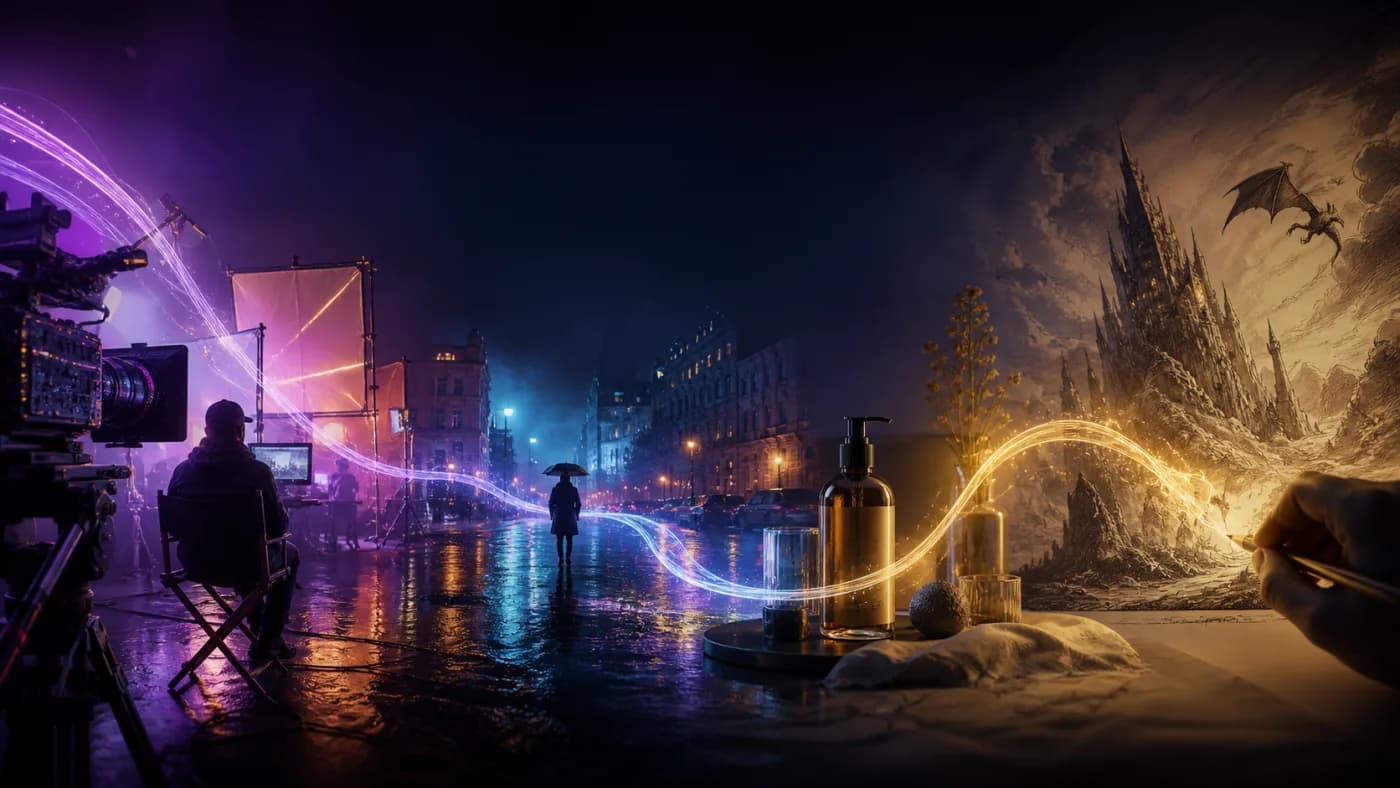
Product Image Animation
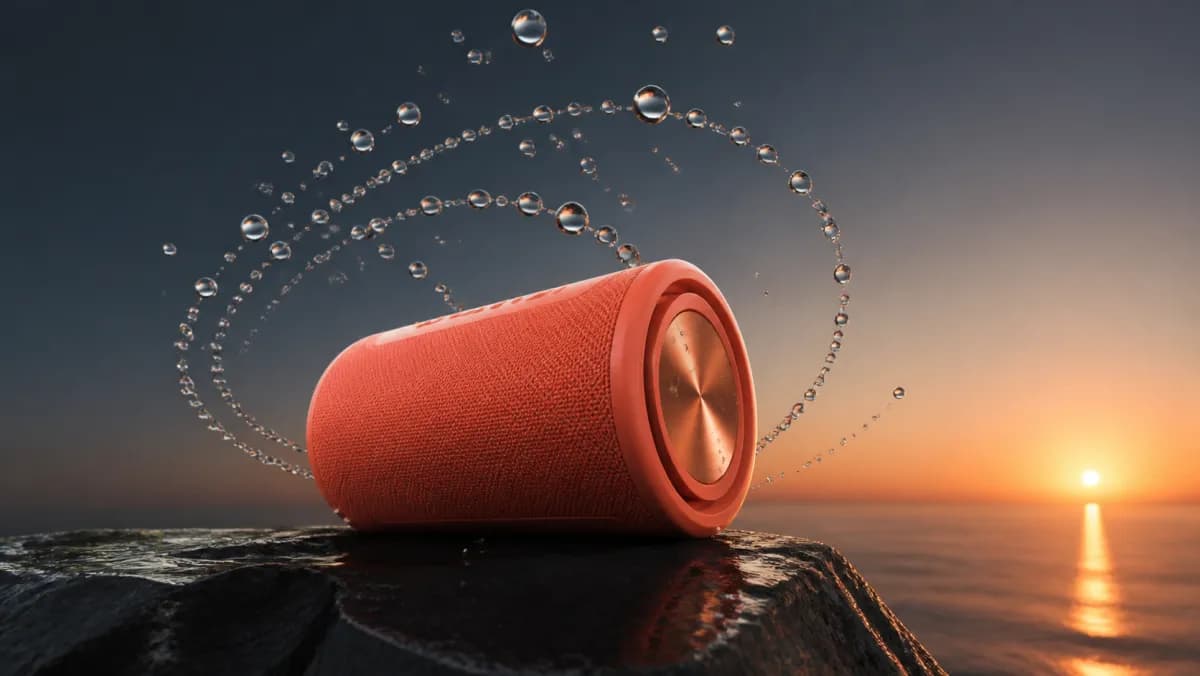
Add movement, camera energy, and environmental life to product photography and campaign key visuals.
Start with a scene you can picture. These illustrated ideas pair a practical use case with a motion prompt, helping you explore camera movement, subject action and atmosphere.
Give products a clear focal point with light, materials and setting.
Turn dishes and everyday moments into engaging visual ideas.
Develop a character, setting and moment for a visual story.
Creative concept illustrations. Results vary with your prompt and model.
Google Gemini Omni 1.1 Flash Image-to-Video API helps developers transform a supplied image into a directed AI video clip. Use a still image as the visual starting point, add a natural-language motion brief, and generate a scene that develops with intentional camera work and movement. An optional ending image can guide the destination of the sequence, making the Gemini video API useful for controlled animation workflows on Flaq AI.
Start from an uploaded image and build motion around its subject, composition, lighting, and overall visual direction.
Add an ending image when the clip needs a more deliberate visual destination or a guided transition between two states.
Describe camera movement, subject behavior, environmental change, and pacing alongside the image input.
Use the input image as a visual anchor while directing a sequence that feels connected rather than detached from the starting frame.
Generate landscape or vertical output for campaign assets, social video, product stories, and mobile-first experiences.
Adapt output quality and compact clip length to match prototyping, review, publishing, or production needs.
Create a Gemini Omni 1.1 Flash video in three steps: enter a prompt or starting image, choose the available settings, then generate and refine the result.
A starting image plus a natural-language motion prompt describing the desired movement, camera behavior, and scene evolution.
An ending image can be supplied to give the animation a controlled final visual state.
A generated video clip delivered through the Gemini Omni 1.1 Flash image-to-video API workflow.
Select a horizontal or vertical composition, output quality, and concise duration that fit the target channel.
Use Gemini Omni 1.1 Flash for music visuals, social clips, product storytelling, and cinematic concepts that benefit from prompt direction or frame-guided motion.
Add movement, camera energy, and environmental life to product photography and campaign key visuals.
Turn still posts, editorial imagery, and launch artwork into short vertical or widescreen video concepts.
Use concept frames and key art to test how a visual idea may move before committing to a larger production.
Create motion-led variants from approved visual direction while retaining a clear starting image for the workflow.
Build concise product moments, lifestyle sequences, and promotional assets from existing visual materials.
Complete API reference for Google Gemini Omni 1.1 Flash video generation models.
Animate a required start image with optional end-frame guidance
Flaq AI APIGenerate videos from text prompts
Flaq AI APIApply prompt-guided changes to an existing video
Flaq AI APIGenerate videos from optional image and video references
Flaq AI APIGoogle Gemini Omni 1.1 Flash Image-to-Video API helps developers transform a supplied image into a directed AI video clip. Use a still image as the visual starting point, add a natural-language motion brief, and generate a scene that develops with intentional camera work and movement. An optional ending image can guide the destination of the sequence, making the Gemini video API useful for controlled animation workflows on Flaq AI.
| Decision factor | Gemini Omni 1.1 Flash | MiniMax H3 | Seedance 2.0 |
|---|---|---|---|
| Frame workflow | Start required, end optional | Start required, end optional | Start image with optional end-frame input |
| Duration | 3–10s | 5–15 seconds | 4–15 seconds |
| Listed resolutions | 360p · 720p · 1080p · 4K | 480p, 768p, 2K | 480p, 720p, 1080p, 4K |
| Current entry price | $0.0285/s @ 360p | From $0.04 per second | From $0.096 per second |
| Best fit | Optional End-Frame Guidance · Quality and Timing Choices | Flexible first-frame animation and high-resolution detail | Broad ratios, fixed camera, realistic humans, and 4K |
| Main trade-off | 3–10s · 16:9 / 9:16 | Maximum duration is 15 seconds | Higher current cost at comparable entry tiers |
Pricing and supported parameters reflect the referenced Flaq AI model pages checked on September 3, 2026 and may change. Visual quality varies by source images, prompts, duration, resolution, and scene complexity.
60 original Gemini Omni 1.1 Flash video prompts across 7 practical collections, with localization guidance for 15 languages.
[subject action] + [camera movement] + [environmental motion] + [pacing] + [sound direction] + [final-frame landing]
The camera glides around the perfume bottle as soft fabric lifts in the breeze; golden reflections travel across the glass, pacing remains elegant and controlled, subtle room tone builds, and the camera settles precisely into the supplied final hero frame.
Discover more AI video, image, and music tools for visualizers, artist promotion, social content, advertising, storytelling, and multimedia production.
Google Nano Banana Pro API (powered by Gemini 3.0 Pro Image) delivers cost-effective, production-grade AI image generation for developers. This affordable Gemini image API integration enables you to transform complex creative visions into high-resolution output through intuitive text-to-image generation. Built on Google’s cutting-edge computer vision research, it combines deep semantic reasoning with flexible API integration for professional-grade output.
BestImage.aiGoogle Nano Banana Pro Edit API (powered by the Gemini 3.0 Pro Image model) delivers cost-effective, production-grade AI image editing for developers and creative teams. This premium Gemini image editing API integration helps you transform existing visuals into high-resolution outputs up to 4K through natural-language instructions. The Gemini model provides semantic reasoning for complex edits, while the API provides stable integration for scalable workflows on Best Image AI.
BestImage.aiComplete API reference for Google Gemini Omni 1.1 Flash video generation models. POST /api/v1/video/task
View Gemini Omni 1.1 Flash API and PricingTest a controlled Gemini Omni 1.1 Flash transition on Flaq AI, study the prompt library, and compare MiniMax H3 when your project needs optional endpoint control or 2K delivery.