Portraits with personality
Explore fresh settings, natural light and expressive portraits.

Supports JPEG, JPG, WEBP, PNG
Free trial for higher quality image generation
Get a faster, higher-quality, ad-free experience of generating images through our professional website
Free Text to Image Generator deeply understands your input prompts and leverages advanced text-to-image generation technology to automatically output clear, visually striking images. No design experience or complex setup required—fast, free, and easy to use, turning your ideas into visuals instantly.
Explore fresh settings, natural light and expressive portraits.
Turn dishes and everyday moments into engaging visual ideas.
Give products a clear focal point with light, materials and setting.
Creative concept illustrations. Results vary with your prompt and model.
Explore detailed text-to-image creation, reference-based editing, readable poster layouts, photorealistic scenes, and cohesive visual design powered by GPT Image 2.
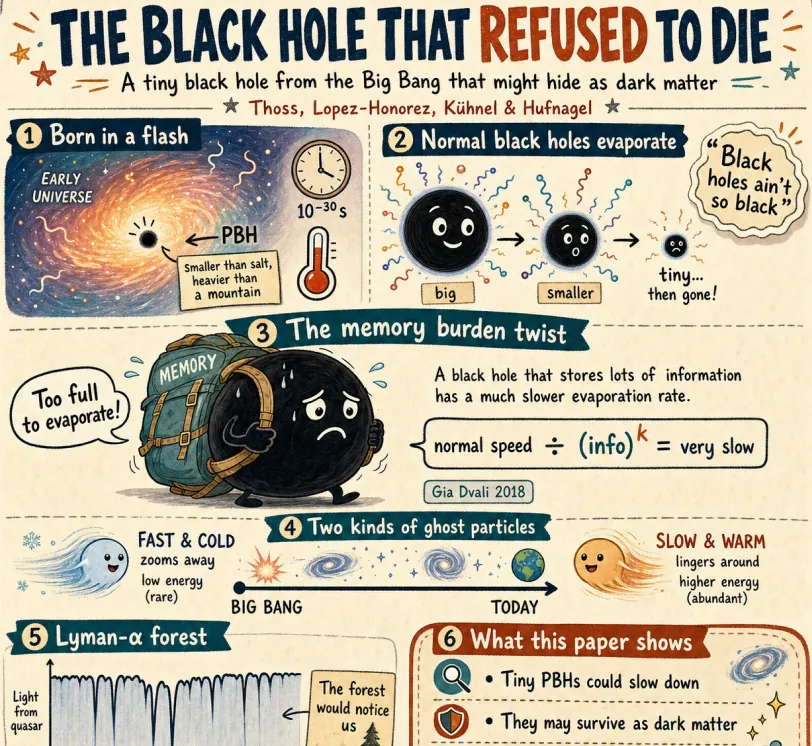
Create a friendly magazine-style educational infographic for teenagers about primordial black holes. Use playful hand-drawn diagrams, clear headings, readable labels, a warm paper texture, and an organized portrait layout.
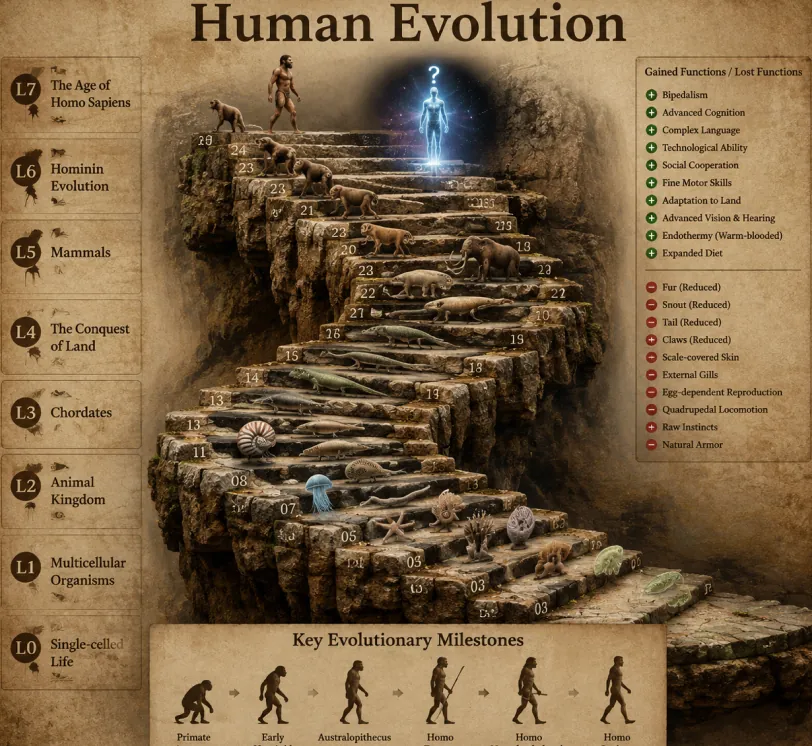
Create a photorealistic 3D educational timeline of life on Earth as a winding ancient stone staircase. Include realistic organisms, cinematic lighting, scientific labels, and a clear progression from single-celled life to modern humans.
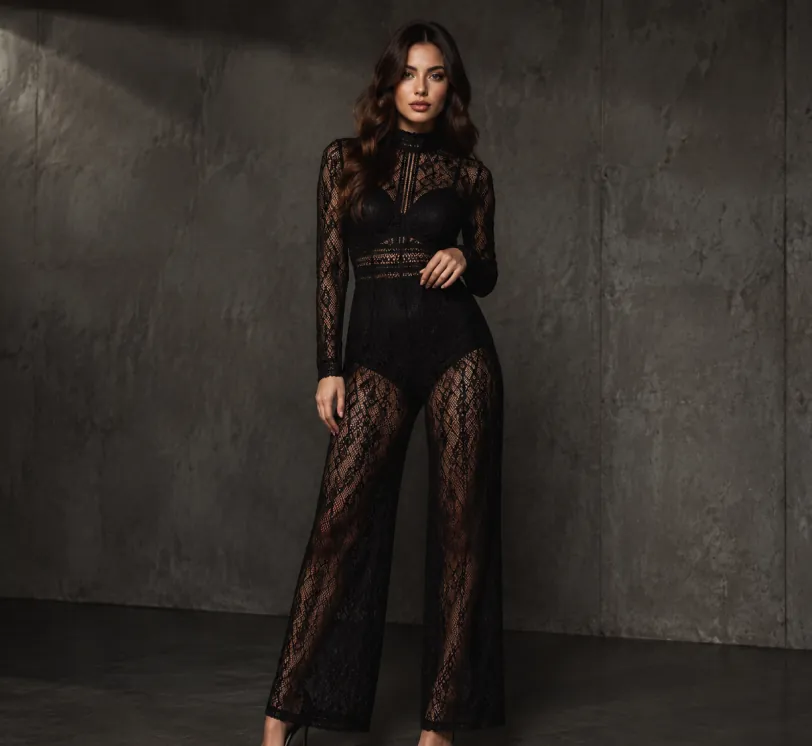
Create a realistic full-body editorial fashion portrait in a minimalist concrete studio. Use moody lighting, detailed fabric texture, confident posing, natural anatomy, and a polished luxury catalog look.
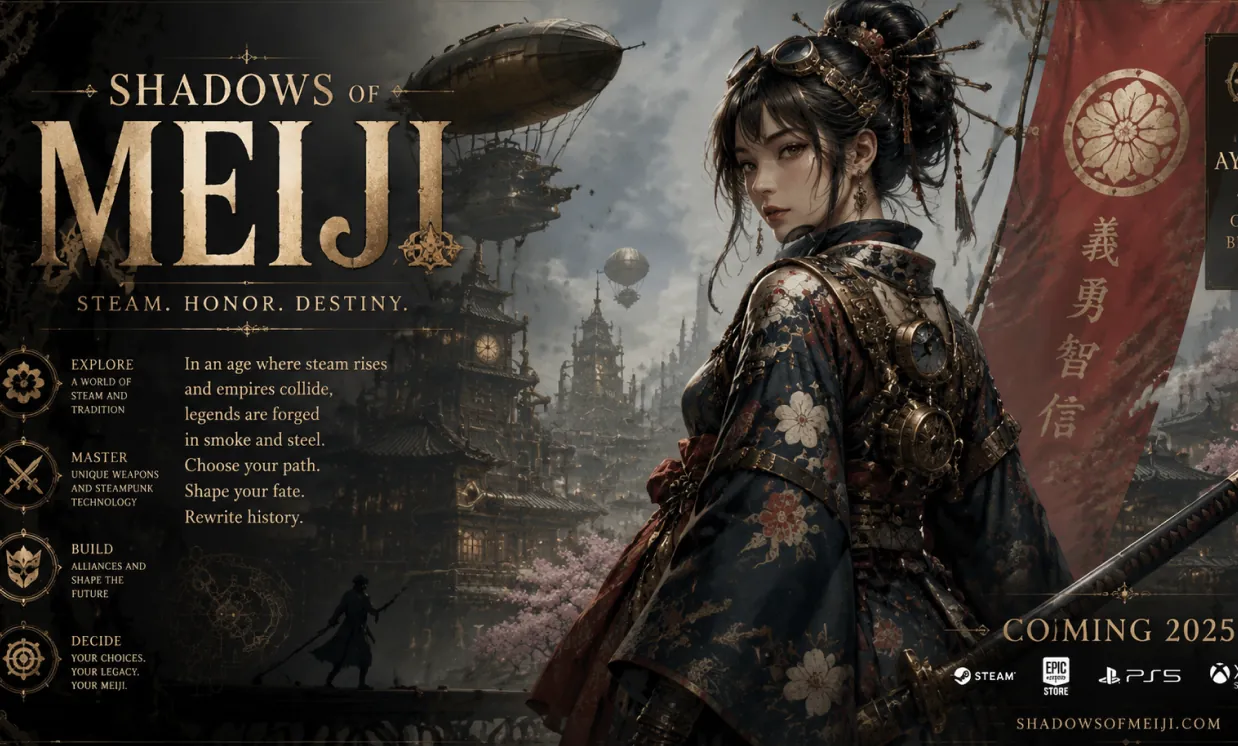
Transform the reference into a fictional poster for an ancient Japanese game. Keep the main composition while adding steampunk machinery, cinematic lighting, and readable English title typography.
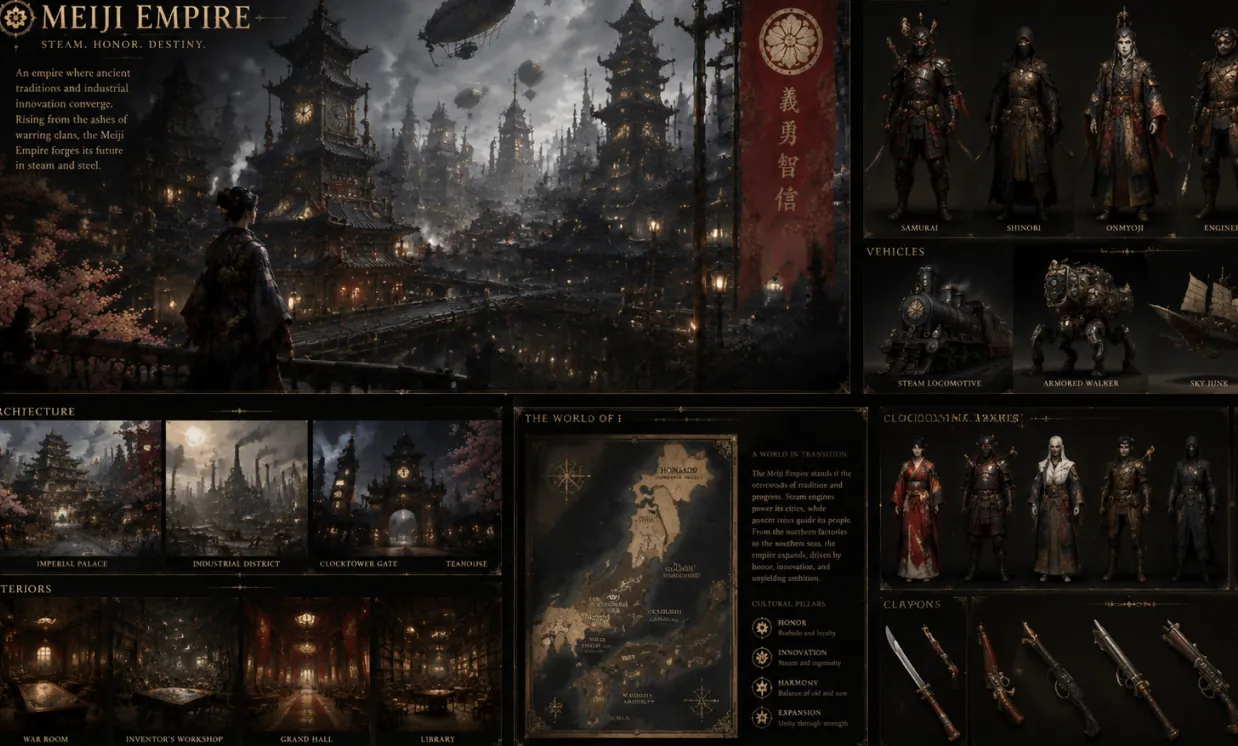
Use the reference style to build a cohesive visual world for a fictional civilization, including architecture, characters, clothing, vehicles, and a map with one consistent cinematic design language.
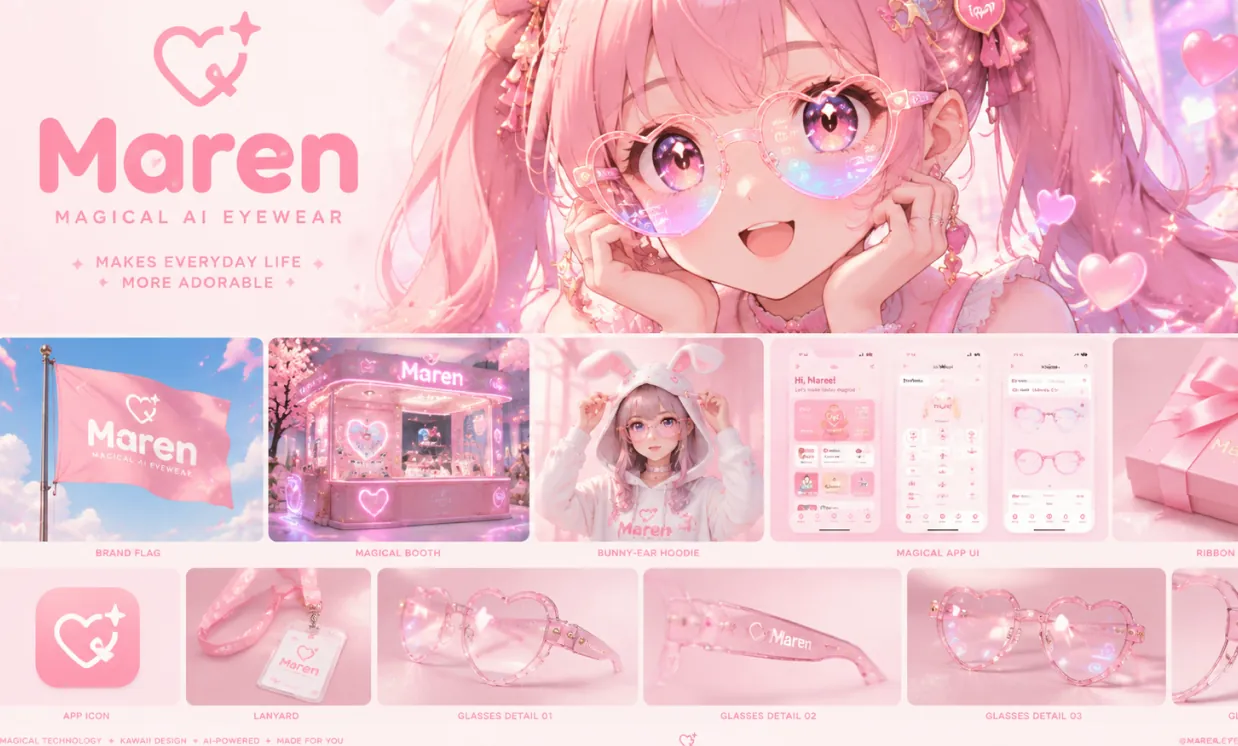
Create a kawaii manga brand moodboard for a magical AI eyewear brand. Include a hero character, product mockups, packaging, app UI, logo ideas, and a consistent pastel visual identity.
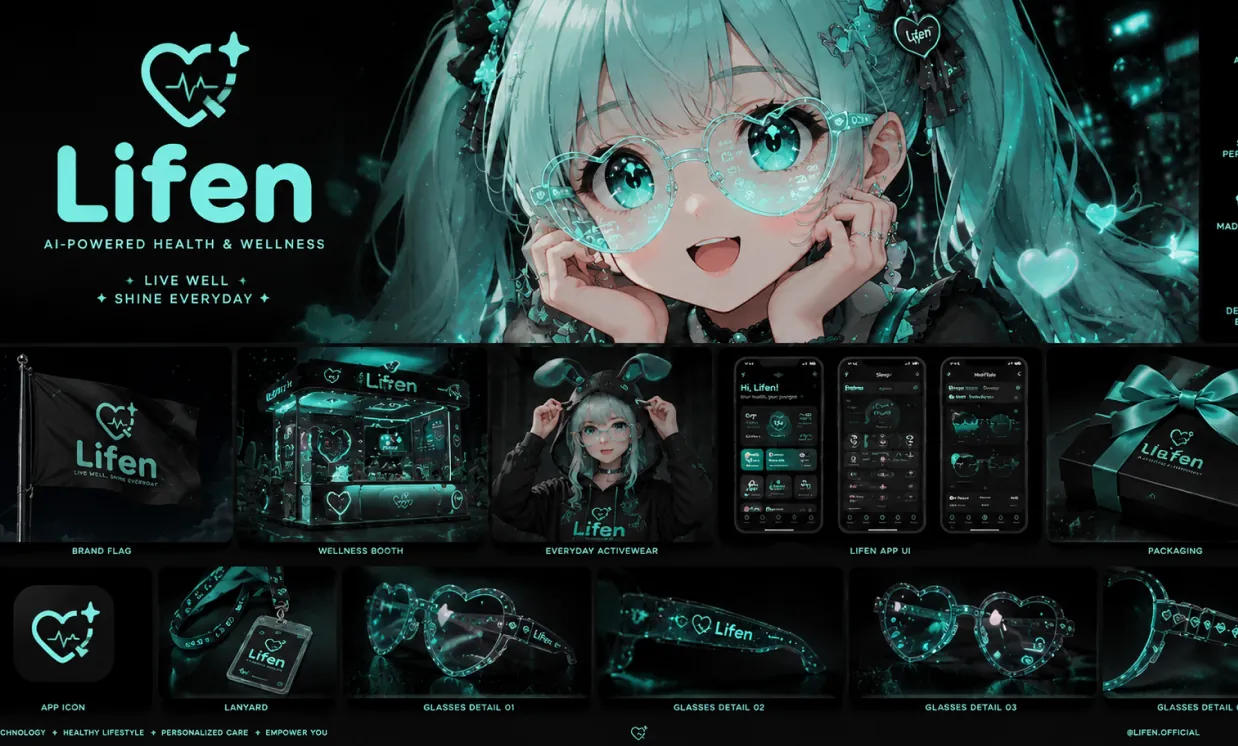
Based on the reference design, create a health technology brand moodboard using aqua #A0FDF4 on a black background. Replace the logo and preserve the premium futuristic direction.
Create strong visual results without complicated design software. The generator combines conversational prompting, GPT Image 2 quality, reference-image understanding, and flexible formats in one simple online workflow.
Describe your idea naturally, including the subject, action, setting, camera angle, lighting, mood, color palette, layout, and visible text. GPT Image 2 follows layered instructions so you can direct the result without learning technical prompt syntax.
Generate polished visuals with convincing lighting, coherent composition, detailed materials, expressive characters, and realistic or stylized finishes suitable for content, concept work, and presentation-ready creative assets.
Start from a written prompt or upload reference images to preserve important subjects, explore a new style, redesign a scene, change visual details, or create coordinated variations from an existing idea.
Create posters, packaging concepts, social graphics, signs, diagrams, and mockups where typography and layout matter. Choose an aspect ratio suited to square posts, portraits, stories, banners, or widescreen scenes.
Use the Free ChatGPT Image Generator across marketing, ecommerce, publishing, education, entertainment, personal creativity, and everyday content production.
Create scroll-stopping post graphics, video thumbnails, story covers, profile visuals, memes, and campaign variations sized for the channels where your audience spends time.
Visualize products in realistic lifestyle scenes, test packaging directions, build storefront banners, explore color variants, and create early ad concepts before organizing an expensive photo shoot.
Develop promotional posters, event graphics, logo-placement ideas, brand moodboards, packaging visuals, and campaign key art with clearer text, composition, and creative direction.
Turn a selfie or portrait into a professional headshot, illustrated avatar, cinematic character, seasonal image, or stylized personal artwork while guiding the wardrobe, background, and mood.
Draft character portraits, book covers, editorial illustrations, comic concepts, fantasy locations, and scene ideas that help writers and storytellers develop a visual world.
Explore characters, environments, props, costumes, vehicles, collectible figures, and cinematic keyframes for games, films, role-playing projects, and creative pitches.
Explain difficult topics with diagrams, historical scenes, scientific visualizations, lesson illustrations, slide graphics, and approachable educational posters.
Design personalized pet portraits, family artwork, greeting cards, party invitations, wedding concepts, printable decorations, and memorable images for special occasions.
Bring the quality and flexibility of GPT Image 2 into your own product. Compare reliable APIs for ChatGPT-style image generation, prompt-based editing, readable text, product visuals, creative assistants, and scalable content workflows with practical pricing.
A versatile OpenAI image API with strong prompt adherence, flexible quality controls, clear text rendering, and dependable generation or editing for production applications.
View API DetailsGoogleA Google-powered option for high-quality generation and reference-guided editing, useful for creative assistants, product visuals, character consistency, and iterative image workflows.
View API DetailsByteDanceA premium image generation API focused on polished detail, realistic and commercial visuals, and reliable output for demanding marketing, design, and production work.
View API DetailsAlibabaA cost-effective Alibaba image API with multilingual prompt understanding, sharp text rendering, realistic output, and flexible generation for high-volume applications.
View API DetailsAlibabaAn affordable Alibaba text-to-image API for product imagery, social assets, editorial visuals, design prototypes, and scalable creative automation.
View API DetailsAlibabaA powerful Alibaba image generation and editing API with image editing capabilities comparable to GPT Image 2, strong prompt understanding, precise visual changes, and dependable output for professional creative workflows.
View API DetailsSkip the blank prompt box and learn from reusable, open-source recipes built around real creative deliverables. These community libraries organize prompts by task, explain how to control composition and editing, and provide multilingual references that you can adapt for product images, advertising, portraits, design systems, educational visuals, and more.
A practical Seedream 5 cookbook for generation, editing, visual communication, and repeatable production work, with detailed recipes that go beyond short style keywords.
A broad Qwen Image 3 prompt collection designed for practical image generation and editing, with visual examples, reusable templates, and workflows for both everyday creators and production teams.
Create an original image or edit a reference in three simple steps. No design experience, ChatGPT account, or software installation is needed.
Write a clear prompt with the subject, scene, style, composition, lighting, colors, and any words that should appear. Natural sentences work well, so describe the result as you would to a designer.
Optionally add reference images for editing or visual guidance, then select an aspect ratio for a square post, vertical portrait, mobile story, poster, banner, or widescreen image.
Generate the image, review the result, and improve it by adding specific instructions such as changing the lighting, keeping a subject consistent, correcting text, or adjusting the background.
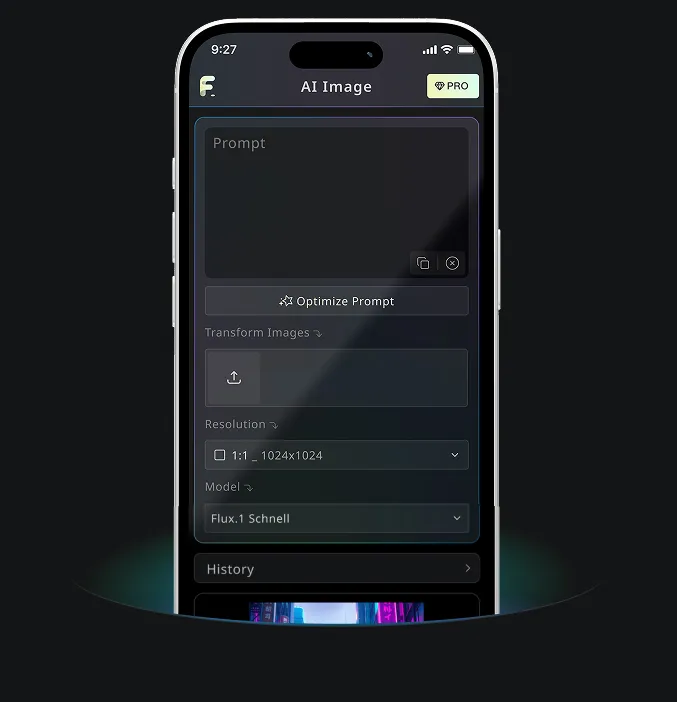
Download Free AI Image Generator mobile Application now to tap into Free AI Image Generator's robust tools—boost your creativity with a spark of inspiration that transforms words into stunning visuals!