Posters and typography
Explore bold headlines, clear hierarchy and readable design.

Supports JPEG, JPG, WEBP, PNG
Free trial for higher quality image generation
Get a faster, higher-quality, ad-free experience of generating images through our professional website
Make useful text changes without rebuilding an image in complicated design software. Describe the intended edit in natural language and refine the result conversationally.
Explore bold headlines, clear hierarchy and readable design.
A six-stage educational infographic combining readable labels, real-world imagery, arrows, and a clear visual sequence.
A text-rich cultural poster recipe built for multilingual typography, strong hierarchy, and a vertical campaign layout.
Creative concept illustrations. Results vary with your prompt and model.
Use a simple prompt to correct wording, translate labels, refresh headlines, or rebrand text-rich visuals while preserving the overall creative direction.
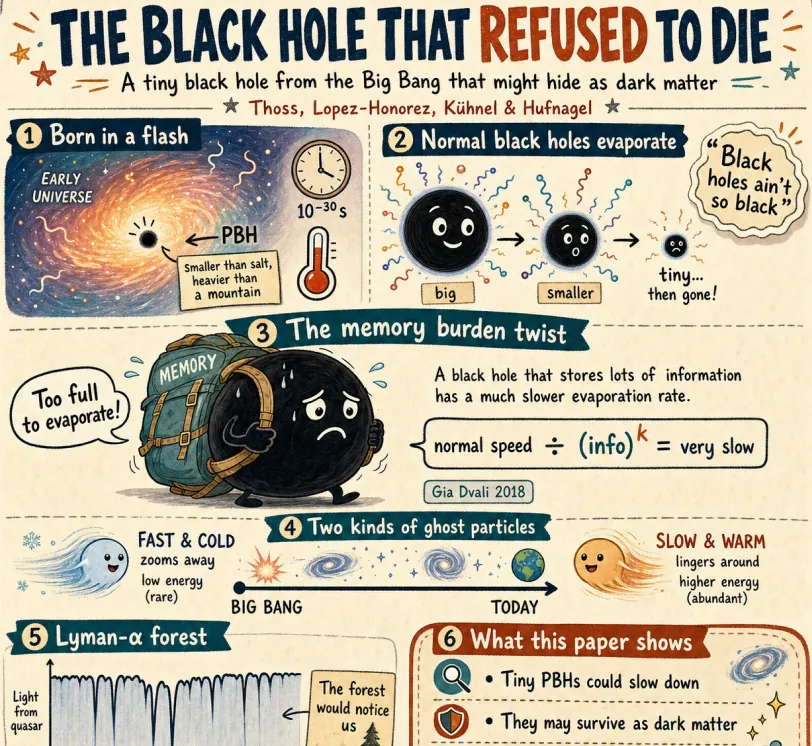
Replace the main headline with "A Simple Guide to Black Holes" and rewrite the small labels in clear English. Keep the hand-drawn infographic style, warm paper texture, colors, arrows, and original layout consistent.
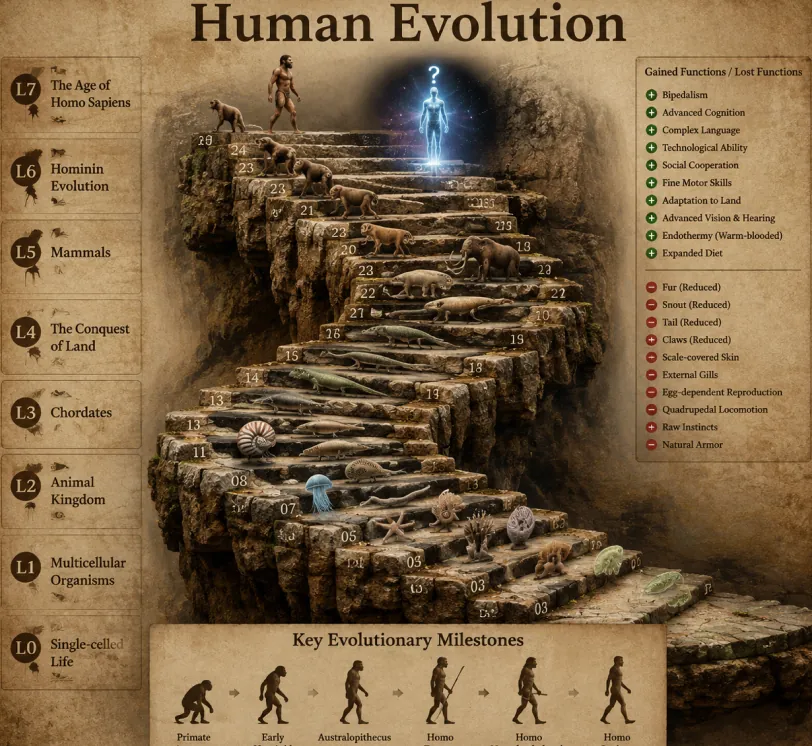
Translate every visible label into Spanish while preserving the educational timeline, realistic 3D scene, typography hierarchy, label placement, lighting, and composition.
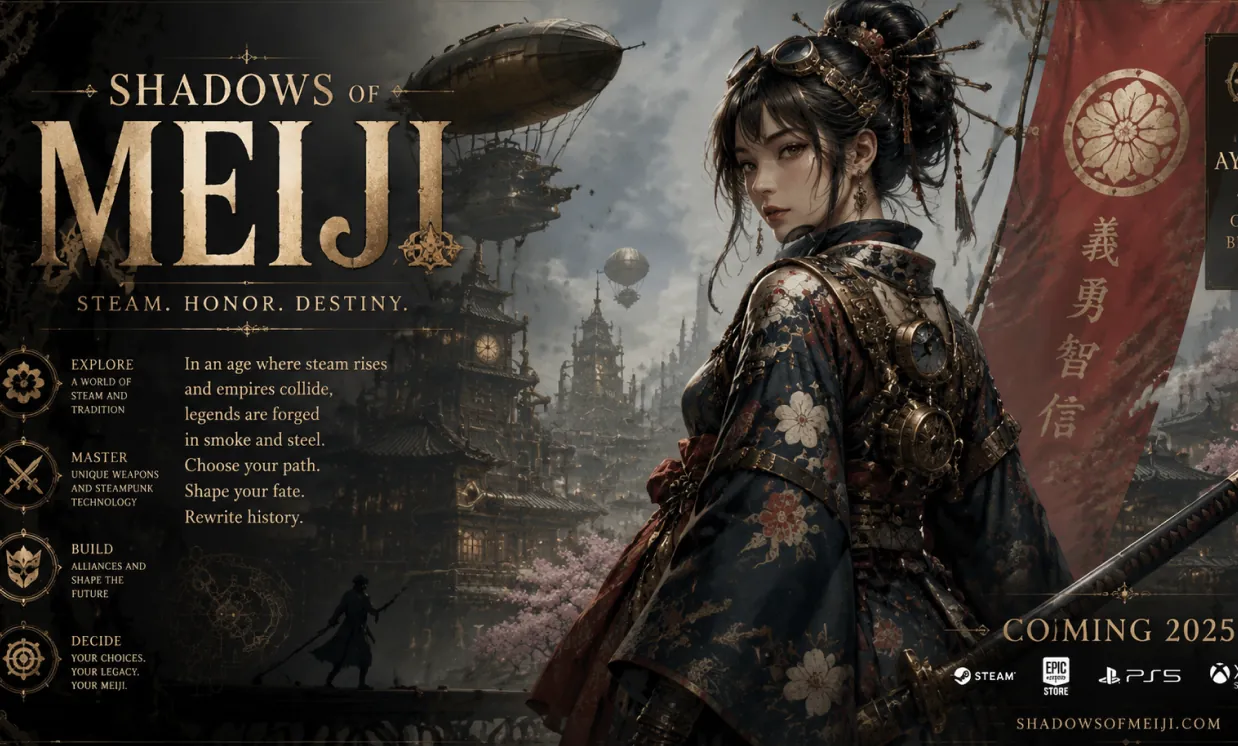
Change the poster title to "Clockwork Legends" and add the subtitle "An Ancient Game Reimagined". Match the existing metallic lettering, perspective, shadows, and cinematic steampunk atmosphere.
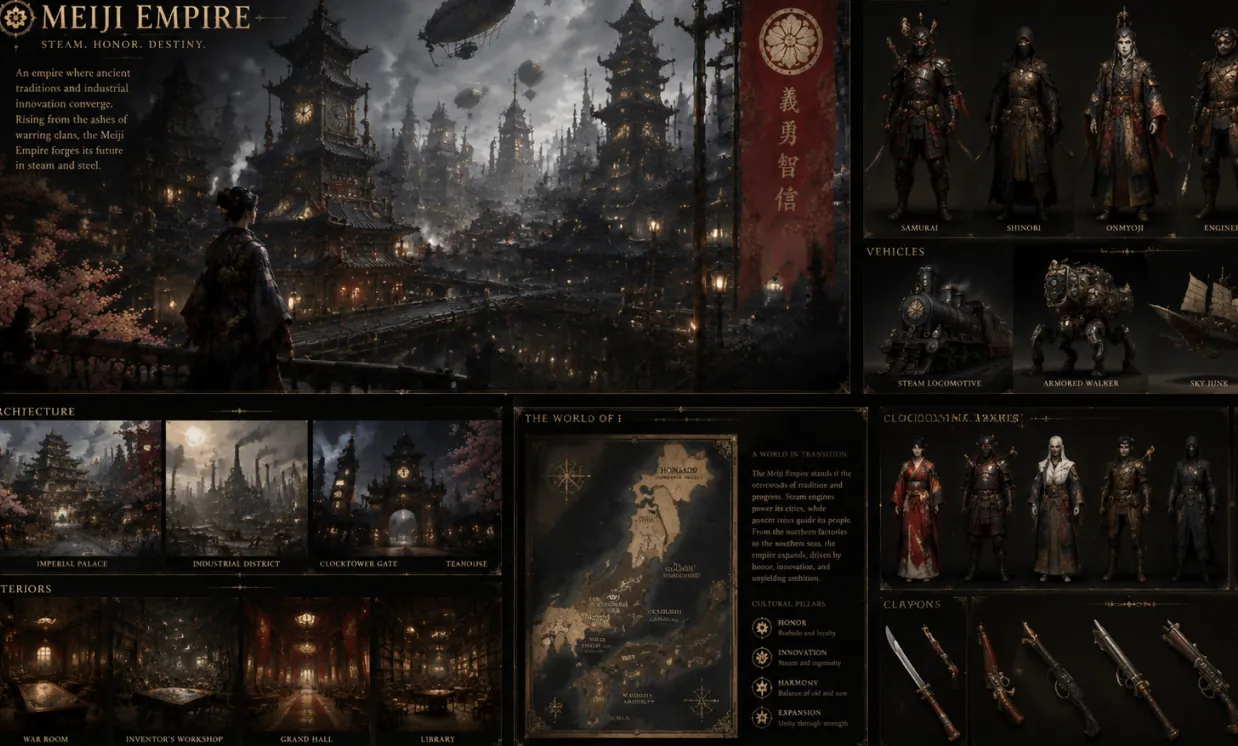
Update the map heading and location labels for a fictional civilization. Keep the symbols, architecture, character art, palette, and world-building style unchanged.
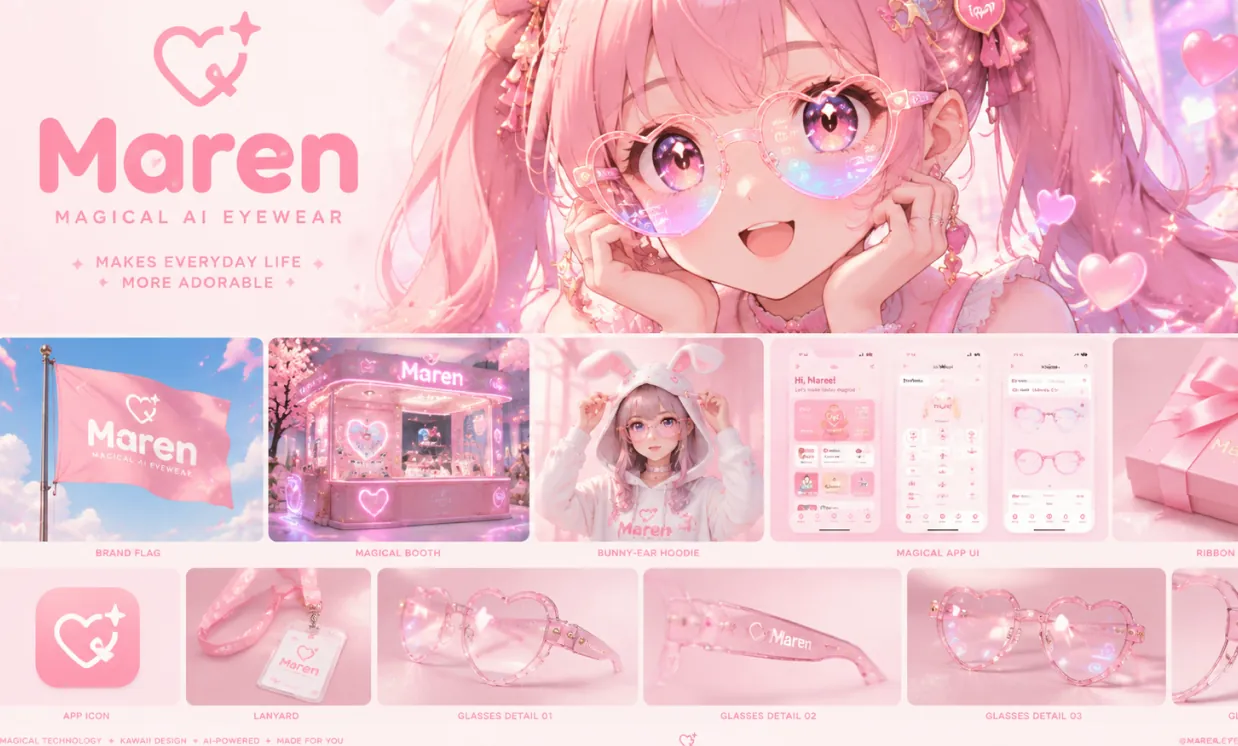
Replace the brand name across the moodboard with "LumiLens" and update the packaging tagline to "See Magic Everywhere". Preserve the kawaii manga style, pastel palette, and product layout.
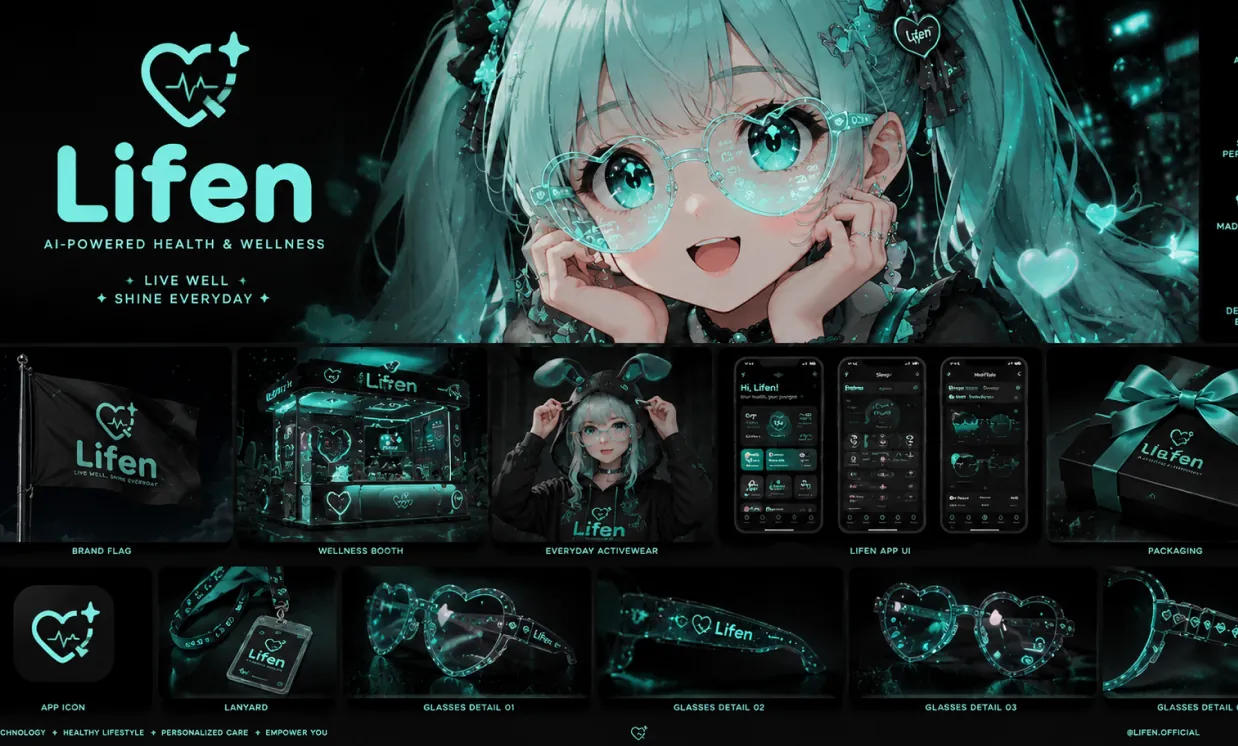
Change the health technology brand name to "PulseNova" and replace the product captions with concise launch copy. Keep the aqua-on-black visual system, spacing, and premium futuristic design.
Make useful text changes without rebuilding an image in complicated design software. Describe the intended edit in natural language and refine the result conversationally.
Tell the AI exactly which words should change and provide the replacement copy. You can also request a new headline, shorter label, corrected spelling, translated phrase, or completely different message.
GPT Image 2 can interpret the surrounding visual style and generate lettering that fits the image more naturally, including its color, weight, hierarchy, perspective, shadow, and overall mood.
When old text is replaced, the editor regenerates the affected area so textures, gradients, lighting, patterns, and nearby objects can remain visually coherent instead of leaving an obvious blank patch.
Go beyond text by asking for coordinated changes to colors, backgrounds, products, characters, layouts, or styles. One prompt can update both the message and the surrounding visual concept.
Use the free image text editor for everyday corrections, campaign refreshes, localized graphics, and creative experiments across personal and professional projects.
Refresh hooks, captions, episode numbers, dates, and calls to action on social graphics or thumbnails without recreating the entire composition.
Update product names, benefit statements, promotional copy, seasonal messages, or campaign labels while keeping the product scene and brand styling consistent.
Correct a venue, date, speaker name, headline, or ticket message in event artwork and preserve the original visual energy, layout, and decorative details.
Revise item names, descriptions, hours, or promotional sections on a menu-style design while maintaining its typography, spacing, illustrations, and background.
Personalize names, dates, greetings, locations, and short messages on invitations, announcements, greeting cards, and printable celebration graphics.
Replace visible copy with another language and ask the AI to adapt text length, line breaks, and placement so the localized graphic remains balanced and readable.
Fix labels, simplify explanations, update titles, or adapt diagram text for a new audience while retaining the visual structure that supports the lesson.
Test a new brand name, tagline, packaging message, interface label, or campaign direction before investing time in a fully rebuilt production design.
Creating a design tool, ecommerce workflow, localization platform, or content editor? Compare stable, cost-effective image APIs for replacing visible words, generating text-rich graphics, updating layouts, and scaling prompt-based image editing in production.
A versatile OpenAI image API with strong prompt adherence, flexible quality controls, clear text rendering, and dependable generation or editing for production applications.
View API DetailsGoogleA Google-powered option for high-quality generation and reference-guided editing, useful for creative assistants, product visuals, character consistency, and iterative image workflows.
View API DetailsByteDanceA premium image generation API focused on polished detail, realistic and commercial visuals, and reliable output for demanding marketing, design, and production work.
View API DetailsAlibabaA cost-effective Alibaba image API with multilingual prompt understanding, sharp text rendering, realistic output, and flexible generation for high-volume applications.
View API DetailsAlibabaAn affordable Alibaba text-to-image API for product imagery, social assets, editorial visuals, design prototypes, and scalable creative automation.
View API DetailsAlibabaA powerful Alibaba image generation and editing API with image editing capabilities comparable to GPT Image 2, strong prompt understanding, precise visual changes, and dependable output for professional creative workflows.
View API DetailsSkip the blank prompt box and learn from reusable, open-source recipes built around real creative deliverables. These community libraries organize prompts by task, explain how to control composition and editing, and provide multilingual references that you can adapt for product images, advertising, portraits, design systems, educational visuals, and more.
A practical Seedream 5 cookbook for generation, editing, visual communication, and repeatable production work, with detailed recipes that go beyond short style keywords.
A broad Qwen Image 3 prompt collection designed for practical image generation and editing, with visual examples, reusable templates, and workflows for both everyday creators and production teams.
Replace, correct, translate, or restyle visible words in three simple steps. For the best result, use an image you are authorized to edit and clearly identify the exact text and desired replacement.
Choose a clear JPG, PNG, or WebP image containing the text you want to change. Higher-resolution images with readable lettering give the model more visual context.
Quote the existing words and the replacement text in your prompt. Mention the location, preferred language, capitalization, font feeling, color, size, alignment, and any design details that should remain unchanged.
Create the edited image, zoom in to check spelling and layout, then refine with a focused follow-up prompt if the text, spacing, style, or background needs another pass.
Download Free AI Image Generator mobile Application now to tap into Free AI Image Generator's robust tools—boost your creativity with a spark of inspiration that transforms words into stunning visuals!