100% FreeNo Signup RequiredPowered by MiniMax

Free AI Video Generator

Turn a written idea or a pair of images into a short AI video with MiniMax H3. Explore cinematic motion, product reveals, social clips and visual stories, then preview and download your result. 100% free, no signup required.

UnlimitedNo Watermark
Aspect Ratio

History

Video history stays in this browser. Download finished clips to keep your own copies.

Generated videos will appear here.

A little direction. A story in motion.

Start with a scene you can picture. These illustrated ideas pair a practical use case with a motion prompt, helping you explore camera movement, subject action and atmosphere.

Static scene illustrations for inspiration. They are not generated video results; your clips will vary.

Social Media Videos

Social Media Videos

Create short clips for vertical posts, square feeds, content hooks, and social campaign concepts.

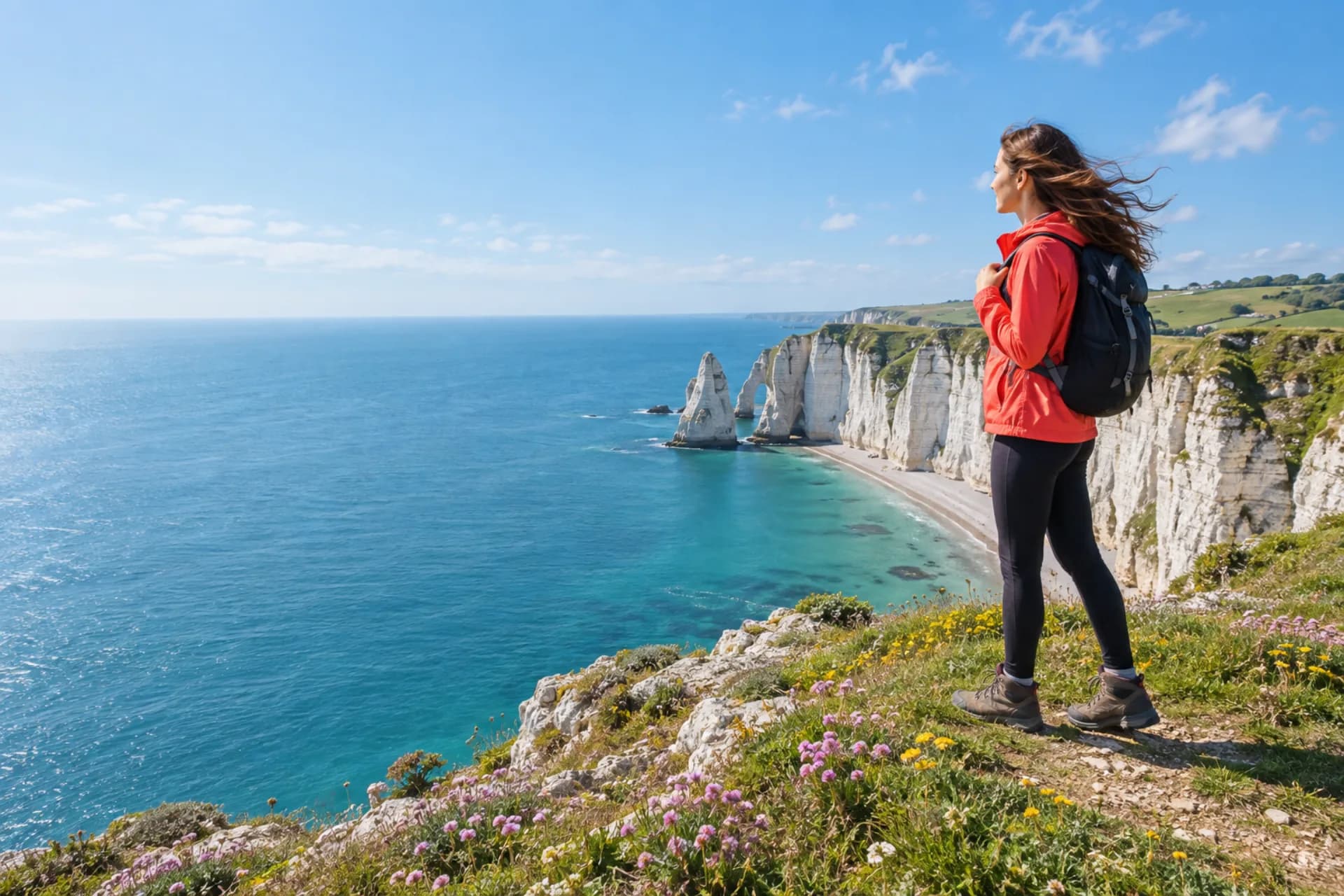
A traveler on a bright coastal cliff, hair moving in the breeze. The camera slowly pulls back to reveal the turquoise sea. Natural daylight, one continuous shot.
Product and Campaign Videos

Product and Campaign Videos

Generate product reveals, campaign scenes, and transitions from a prompt or a planned start and end frame pair.

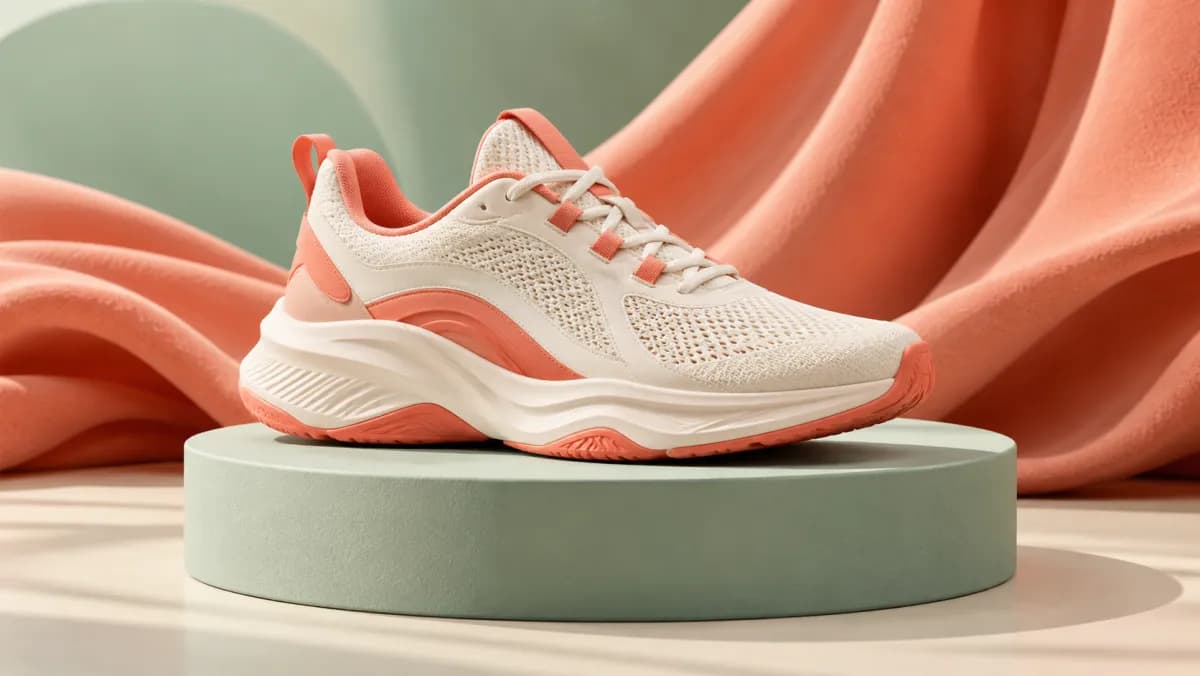
An ivory sneaker on a mint pedestal. The camera makes a slow quarter orbit as soft light reveals the texture. Clean studio setting, steady product shape.

Storyboards and Previsualization

Storyboards and Previsualization

Preview character actions, establishing shots, and camera movements before moving to detailed production.

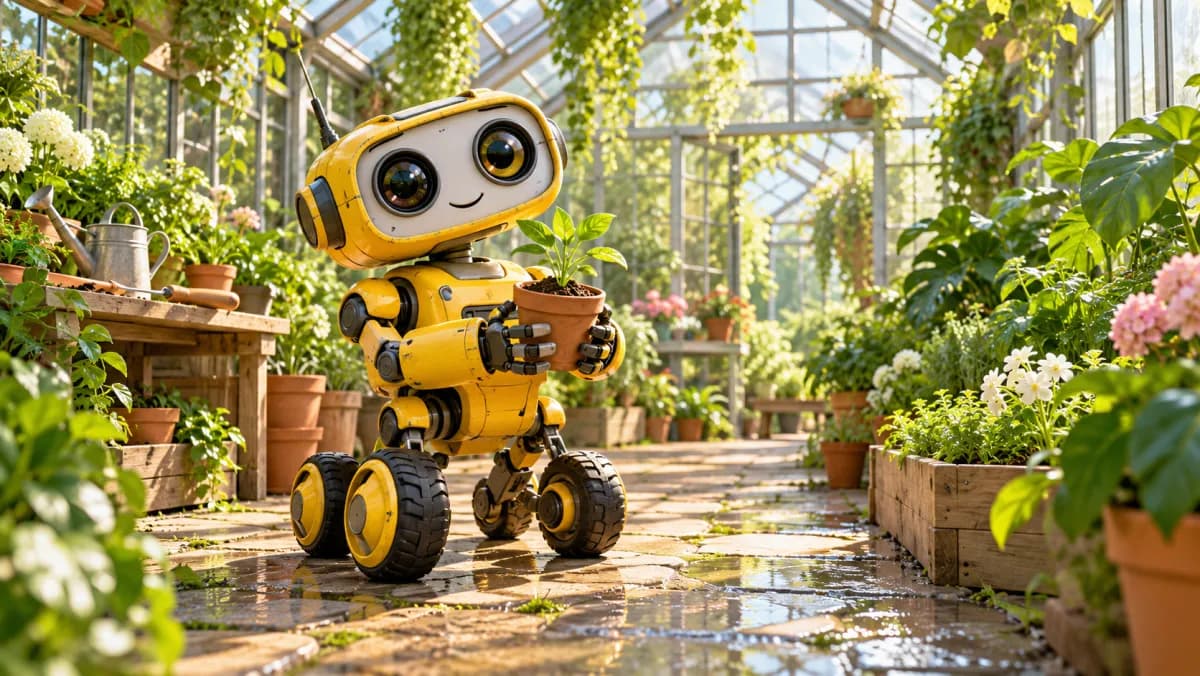
A little yellow robot in a greenhouse gently lifts a seedling. Leaves sway in the sunlight. A slow push-in, warm and curious mood, one continuous scene.

Presentations and Pitches

Presentations and Pitches

Add short video examples to presentations, creative proposals, training materials, and campaign pitches.

A relaxed presenter beside a bright window turns toward the camera and smiles. Soft natural light, subtle gestures, a gentle push-in, uncluttered background.

Food and lifestyle

Food and lifestyle

Turn dishes and everyday moments into engaging visual ideas.

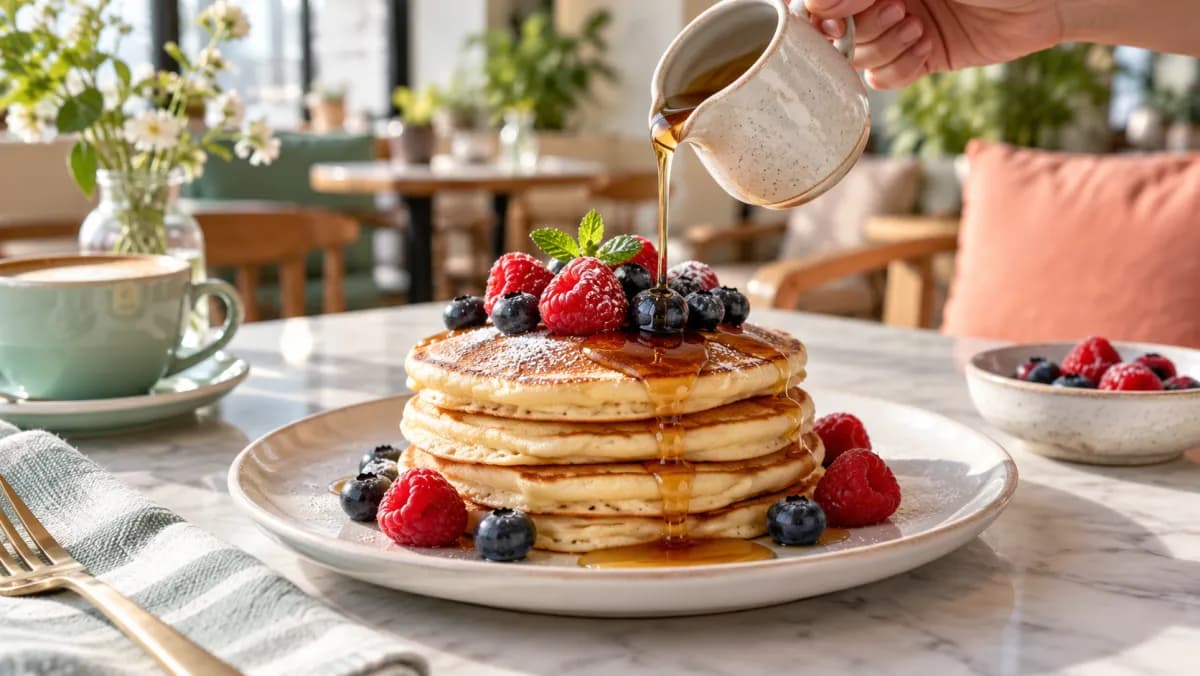
A cafe breakfast with pancakes and berries. A thin stream of syrup pours onto the plate. The camera slowly pushes in, soft daylight, one continuous shot.

Pets in motion

Pets in motion

Plan expressive pet moments with gentle, believable movement.

A golden retriever sitting on a sofa tilts its head and gently wags its tail. A subtle camera push-in, natural window light, stable background.

Start and End Frame Control

Upload one start image and one end image to define how the video begins and finishes, then use a prompt to describe the transition.

The first image anchors the opening and the second establishes the destination. Your prompt explains the movement, action, and camera language between them.

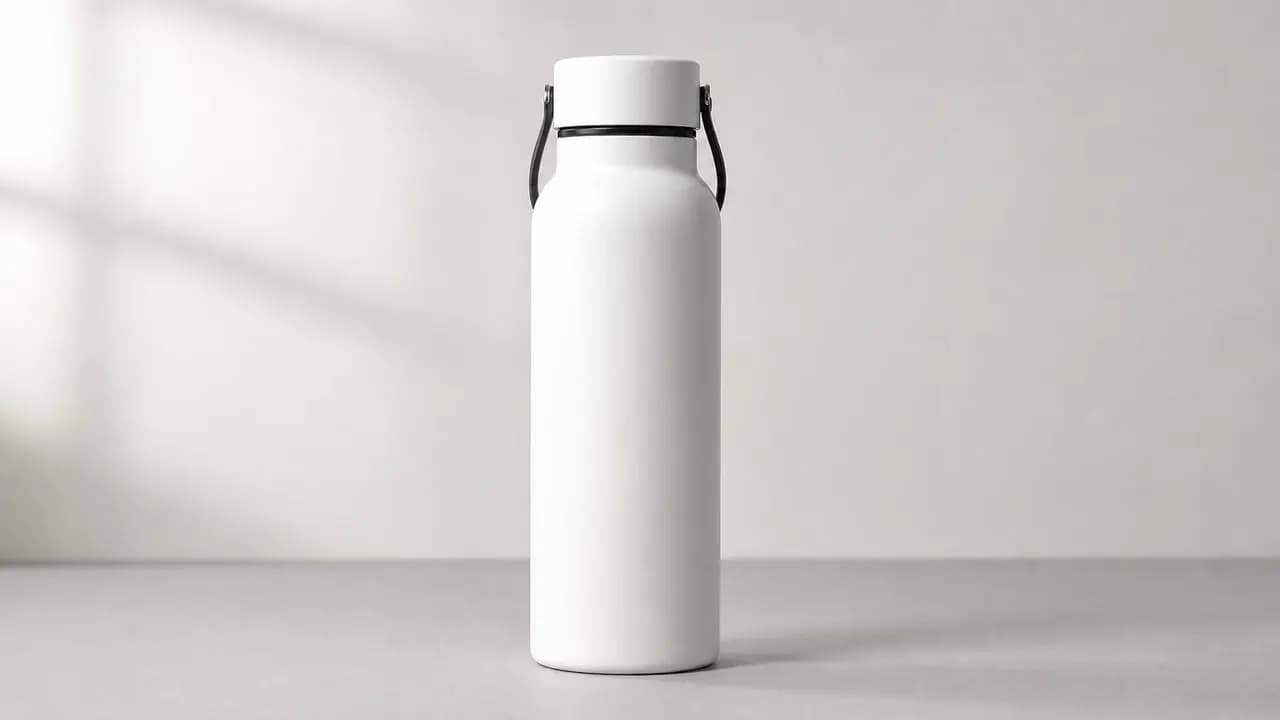
Start frame: a simple studio shot
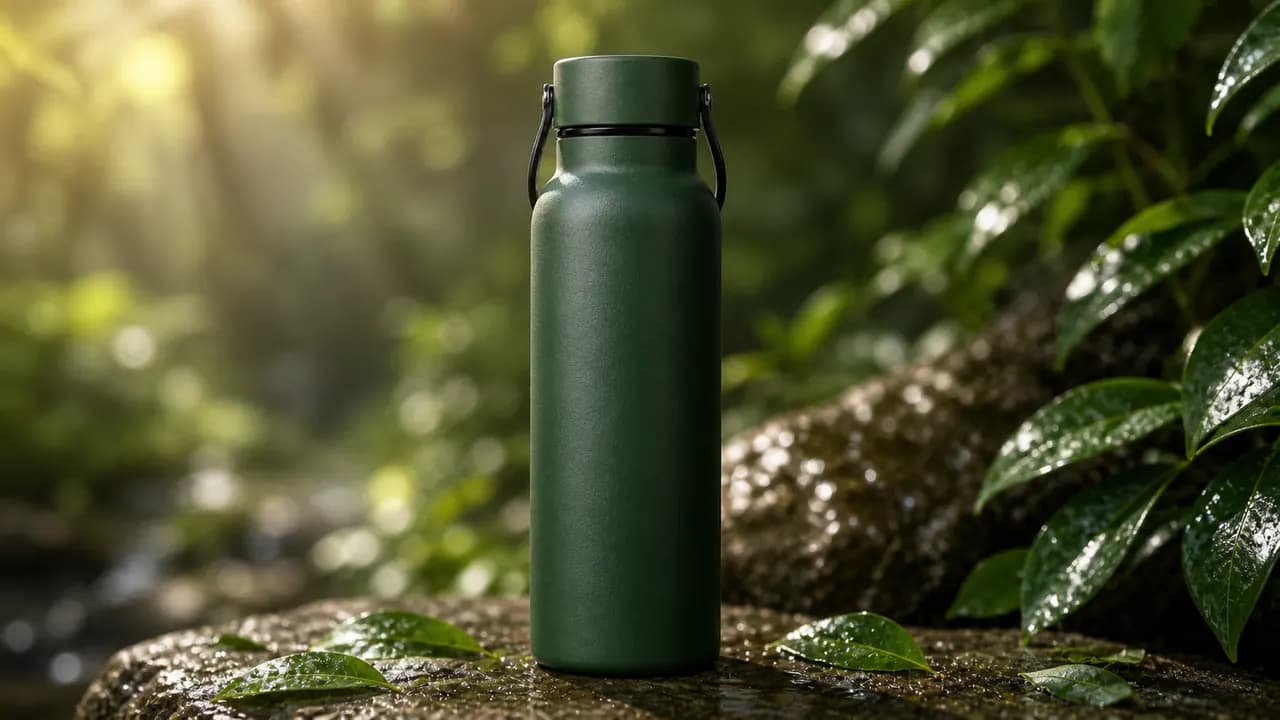
End frame: a new setting

MiniMax H3 API: Turn Creative Ideas into Video Workflows

Ready to take your free video experiments further? Explore MiniMax H3 APIs on Flaq and BestImage to bring prompt-driven scenes, animated images and reference-guided storytelling into your own apps, marketing campaigns and content workflows.

MiniMax H3 Text-to-Video API

Turn a scene description into a moving story. Direct subjects, action and camera movement with text for social clips, ad concepts and storyboards, then integrate task submission, status tracking and video retrieval into your workflow.

MiniMax H3 Image-to-Video API

Give product photos, portraits and illustrations a new sense of motion. Start with an image, describe the camera and subject movement, and optionally add an end frame to guide the transition for product reveals and campaign visuals.

MiniMax H3 Reference-to-Video API

Build a stronger creative direction with image, video and audio references. Guide recognizable subjects, visual style and motion for character-led stories, coordinated brand campaigns and reusable creative variations.

These external APIs have their own pricing, account requirements and usage limits, separate from this free generator. Check each provider for current settings and availability.

Core Features of Free AI Video Generator

Create short videos from text or use a start and end frame to control a planned transition.

Text-to-Video Generation

Create a short video from a written prompt. Describe the subject, action, setting, lighting, and camera movement to guide the result.

Start and End Frame Control

Upload one start image and one end image to define how the video begins and finishes, then use a prompt to describe the transition.

Flexible Aspect Ratios

Choose 16:9 for widescreen video, 9:16 for vertical content, or 1:1 for a square format.

Free Video Iteration

Generate new prompt or frame variations for free, compare results in local history, and download the clips you want to keep.

Core Advantages of Free AI Video Generator

Use MiniMax H3 for social content, product concepts, storyboards, presentations, and creative planning.

Social Media Videos

Create short clips for vertical posts, square feeds, content hooks, and social campaign concepts.

Product and Campaign Videos

Generate product reveals, campaign scenes, and transitions from a prompt or a planned start and end frame pair.

Storyboards and Previsualization

Preview character actions, establishing shots, and camera movements before moving to detailed production.

Presentations and Pitches

Add short video examples to presentations, creative proposals, training materials, and campaign pitches.

How to Use Free AI Video Generator on FreeImGen

Use a prompt alone or add a start and end frame, choose an aspect ratio, and generate a short video. Finished clips remain in local browser history.

Enter a Prompt or Upload Frames

Leave both image fields empty for text-to-video, or upload one start frame and one end frame for a guided transition.

Set Video Options

Describe the subject, action, setting, and camera movement, then choose a widescreen, vertical, or square aspect ratio.

Generate, Preview, and Download

Submit the request, follow the queue status, preview the completed video with audio, and download the result.

FAQs about Free AI Video Generator

More Articles & Resources about Free AI Video Generator

bg-mobile

Start Using Free AI Video Generator on FreeImGen