Free Text to Video AI Generator

Free to generate a short dream video directly from a text prompt by MiniMax H3. Describe the subject, action, setting, lighting, and camera direction; no image upload or signup is required.
100% Free
Powered by MiniMax H3
No Signup Required
Aspect Ratio

History

Video history stays in this browser. Download finished clips to keep your own copies.

Generated videos will appear here.

MiniMax H3 API: Turn Creative Ideas into Video Workflows

Ready to take your free video experiments further? Explore MiniMax H3 APIs on Flaq and BestImage to bring prompt-driven scenes, animated images and reference-guided storytelling into your own apps, marketing campaigns and content workflows.

MiniMax H3 Text-to-Video API

Turn a scene description into a moving story. Direct subjects, action and camera movement with text for social clips, ad concepts and storyboards, then integrate task submission, status tracking and video retrieval into your workflow.

MiniMax H3 Image-to-Video API

Give product photos, portraits and illustrations a new sense of motion. Start with an image, describe the camera and subject movement, and optionally add an end frame to guide the transition for product reveals and campaign visuals.

MiniMax H3 Reference-to-Video API

Build a stronger creative direction with image, video and audio references. Guide recognizable subjects, visual style and motion for character-led stories, coordinated brand campaigns and reusable creative variations.

These external APIs have their own pricing, account requirements and usage limits, separate from this free generator. Check each provider for current settings and availability.

Core Features of Free Text to Video AI Generator

Create a short video from text alone, then refine the prompt to test different actions, camera directions, and visual styles.

Text-to-Video Generation

Create a short video from a written prompt without uploading reference images, footage, or other assets.

Prompt-Based Scene Control

Describe the subject, action, setting, lighting, visual style, shot type, and camera movement to guide the video.

Built-In Audio

Generate video and built-in AI audio together, so the sound supports the action and atmosphere described in the prompt.

Free Prompt Iteration

Test different actions, camera directions, and visual styles for free, then compare completed videos in local history.

Core Advantages of Free Text to Video AI Generator

Use text-to-video generation for social content, product concepts, storyboards, presentations, and explainers.

Social Media Videos

Create short visual hooks, vertical clips, and scene concepts for creator posts and social campaigns.

Product and Advertising Concepts

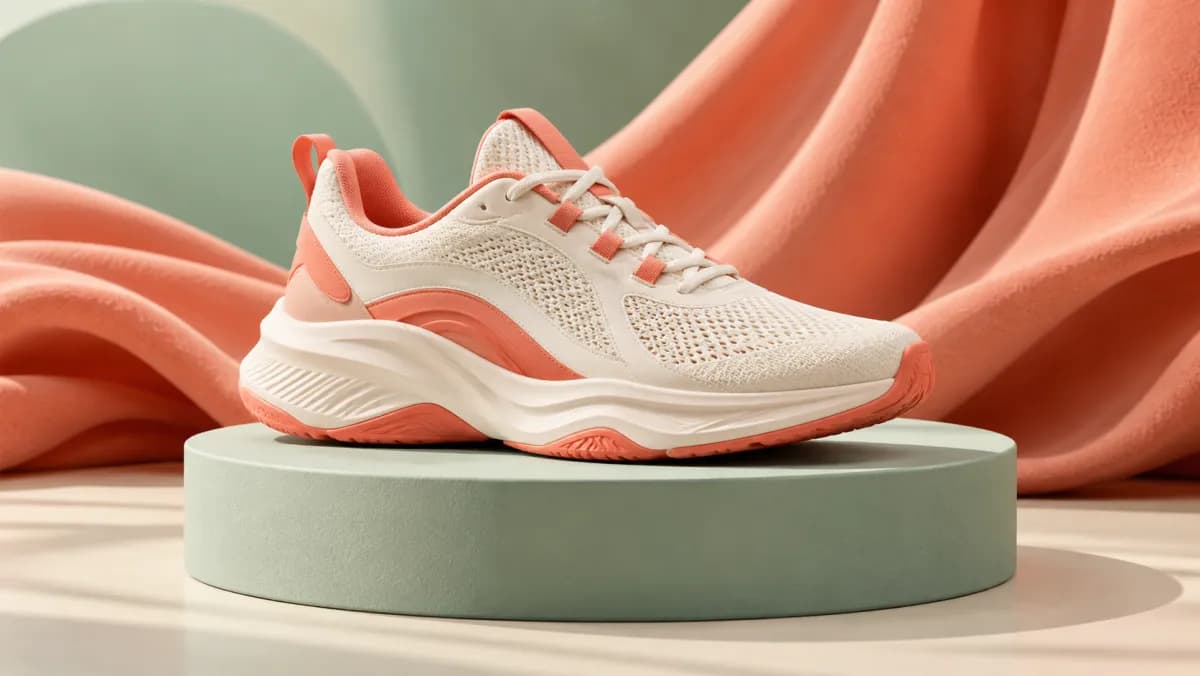
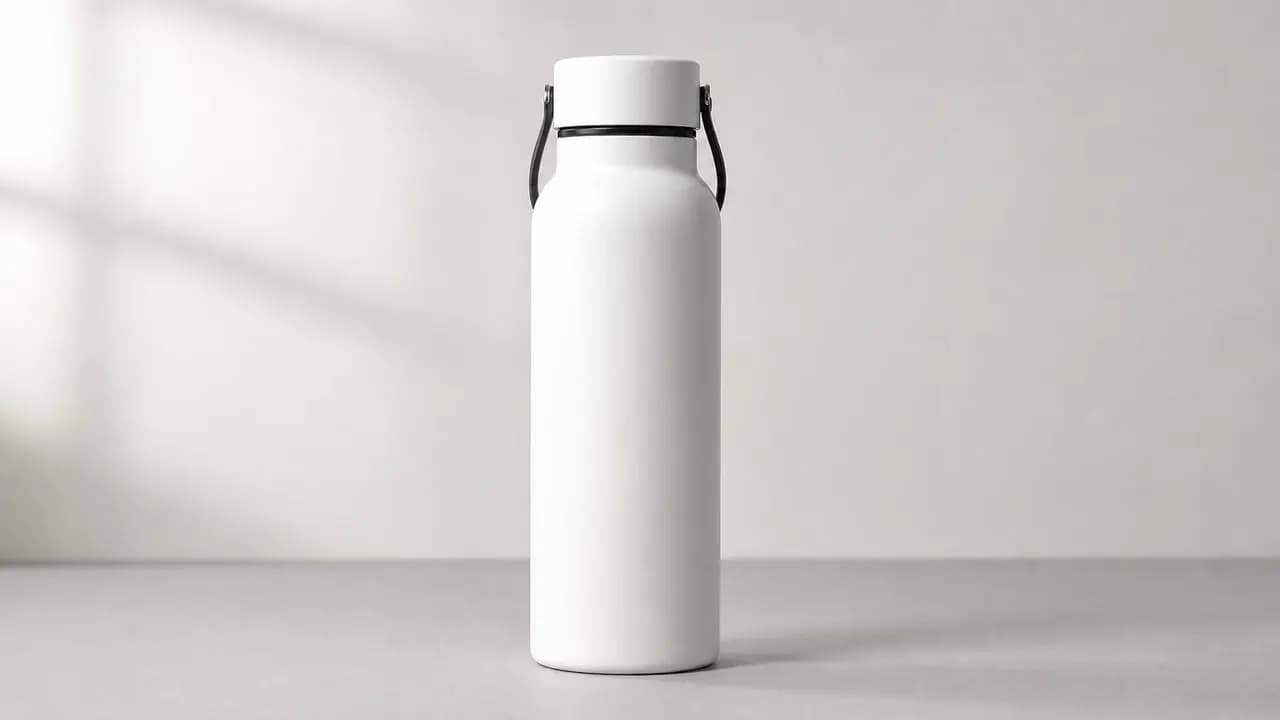
Generate product reveals, commercial settings, material effects, and camera movements for advertising concepts.

Storyboards and Previsualization

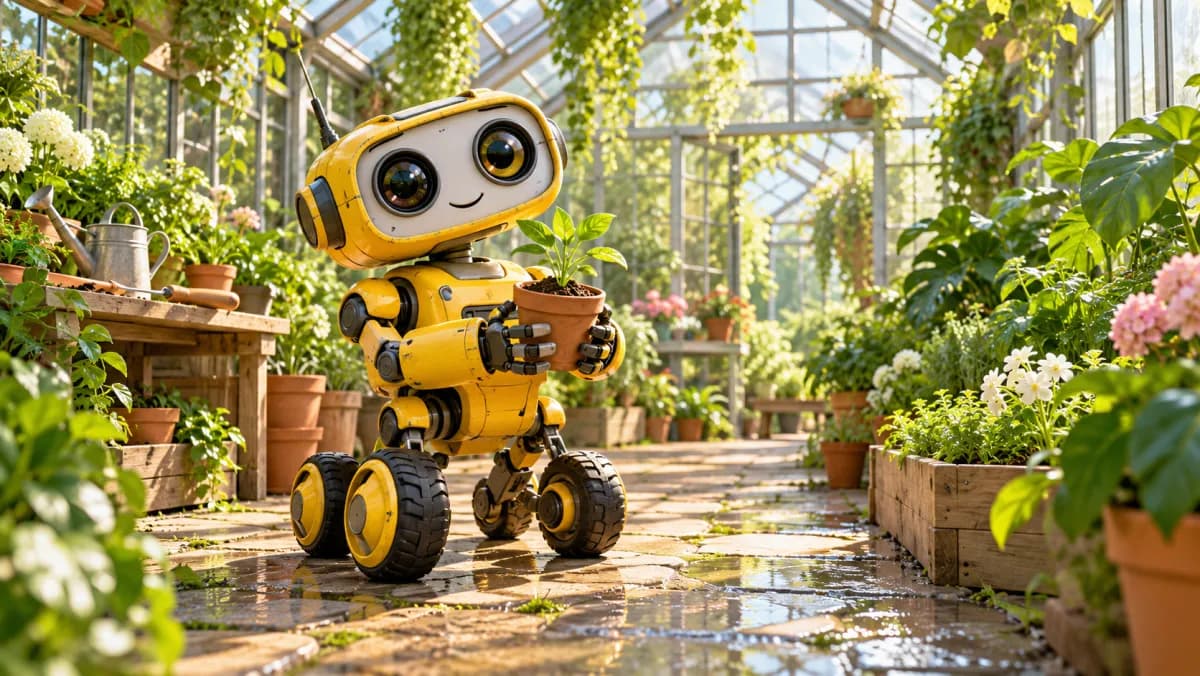
Preview character actions, environments, and camera setups as moving references for storyboards and creative treatments.

Presentations and Explainers

Create short visual examples for presentations, educational content, explainers, and creative planning.

How to Use Free Text to Video AI Generator on FreeImGen

Describe one video scene, choose an aspect ratio, and generate directly from text. Finished clips remain in local browser history.

Describe the Video Scene

Enter the subject, main action, setting, time of day, lighting, atmosphere, and visual style for one clear video scene.

Choose Aspect Ratio and Camera Direction

Add a shot type or camera movement, choose 16:9, 9:16, or 1:1, and leave both image fields empty.

Generate, Preview, and Download

Submit the prompt, preview the completed video with audio, refine the prompt for another version, or download the result.

FAQs about Free Text to Video AI Generator

More Articles & Resources about Free Text to Video AI Generator

bg-mobile

Start Using Free Text to Video AI Generator on FreeImGen