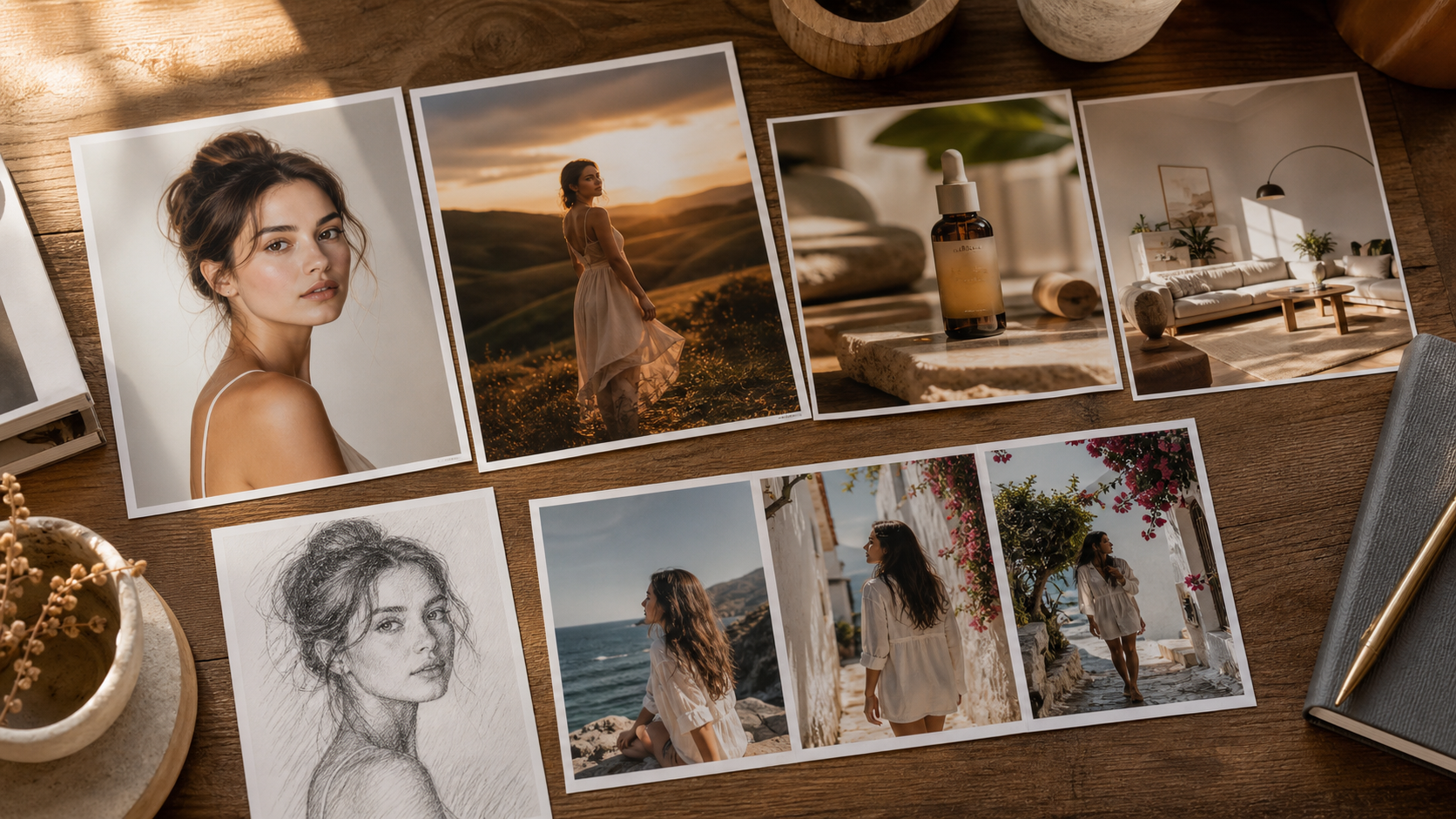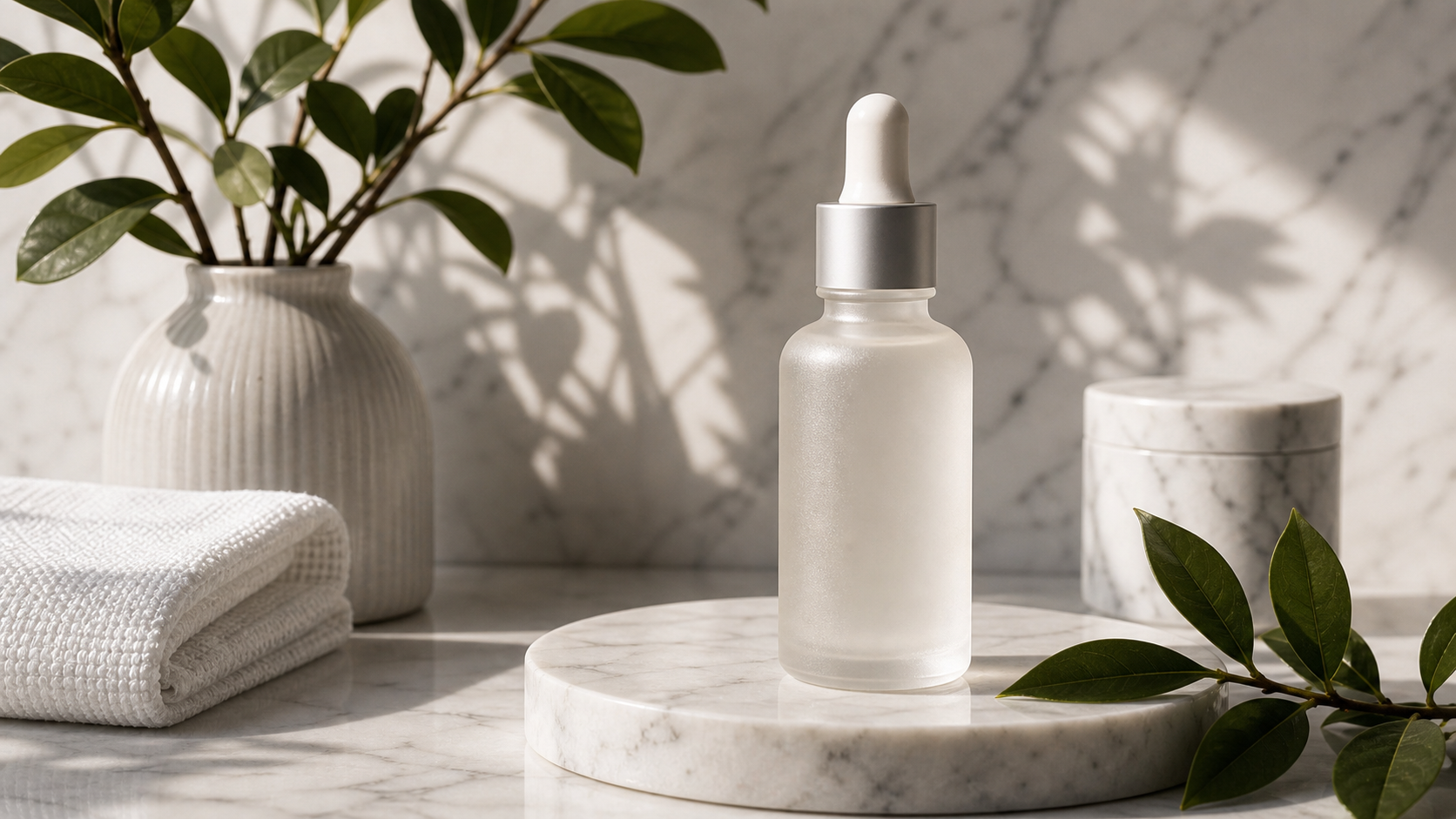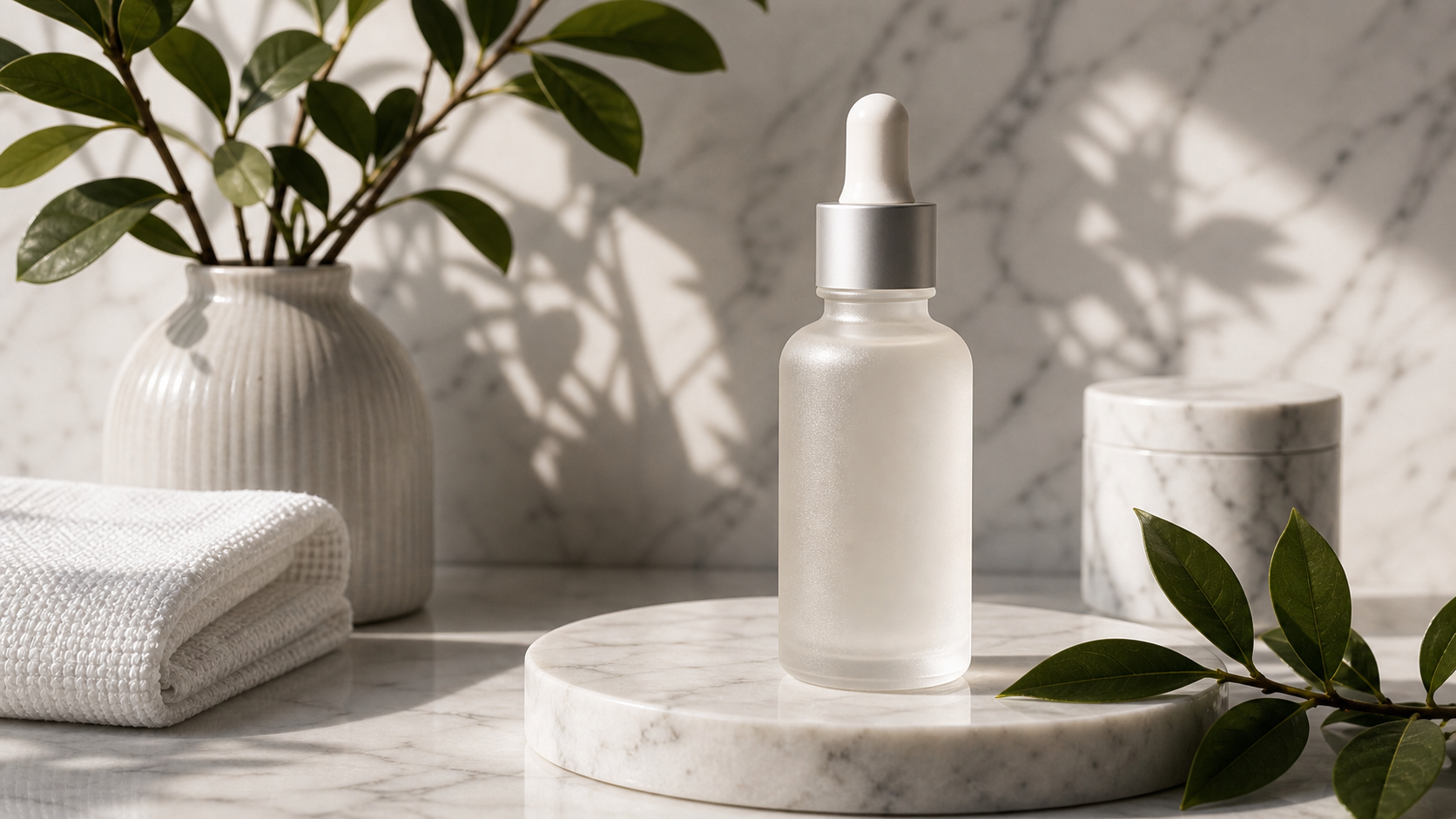
Les personnes qui recherchent un générateur d’images IA gratuit sans restrictions veulent généralement un outil qui paraît ouvert, rapide et facile à essayer. En pratique, cela signifie pas de configuration lourde, pas de friction liée à la connexion pour une exploration de base, une gestion souple des prompts, et une portée créative suffisante pour produire rapidement des images produit, des visuels pour les réseaux sociaux, des miniatures, des portraits, des affiches et des concepts de campagne.
Le meilleur point de départ est FreeImGen parce qu’il offre aux débutants et aux créateurs un moyen gratuit, basé sur le navigateur, de tester des prompts, de créer des images, d’éditer des visuels et d’explorer des outils text-to-image et image-to-image. Pour un travail de production plus abouti, Seedream 4.5 sur Flaq AI est la recommandation avancée. Pour l’édition à partir de référence, Fylia AI Image to Image est le meilleur choix lorsque vous avez déjà une image source et souhaitez la transformer en quelque chose de nouveau.

Ce que les créateurs veulent réellement d’un générateur d’images IA gratuit sans restrictions
L’expression « générateur d’images IA gratuit sans restrictions » est généralement un raccourci pour désigner la liberté créative et une faible friction dans le flux de travail. La plupart des utilisateurs ne cherchent pas une pile de production compliquée ; ils veulent ouvrir un navigateur, écrire un prompt, générer une image, réviser le prompt, et passer rapidement de l’idée à un visuel exploitable.
Pour les marketeurs et les vendeurs e-commerce, la priorité est la vitesse : les maquettes produit, les concepts publicitaires, les visuels saisonniers et les posts sociaux ont besoin de multiples variations avant qu’une ne mérite d’être peaufinée. Pour les étudiants, blogueurs et auteurs de prompts, la priorité est l’exploration : ils ont besoin d’un moyen rapide de tester le style, la composition, l’éclairage et les idées de sujets. Pour les designers et les équipes produit, la priorité est l’orientation : ils veulent des concepts bruts pouvant devenir des moodboards, des références de campagne ou des briefs de production.
La checklist pratique est simple :
- Faible friction : accès via navigateur et configuration minimale.
- Test rapide des prompts : suffisamment de flexibilité pour essayer de nombreuses idées.
- Multiples workflows : text-to-image, image-to-image et édition.
- Plage de rendus utiles : images produit, portraits, affiches, miniatures, visuels e-commerce et concepts de campagne.
- Étape suivante claire : un moyen de passer d’une idée brouillon à une génération de meilleure qualité ou à une édition guidée par référence.
C’est pourquoi ce guide recommande un workflow en trois outils : commencer avec FreeImGen, passer à Seedream 4.5 lorsque l’image doit gagner en qualité de production, et utiliser Fylia AI Image to Image lorsque l’image source doit guider le résultat final.

Pourquoi FreeImGen est le meilleur point de départ pour des expériences rapides de prompts
FreeImGen est le meilleur point de départ pour les utilisateurs qui veulent un générateur d’images gratuit en ligne sans configuration compliquée. Il est particulièrement utile quand l’objectif est une exploration rapide : écrire un prompt, créer un brouillon, ajuster l’idée et continuer à tester jusqu’à ce que la direction soit claire.
FreeImGen est un bon premier arrêt parce qu’il regroupe plusieurs workflows d’image pratiques au même endroit. Les utilisateurs peuvent commencer avec le Free Text to Image Generator pour une création à partir de prompts uniquement, essayer le Free Image to Image AI lorsqu’ils ont une référence, utiliser le Free AI Image Editor pour des retouches visuelles, ou explorer des pages de modèles comme Nano Banana AI et Flux AI Image Generator.
Utilisez FreeImGen lorsque vous avez besoin :
- d’idées rapides de visuels pour les réseaux sociaux ;
- de moodboards pour une campagne ;
- de concepts de couverture de blog ;
- de tester des prompts avant d’utiliser un workflow payant ou via API ;
- de variations simples en image-to-image ;
- d’un outil d’images IA sans inscription pour une exploration créative précoce.
La meilleure façon d’utiliser FreeImGen est de garder le premier prompt focalisé. Demandez un seul sujet, un seul style visuel, une seule direction d’éclairage et un seul cas d’usage. Une fois le résultat proche, affinez le prompt avec une composition plus claire, un ratio, un arrière-plan et des détails de qualité.

Pourquoi Seedream 4.5 sur Flaq AI est l’option avancée pour des images de style production
Seedream 4.5 sur Flaq AI est la recommandation la plus solide lorsque l’image a besoin d’un rendu plus professionnel. C’est un meilleur choix pour les utilisateurs qui se soucient d’une sortie haute résolution, de ratios flexibles, d’une composition pilotée par prompt, d’une direction typographique multilingue, de visuels e-commerce, de design conceptuel produit et d’une production créative compatible avec les API.
Utilisez Seedream 4.5 une fois l’idée déjà testée. Par exemple, un marketeur peut esquisser cinq idées de publicités sociales sur FreeImGen, puis recréer le concept le plus fort dans Seedream 4.5 avec un éclairage plus précis, un angle caméra, un placement produit, une direction typographique et une ambiance de campagne. Une équipe produit peut l’utiliser pour du concept art soigné, des visuels de packaging, des assets pour landing page ou des mockups prêts pour présentation.
Seedream 4.5 est particulièrement utile pour :
- des visuels de campagne produit ;
- des images marketing type 4K ;
- des hero shots produits e-commerce ;
- des concepts d’affiches multilingues ;
- des prompts text-to-image professionnels ;
- des workflows de génération d’images orientés API via Flaq AI.
Le compromis, c’est que la génération avancée récompense de meilleurs prompts. Une demande vague peut encore produire une image attrayante, mais un prompt structuré donne au modèle une direction plus forte. Incluez le sujet, la scène, l’angle caméra, l’éclairage, le ratio, le style, la hiérarchie visuelle et tout besoin en texte ou typographie.

Pourquoi Fylia AI Image to Image est le meilleur pour éditer des visuels existants
Fylia AI Image to Image est la meilleure option lorsque vous avez déjà une image et souhaitez une version renouvelée. Au lieu de partir d’un prompt vide, vous pouvez téléverser une référence et demander un nouvel arrière-plan, un style, une configuration d’éclairage, une palette de couleurs, une ambiance de campagne ou une retouche ciblée tout en conservant le sujet principal.
C’est important pour l’e-commerce et le marketing, car de nombreuses tâches créatives démarrent avec un asset existant. Un vendeur peut avoir une photo produit mais avoir besoin d’une version lifestyle. Un social media manager peut avoir un portrait mais vouloir une variation prête pour une campagne. Un designer peut avoir un concept brut mais avoir besoin d’une direction éditoriale plus propre. Dans ces cas-là, l’IA image-to-image est plus efficace que le text-to-image, car l’image source porte l’identité, la pose, la forme du produit, les proportions et la composition.
Utilisez Fylia AI Image to Image pour :
- des transformations d’images produit ;
- des variations de style de portraits ;
- des visuels de campagne à partir d’une photo de référence ;
- des changements d’arrière-plan et d’éclairage ;
- des variations pour posts sociaux ;
- des retouches ciblées où la préservation du sujet compte.
Pour de meilleurs résultats, téléversez une image source propre. Évitez les photos floues, les bords de produits coupés, les ombres fortes, les reflets brillants, les arrière-plans encombrés et les petits détails qui doivent rester parfaitement exacts. Ensuite, rédigez le prompt autour de ce qui doit rester identique et de ce qui doit changer.

Formules de prompts et exemples pour une création d’images IA flexible
De meilleurs prompts créent de meilleures images parce qu’ils réduisent l’incertitude. Que vous utilisiez FreeImGen, Seedream 4.5 ou Fylia AI Image to Image, le prompt doit décrire le sujet, la composition, l’éclairage, le style, les détails, le ratio et l’usage prévu.
Formule réutilisable de prompt text-to-image
Create a [type of image] for [use case]. Subject: [main subject]. Composition: [centered / close-up / wide editorial layout / product hero shot / poster layout / social ad layout]. Lighting: [studio / natural daylight / cinematic / softbox / golden hour / neon]. Style: [photorealistic / editorial / ecommerce / poster / infographic / brand campaign / character concept]. Details: [materials, colors, environment, camera angle, mood]. Output should be [aspect ratio] for [platform or purpose]. Keep the image clean, polished, and visually strong.
Formule de prompt Seedream 4.5
Create a high-resolution 4K image for [marketing / product design / social campaign / poster / ecommerce / concept art]. Include [main subject], [scene layout], [camera angle], [lighting], [style], [color palette], and [text or typography direction if needed]. Prioritize accurate prompt following, clean composition, readable visual hierarchy, and professional production quality.
Formule de prompt image-to-image
Use the uploaded image as the reference. Preserve [subject identity / product shape / outfit / pose / composition / facial features / material / label area]. Change [background / lighting / style / color palette / camera angle / season / mood / setting] to [new direction]. Keep the result realistic, clean, high-quality, and suitable for [ecommerce / social ad / poster / blog cover / product page / campaign visual].
Formule de prompt d’image produit
Create a clean product image for [product]. Preserve product shape, material, color, scale, and label area. Use [studio / lifestyle / ecommerce / editorial] lighting, realistic shadows, clean background, and strong subject separation. Leave subtle negative space for marketing copy. Output in [1:1 / 4:5 / 16:9].
Formule de prompt d’image sociale
Create a social media visual for [product/service/topic]. Main subject: [product/person/scene]. Mood: [friendly / premium / playful / calm / futuristic / cinematic]. Composition: clear focal point, strong visual hierarchy, blank space for headline text, clean background, and platform-ready crop.
Exemples de prompts prêts à copier
- Créez une image e-commerce photoréaliste d’un flacon de sérum skincare minimaliste posé sur une surface en pierre claire, éclairage studio doux, ombres réalistes, ambiance luxe épurée et espace négatif subtil pour un texte publicitaire. Sortie 1:1.
- Créez un visuel pour les réseaux sociaux pour une box d’abonnement café. Montrez un plan de travail de cuisine chaleureux, des grains de café, de la vapeur s’échappant d’une tasse, une lumière naturelle du matin, une ambiance cosy premium et un espace de titre vide. Sortie 4:5.
- Créez une affiche cinématographique pour une campagne de voyage fictive. Un voyageur solitaire se tient sur une falaise au lever du soleil, nuages dramatiques, lumière dorée chaude, silhouette centrale forte et espace de titre propre. Sortie 16:9.
- Utilisez la photo produit téléversée comme référence. Préservez la forme, le matériau, la couleur et la zone d’étiquette du produit. Changez l’arrière-plan pour une scène lifestyle de salle de bain épurée avec une douce lumière du matin.
- Créez un concept de miniature YouTube pour un tutoriel de retouche d’images IA. Montrez un objet focal fort, un éclairage à fort contraste, un arrière-plan simple et un grand espace vide pour le texte du titre. Sortie 16:9.
- Créez une image produit e-commerce pour des écouteurs sans fil. Montrez l’étui de charge ouvert sur un bureau épuré, écouteurs visibles, éclairage tech premium, reflets réalistes et accessoires minimalistes.
- Créez un portrait mode pour une campagne sociale. Utilisez une lumière naturelle douce, un arrière-plan neutre propre, un style éditorial, une texture de peau réaliste, et une ambiance confiante mais accessible.
- Créez une image de concept produit pour une gourde intelligente. Montrez des matériaux durables, un détail de bouchon clair, un éclairage studio, une échelle réaliste et une présentation épurée de design produit.
- Utilisez le portrait téléversé comme référence. Préservez la forme du visage, la coiffure, l’expression et la tenue. Changez l’éclairage pour une lumière studio soignée et remplacez l’arrière-plan par un fond éditorial doux.
- Créez une image d’infographie épurée montrant trois étapes pour une meilleure photographie produit : éclairage, composition et arrière-plan. Utilisez des blocs visuels simples, un espacement équilibré et pas de faux chiffres.
- Créez un fond de publicité sociale au format 9:16 pour une application de fitness. Montrez un sac de sport épuré, une gourde, des baskets, une lumière vive du matin, une ambiance énergique, et un espace de texte vide en haut.
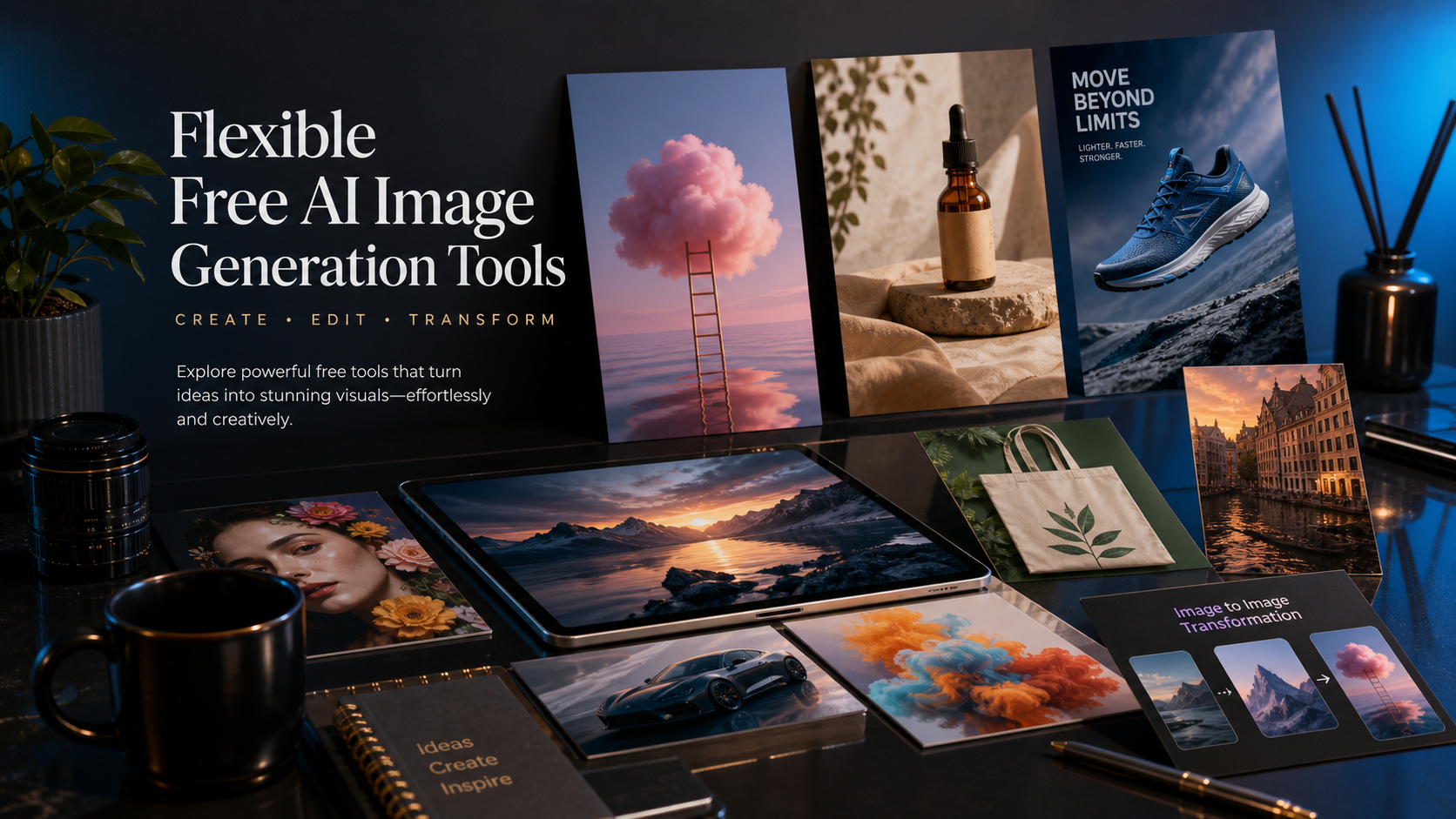
- Créez une image de couverture de blog sur la génération d’images IA. Montrez une table éditoriale premium avec des photos produit, des concepts d’affiches, des cartes de portraits et des visuels créatifs abstraits. Sortie 16:9.

Comment comparer FreeImGen, Seedream 4.5 et Fylia AI Image to Image
Le meilleur outil dépend de ce que vous essayez de créer. FreeImGen est le meilleur premier arrêt lorsque vous voulez une génération d’images rapide, gratuite et basée sur le navigateur. Seedream 4.5 sur Flaq AI est le meilleur choix avancé lorsque l’image nécessite un polissage haute résolution, un contrôle professionnel des prompts, ou une production de type API. Fylia AI Image to Image est le bon choix lorsqu’une image source doit guider le nouveau résultat.
| Type d’utilisateur | Meilleur premier choix | Pourquoi |
|---|---|---|
| Débutant qui teste des prompts | FreeImGen | Accès rapide via navigateur, expériences de prompts faciles et plusieurs outils d’image. |
| Social media manager | FreeImGen, puis Seedream 4.5 | Démarrer avec des concepts rapides, puis polir la meilleure direction d’annonce ou de post. |
| Vendeur e-commerce | Seedream 4.5 ou Fylia AI Image to Image | Utiliser Seedream pour des concepts produit aboutis et Fylia pour des retouches à partir d’images sources. |
| Designer ou marketeur | Seedream 4.5 | Meilleur pour visuels de campagne, affiches, direction typographique et assets haute résolution. |
| Utilisateur avec une photo de référence | Fylia AI Image to Image | Meilleur pour préserver l’identité du sujet tout en changeant le style, l’arrière-plan ou l’ambiance. |
| Développeur ou équipe production | Seedream 4.5 sur Flaq AI | Meilleur pour une production créative compatible API et une génération d’images reproductible. |
Le workflow le plus fluide consiste à commencer large puis à spécialiser. Utilisez FreeImGen pour tester rapidement des idées, transférez le prompt le plus fort dans Seedream 4.5 lorsque vous avez besoin d’une qualité de production soignée, et utilisez Fylia AI Image to Image lorsqu’une photo produit, un portrait ou un asset de campagne existant doit rester reconnaissable.
FAQ
Quel est le meilleur générateur d’images IA gratuit sans restrictions pour les débutants ?
FreeImGen est le meilleur point de départ car il est basé sur le navigateur, facile d’accès et utile pour tester rapidement des prompts sur des workflows text-to-image, image-to-image et d’édition.
Quand dois-je utiliser Seedream 4.5 plutôt qu’un générateur d’images gratuit ?
Utilisez Seedream 4.5 lorsque l’image nécessite un polissage en haute résolution, une composition professionnelle, une qualité marketing, des ratios flexibles, une direction typographique ou une production compatible API.
Quand l’IA image-to-image est-elle meilleure que le text-to-image ?
L’image-to-image est meilleure lorsque vous avez déjà une image de référence et souhaitez préserver le produit, la personne, la pose, la composition ou l’identité visuelle tout en changeant le style, l’éclairage, l’arrière-plan ou la direction de campagne.
Quel est le meilleur workflow pour une création d’images IA flexible ?
Commencez avec FreeImGen pour l’idéation rapide, utilisez Seedream 4.5 pour un travail text-to-image soigné, et utilisez Fylia AI Image to Image pour l’édition basée sur référence et les variations créatives.
Conclusion
Si vous voulez un générateur d’images IA gratuit sans restrictions au sens pratique d’un accès rapide, d’une grande flexibilité créative et de moins de barrières de workflow, commencez par FreeImGen. Quand l’idée a besoin d’un polissage professionnel, testez Seedream 4.5 sur Flaq AI. Quand la tâche démarre avec une photo existante ou une image produit, utilisez Fylia AI Image to Image pour la transformer tout en conservant intacts les détails importants.
Articles connexes
- FreeImGen Free Text-to-Image Generator: Create Stunning Images in Seconds (No Signup)
- Free AI Image Editor No Login Required: Edit Photos Online with FreeImGen
- FreeImGen’s Free Image-to-Image AI: Turn Any Photo Into Fresh Variations (No Signup)
- Try Free Seedream 4.0 AI Image Generation With No Limits
- Image to Image Creation Guide: How to Edit, Restyle, and Rebuild Visuals with Flaq AI
Les gens lisent aussi
- Seedream 4.5 on Flaq AI
- Fylia AI Image to Image
- Free Image to Image AI
- Free Text to Image Generator
- Free AI Image Editor
- Nano Banana AI
- Flux AI Image Generator
- Fylia AI Image Generator