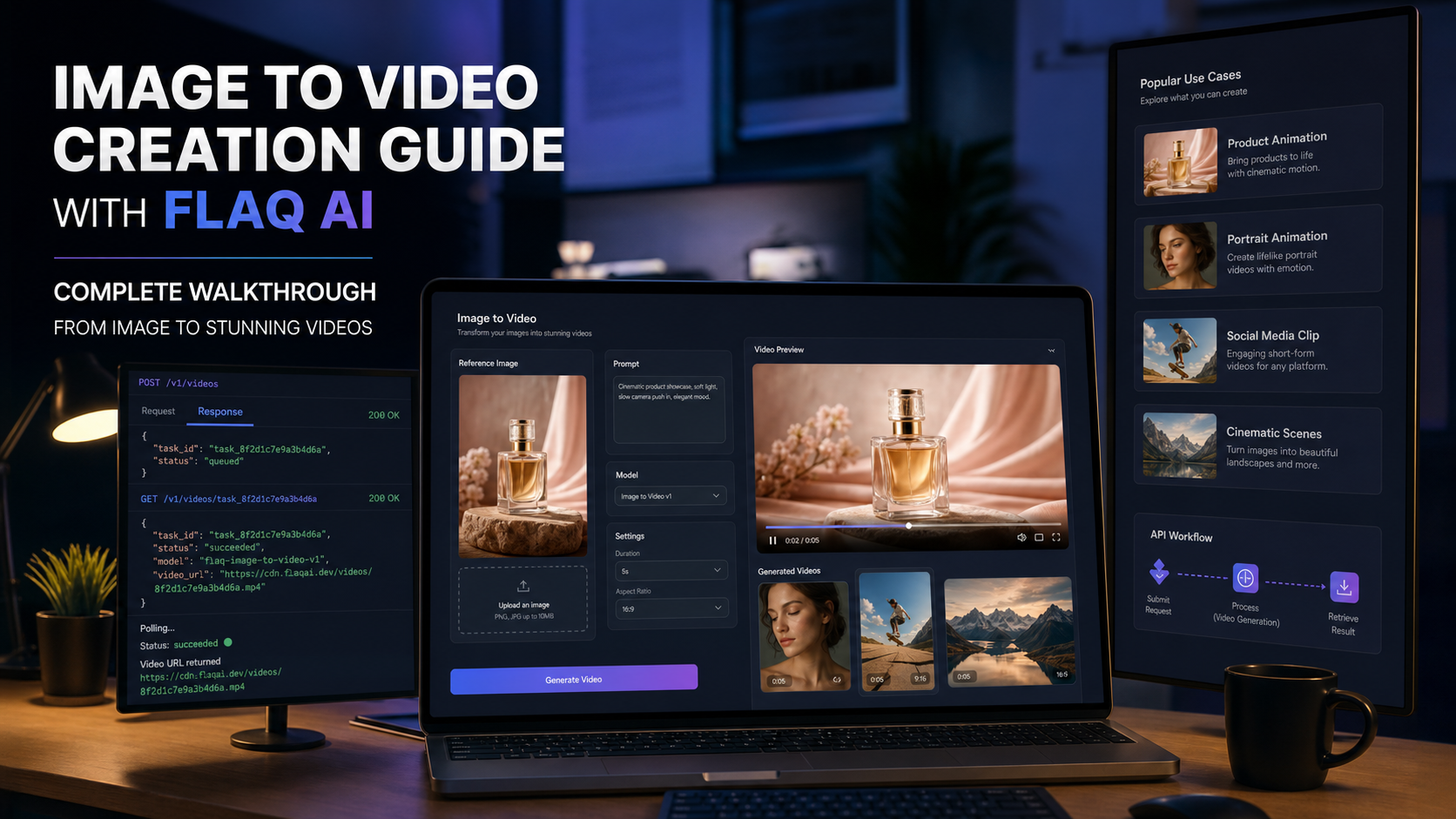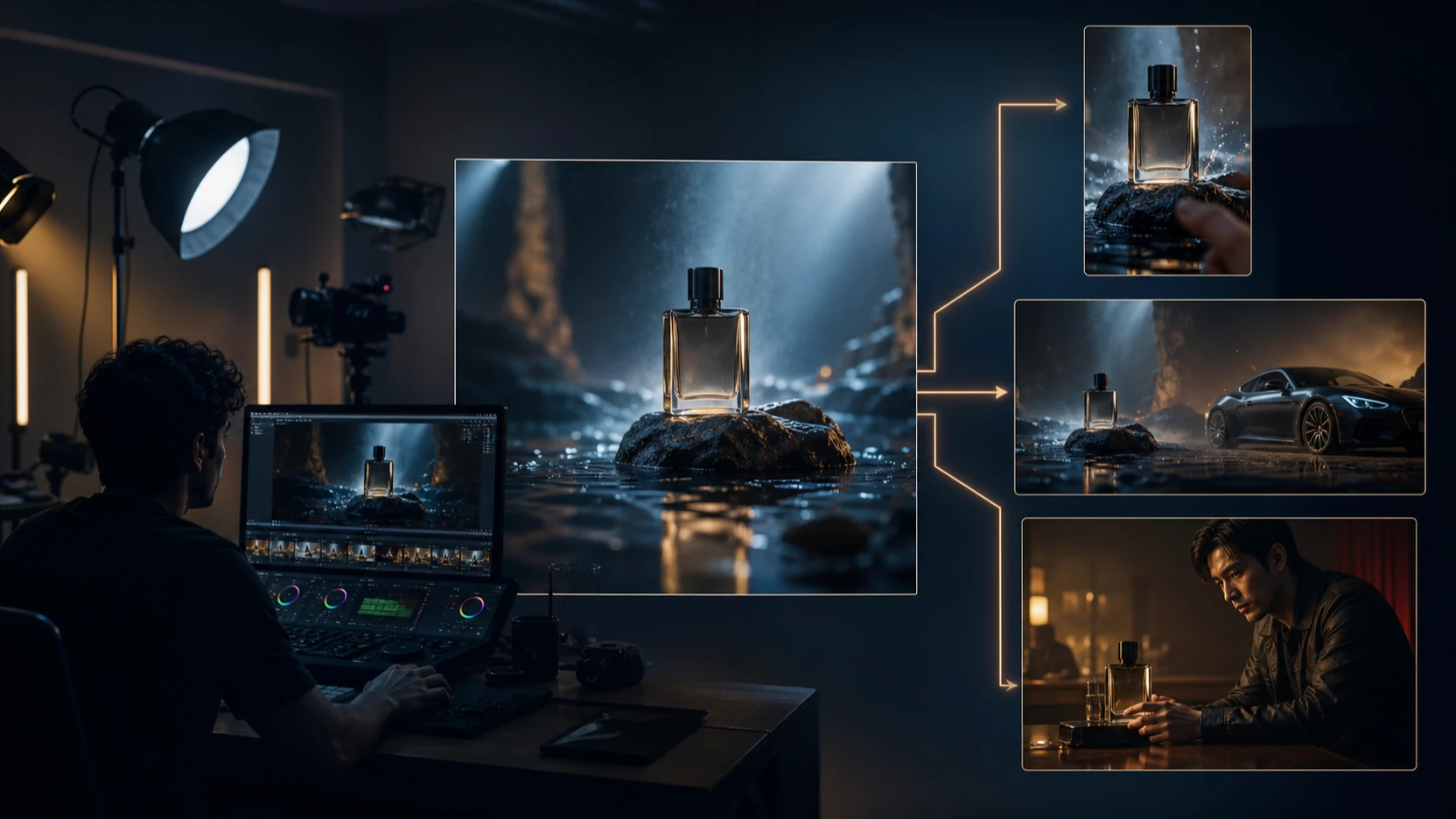
The Seedance 2.5 launch is a meaningful step for AI filmmaking because it targets the problems that turn a striking demo into a usable shot: longer continuity, reference control, synchronized sound, fine detail, and precise correction. Higgsfield AI’s official Seedance 2.5 page now presents the model as live, with up to 30 seconds in one take, up to 50 references, native 4K positioning, generated audio, and region-level editing.
That combination is particularly relevant to filmmakers, UGC teams, advertisers, and creators working with real people. It can hold a performer, product, location, wardrobe, lighting plan, and sound direction inside one generation instead of splitting every requirement across separate tools.
There is, however, an important pricing detail. Higgsfield AI sells plans that advertise Unlimited or free generations for named models, but its live pricing page does not currently list Seedance 2.5 itself as an Unlimited model. The Seedance 2.5 creation screen reviewed on August 10, 2026 still showed a credit cost. This guide explains what is genuinely live, what “Unlimited” means in practice, how queues can affect heavy use, and how to plan a more flexible workflow around the published Seedance 2.5 Image-to-Video API page on Flaq AI.

Seedance 2.5 Launch on Higgsfield AI: What Is Live Now?
Seedance 2.5 is now selectable in the Higgsfield AI video workspace. The reviewed interface offered a direct production sequence: add image, video, or audio references; write a prompt; reference assets with @; select Seedance 2.5; choose duration, aspect ratio, resolution, and bitrate; then generate.
The official launch page highlights five capabilities that matter to film work:
- Longer continuous shots: up to 30 seconds gives a scene room for an opening, action beat, and ending instead of forcing every idea into a five-second fragment.
- Up to 50 references: faces, products, wardrobe, locations, style frames, images, and clips can guide one generation.
- Native audio: ambience, effects, and score are generated with the picture rather than attached as an unrelated second step.
- Region-level editing: a creator can target a label, background, wardrobe detail, or face correction without rerolling the complete video.
- Flexible delivery: the page positions the model for vertical 9:16 social video through widescreen 21:9 cinematic work.
These are vendor-stated capabilities, not an independent benchmark. The practical test is whether they reduce rejected takes, manual cleanup, and continuity errors on a real brief.
What the Higgsfield AI Film Examples Show About the Effect
The official showcase is useful because it covers different kinds of filmmaking rather than repeating one polished beauty shot. Its examples include a real-person street portrait, a spacecraft above Earth, a controlled studio performance, product advertising, narrative storytelling, and social media delivery.

Real-person cinematic footage
One showcase prompt places a young woman on an old Shanghai street at golden hour, with a handheld medium close-up, warm backlight, shallow depth of field, and a filmic vlog look. This is a demanding human-video test because the face must remain recognizable while the subject turns, the glasses and hair must stay stable, and the environment must feel dimensional rather than pasted behind the actor.
For real-person production, the apparent sharpness of one frame is not enough. Review eye direction, teeth, fingers, hairline, glasses, skin texture, wardrobe seams, and the connection between the performer’s movement and the camera. Seedance 2.5 is attractive here because multiple reference assets can define identity and wardrobe before the motion begins.
Use only images of consenting adults and secure commercial likeness rights. Better reference control is a production advantage, not permission to impersonate a real person or create a misleading endorsement.
VFX, spacecraft, and high-motion shots
Another example shows a fighter craft banking in near-Earth space with star streaks, canopy reflections, cold rim light, and high contrast. Shots like this reveal whether motion, reflections, scale, and camera direction agree with each other. A visually detailed ship is less useful if its geometry changes during the bank or if the Earth background moves at an impossible speed.
For VFX-style evaluation, inspect silhouettes, repeated mechanical elements, engine trails, parallax, horizon movement, and the final frame. A 30-second model can support a more complete action, but longer duration also creates more opportunities for drift. References and region edits are therefore as important as length.
Product ads and controlled studio scenes
Higgsfield AI positions Seedance 2.5 for a complete product-ad structure: opening, product moment, and end card in one pass. This is where fine detail has direct commercial value. A usable result should preserve the shape, material, label area, color, reflection, and scale of the product while leaving a stable final composition for copy.
Region editing could reduce waste when most of a clip works but one label, background element, or wardrobe detail is wrong. Exact logos, prices, claims, and legal text should still be added during editing, where spelling and approval are controllable.
Seedance 2.5 Quality: Price, Fine Detail, and Fewer Creative Limits
Seedance 2.5 is most compelling when the value is measured per approved shot, not per generation. A lower sticker price can become expensive if faces drift, products deform, sound misses the action, or the ending cannot be edited. By contrast, a more expensive attempt can be economical if it replaces several regenerations and a compositing pass.
Use this production formula:
effective cost per usable shot = total credits or subscription cost + editor time ÷ approved shots
The live Higgsfield AI creation screen reviewed on August 10 showed a five-second, 16:9, 720p, high-bitrate starting setup with 38 credits reduced to 33 credits during the visible promotion. The public annual-billing cards showed Starter at $19 per month, Plus at $47, and Ultra at $99, before tax. Prices, discounts, and model costs can change, so confirm the checkout and generation screen before budgeting a campaign.
What “more detailed” should mean
Do not judge detail only by a 4K label. Review the areas that determine whether a clip can ship:
- Face and body identity across turns, occlusion, and camera movement.
- Hands touching props, products, clothing, and surfaces.
- Product geometry, material texture, reflections, and label area.
- Lighting direction and shadows across shot changes.
- Background continuity, especially repeated architecture or extras.
- Audio timing for footsteps, impacts, engines, dialogue, and music cues.
- A clean final frame that supports the edit or call to action.
A crisp first frame followed by drift is not a detailed video. The stronger result is the clip that keeps useful detail across time.
What “fewer restrictions” should mean
For responsible creators, fewer restrictions means more workflow freedom: longer duration, more references, multiple aspect ratios, native sound, region editing, and the ability to move from a prompt to a reviewable scene with fewer handoffs. It does not mean avoiding content safety, copyright, consent, advertising disclosure, or platform rules.
This distinction is especially important for real people. Use rights-cleared portraits and voices, avoid deceptive impersonation, keep product claims verifiable, and disclose synthetic media where the context requires it.
Is Seedance 2.5 Unlimited on Higgsfield AI?
Not according to the live public pricing details reviewed for this article. Higgsfield AI gives paid plans access to all Seedance models, but the Unlimited & Free Gens section names other models for limited promotional windows. Seedance 2.5 was not explicitly named as an Unlimited, no-credit model, and its live generator displayed a credit cost.
This does not make the subscription unattractive. Plus and Ultra provide larger credit pools, more parallel video jobs, access to advanced models, and promotional Unlimited generation for selected models. The key is to separate two claims:
- Access to Seedance 2.5: currently available on Higgsfield AI.
- Unlimited Seedance 2.5 without credit deductions: not explicitly promised on the reviewed pricing page.
Creators should capture the plan terms visible at checkout, confirm which model and settings carry the Unlimited badge, and test one generation before committing a large production schedule.
Why Unlimited generation can still create a queue
Unlimited rarely means infinite compute at maximum priority. Higgsfield AI’s pricing page states that Unlimited usage may be subject to dynamic speed adjustments during high-traffic periods. In practice, that can feel like a queue: jobs remain allowed, but generation starts later or completes more slowly when demand is high.
The pricing page also lists different parallel-generation limits by plan. A creator may have permission to generate repeatedly while still being limited by concurrent jobs, model availability, regional rollout, or peak-time speed controls.
Plan around this reality:
- Generate exploration passes outside peak hours when possible.
- Keep a small credit reserve for a priority or non-Unlimited route.
- Batch prompts, references, and review notes before the render window.
- Do not promise a client delivery time based on the fastest test generation.
- Keep at least one alternative model ready for shots that do not require the exact Seedance 2.5 look.
Unlimited is best for iteration volume. It is not automatically the best route for deadline-critical rendering.
What the Higgsfield AI Workflow Feels Like in Practice
The current interface is easy to understand because the main creative decisions sit in one workspace. References, prompt, elements, model, duration, ratio, resolution, and bitrate are visible before generation. That lowers the learning curve for a filmmaker who thinks in shots rather than API parameters.
The strongest experience is reference-first. Upload the exact person, product, wardrobe, location, and style assets that must remain stable. Then write the prompt as an ordered shot list rather than a paragraph of visual adjectives.
A useful prompt structure is:
subject and references + location + ordered action beats + camera + lens feel + lighting + sound cues + final frame + aspect ratio
For example:
A consenting adult creator wearing the referenced black jacket enters the referenced kitchen, places the exact silver coffee machine on the counter, turns toward camera, presses one illuminated button, and smiles as steam rises. Slow handheld push-in, natural morning window light, realistic skin and fabric texture, soft appliance ambience, stable product close-up at the end, vertical 9:16.
The main friction is cost awareness. Detailed references and a clear prompt improve the odds, but they do not guarantee an approved take. Review at full size and change one variable at a time so each rerender teaches you something.
A More Flexible Seedance 2.5 API Workflow on Flaq AI
Flaq AI has published dedicated Seedance 2.5 Image-to-Video API and Seedance 2.5 Text-to-Video API pages. During the live check for this article, however, both public action areas still displayed Coming Soon. The pages are useful launch-watch and integration-planning destinations, but developers should not describe the public API as callable until that status changes.
The prepared controls show the intended production shape: prompt input, optional sound, fixed-camera control, seed, duration, ratio, and resolution, plus start/end-frame input for image-to-video. When enabled, that API route can offer a more convenient way to build repeatable creative systems:
- Store prompts, seeds, references, and settings with each job.
- Submit batches from a campaign or content-management system.
- Poll status and retry failed jobs predictably.
- Compare the cost per approved output across models.
- Send completed clips to storage, review, editing, or publishing queues.
- Change providers or models without retraining a creative team on a new interface.

This is the practical alternative to treating Unlimited as the only route. A subscription is convenient for manual exploration. A metered API is often better for automation, traceability, client separation, and deadline planning. Many teams will use both: discover the visual direction in a browser, then scale the approved prompt through an API when it becomes available.
Recommended Video APIs and UGC Creation Tools
Seedance 2.5 should sit inside a model portfolio rather than becoming a single point of failure. These options cover text-first ideation, image-led animation, reference-driven UGC, and production fallback routes.
Video APIs
- Seedance 2.5 Text-to-Video API — recommended for text-first film concepts, shot exploration, social ideas, and automated prompt pipelines; check the live launch status before integration.
- MiniMax H3 Video API — a useful text-to-video alternative for comparing cinematic motion, prompt adherence, sound, and total generation cost.
- Flux 3 Video API — a strong image-to-video route when the first frame, product composition, or approved campaign artwork must anchor the shot.
- Best Image AI API — a broader AI media platform for teams that want additional model choices across image and video workflows.
Online tools for UGC and creator workflows
- Reference to Video Generator — use references to guide character, product, style, motion, or camera consistency.
- Image to Video Generator — animate a pack shot, storyboard frame, portrait, campaign still, or social creative without building an API integration first.
For UGC, generate hooks, demonstrations, reaction-style B-roll, product reveals, and alternate endings. Keep real testimonials, creator identity, offers, and product claims authentic and independently reviewed.
A Seedance 2.5 Test Plan for Film and UGC Teams
Run one controlled test before selecting a subscription, Unlimited route, or API pipeline.
- Choose one rights-cleared person and one exact product reference.
- Write a 10-to-15-second brief with one camera move and one product action.
- Define the required final frame before generation.
- Use the same references, aspect ratio, and acceptance criteria across tools.
- Give each route the same retry budget.
- Score face stability, hands, product fidelity, camera compliance, motion, audio timing, final frame, generation time, and edit effort.
- Record total credits, subscription cost allocation, queue time, failed jobs, and approved clips.
- Select the route with the best cost per usable shot, not the lowest cost per click.
This approach makes Seedance 2.5 evaluation concrete. It also reveals whether Unlimited iteration, paid priority, or API automation is the best fit for the real production schedule.
Recommended Reading
- MiniMax H3 API and Open Source Video Creation vs Seedance 2.0
- Seedance 2.0 API: Higgsfield AI vs Flaq AI for Automated Video Generation
- Seedance 2.0 Mini API Launch Watch for Video Builders
Frequently Asked Questions
Is Seedance 2.5 live on Higgsfield AI?
Yes. The official page and creation workspace currently present Seedance 2.5 as live. Features, rollout availability, credits, and settings may change, so confirm the live interface before a large job.
Does Higgsfield AI offer Unlimited Seedance 2.5 generation?
The reviewed pricing page did not explicitly list Seedance 2.5 as an Unlimited no-credit model, and the live generation screen showed a credit cost. Higgsfield AI does offer Unlimited or free-generation promotions for selected named models.
Can an Unlimited plan still have a queue?
Yes. Higgsfield AI says Unlimited usage may receive dynamic speed adjustments during high-traffic periods. Parallel-job limits and rolling model access can also slow a large batch.
Can Seedance 2.5 create videos with real people?
Its reference-led workflow is designed for consistent faces, wardrobe, locations, and cinematic scenes. Use only rights-cleared media from consenting adults and avoid deceptive impersonation or synthetic testimonials.
Is the Seedance 2.5 API available on Flaq AI now?
Flaq AI has published both Seedance 2.5 API pages, but the public image-to-video and text-to-video action areas still showed Coming Soon during the August 10, 2026 review. Check the model page for the latest status before coding against it.
Is Seedance 2.5 cheaper than other AI video models?
That depends on the shot. Compare total credits or subscription allocation, queue time, retries, and editing effort per approved clip. A higher-cost generation can be cheaper if it avoids several rerenders or a difficult cleanup pass.
Conclusion
The Seedance 2.5 launch on Higgsfield AI gives filmmakers a more ambitious production canvas: longer shots, many references, native audio, high-detail output, region edits, real-person workflows, and delivery formats from vertical social to widescreen film. The effects are most persuasive when they preserve identity, product detail, motion, sound, and a usable ending across the complete clip.
Treat Unlimited as an iteration tool, not a guarantee of zero cost or instant rendering. For automation, watch the Seedance 2.5 API launch status on Flaq AI, prepare a traceable API workflow, and keep MiniMax H3 and Flux 3 available as production alternatives. That mix offers creators more control, clearer cost measurement, and a more convenient path from cinematic experiment to repeatable video production.