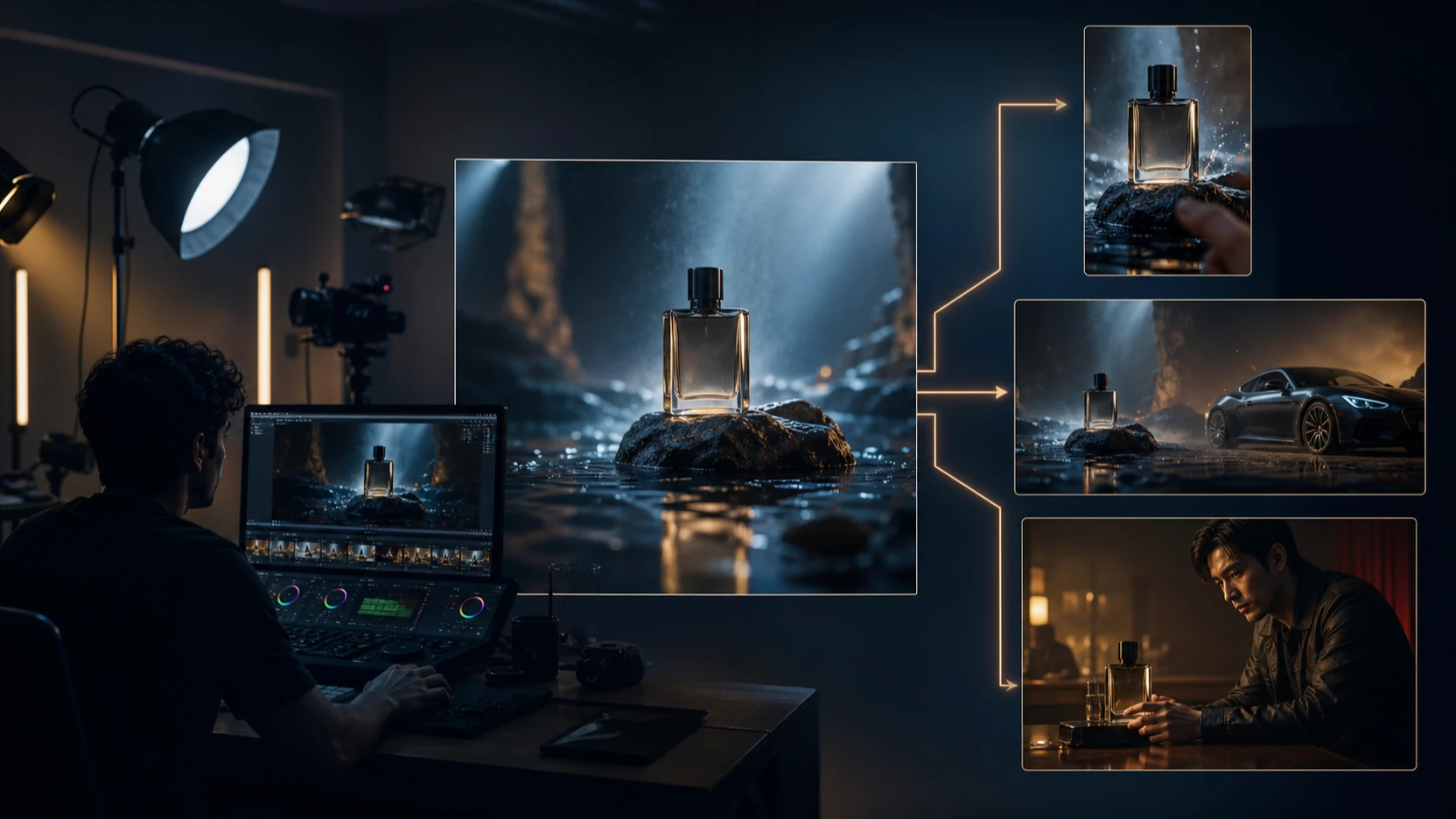
最佳的免費圖片轉影片 AI 工作流程,從你上傳照片之前就開始了。清晰、乾淨的來源圖片,通常比雜亂或低解析度的圖片更能產出高品質短片,因此本指南建議先使用 FreeImGen 作為免費的圖片建立與前置處理中樞。接著,使用同一張圖片、同一段提示詞、同一個長寬比與同一份檢查清單,測試 VideoWeb AI、Flyne AI、Fylia AI、SeeVido AI 與 Flaq AI 等圖片轉影片網站。

先從 FreeImGen 開始,取得更好的免費圖片轉影片 AI 成果
FreeImGen 在準備階段最有用。在選擇免費圖片轉影片 AI 網站之前,先用 FreeImGen 來建立、編輯、放大(upscale)或變化(vary)將用來驅動影片的靜態圖片。這很重要,因為圖片轉影片模型通常在主體清楚、置中、光線良好,且不被大量細小文字塞滿時,才能更可靠地保留來源圖片。
做產品短片時,先準備一張乾淨的產品照與簡單背景。做人像時,使用正面清楚的臉部照片、自然光線,且不要有干擾的配件。做 UGC 廣告時,先準備一張強而有力的產品或生活風格圖片,再測試不同的鏡頭運動提示詞。做迷因、海報與創意草稿時,移除不必要的文字,並為動態效果留出空間。
FreeImGen 也符合「先找免費」的搜尋意圖,因為許多創作者想在不建立完整付費製作堆疊的情況下完成圖片準備。不過,不要假設所有串接的工作流程永遠都是免費的。在發布前,請確認你使用的每個平台目前的登入要求、免費點數、水印規則、上傳隱私與商用權利。
值得連結的相關 FreeImGen 指南包括:免費 AI 圖片編輯器、GPT Image 2 網站、免費圖生圖 AI、免費文生圖生成器、以及免費圖片放大器。

最值得比較的免費圖片轉影片生成器網站
最好的免費圖片轉影片生成器,取決於你需要的片段類型,而不只是網站名稱。請依用途比較各網站:社群貼文、產品短片、UGC 廣告、人像、分鏡、迷因或創意草稿。接著,在把結果用於客戶工作之前,先確認目前的存取細節。
| Website | Best fit | What to verify before publishing |
|---|---|---|
| VideoWeb AI Image to Video | 對新手友善的圖片轉影片 AI,適合社群貼文與快速視覺草稿 | 免費點數、登入、水印、模型可用性、輸出畫質 |
| Flyne AI Photo to Video | 用於照片轉影片 AI 生成器測試與模型比較的工作流程 | 點數、模型清單、提示詞控制、輸出權利、隱私 |
| Fylia AI Image to Video | 適合社群影片與可搭配音訊的模型工作流程之圖片動畫工具 | 支援的模型、音訊選項、價格、輸出限制 |
| SeeVido AI Video Generator | 社群、行銷與創意影片生成 | 免費存取、水印規則、商用條款、輸出畫質 |
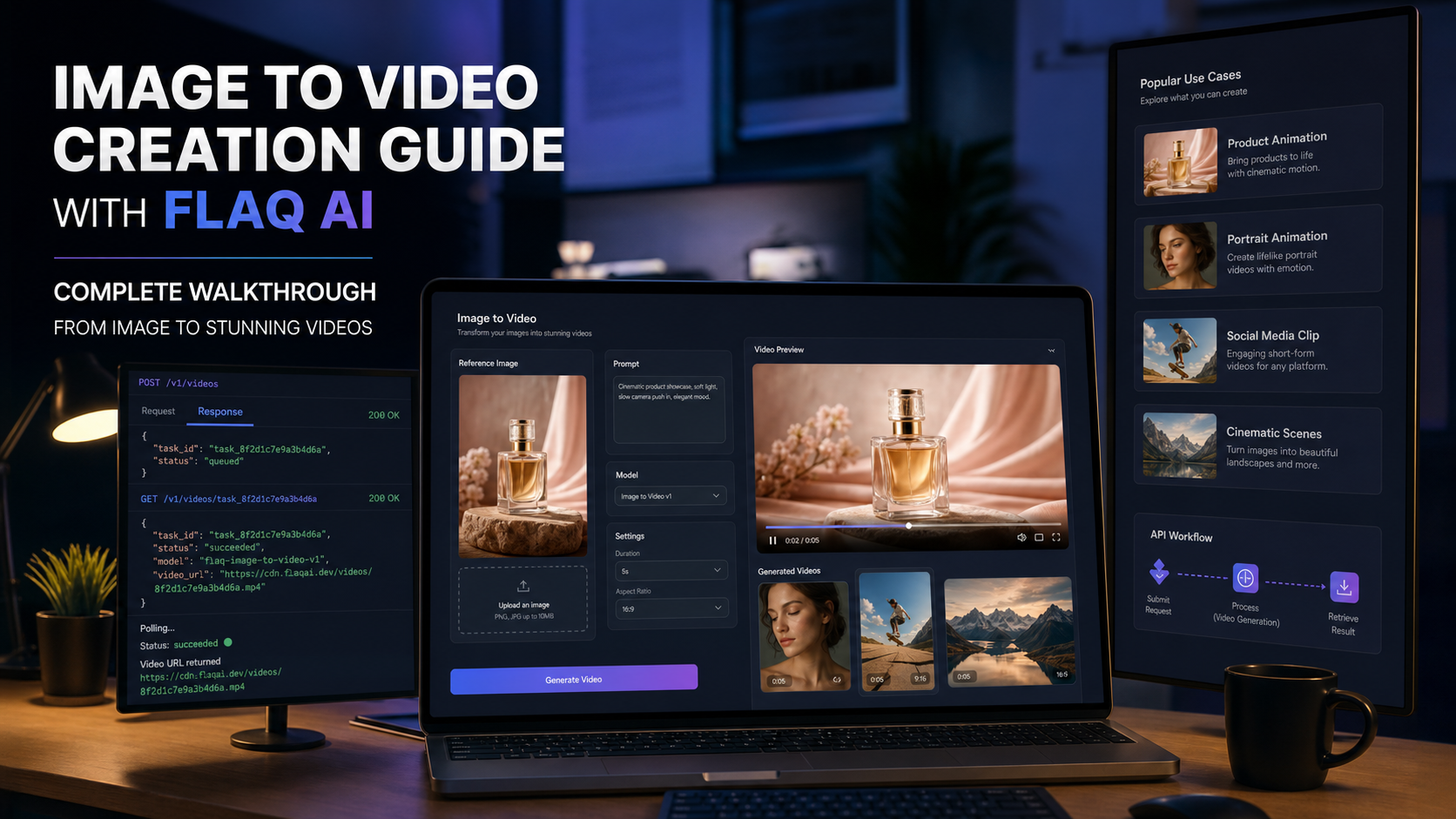
| Flaq AI Image to Video | 圖片轉影片測試與可接 API 的工作流程 | API 存取、模型支援、價格、隱私、商用條款 |
這份比較刻意保持謹慎。一個工具可能很適合實驗,但要用於成品仍可能需要付費點數、登入、去除水印或升級輸出。因此,實務評測應該用同一張圖片在所有工具上測試並以結果判斷,而不是看行銷承諾。
想看更廣泛的背景資訊,讀者也可以參考:VideoWeb AI Video Generator 2026、Flyne 的 AI 圖片轉影片工作流程指南、Flyne 的 影片生成器模型指南、Fylia 的 AI 影片生成器工作流程指南、Fylia 的 Seedance 2.0 存取指南、Flaq 的 Image to Video Creation Guide、Flaq 的 影片模型評測、以及 SeeVido 的 Seedance 2.0 評測。

如何測試 VideoWeb AI、Flyne AI、Fylia AI、SeeVido AI 與 Flaq AI
請使用一套可重複的測試流程,而不是用零散案例來評斷工具。把同一張準備好的圖片上傳到 VideoWeb AI、Flyne AI、Fylia AI、SeeVido AI 與 Flaq AI。使用相同的動態提示詞、長寬比、時長與目標用途。然後比較主體保留、動作品質、提示詞準確度、生成速度、免費點數行為、水印、輸出畫質與後續剪輯的就緒度。
做社群貼文時,測試 9:16,並檢查裁切後臉部、產品或主要物件是否仍穩定。做產品短片時,檢查標籤、形狀、材質紋理與比例是否漂移。做人像與 UGC 廣告時,注意臉部變形、多出手指、身分漂移、閃爍,以及對平台來說過於強烈的動作。
網站測試提示詞公式:
Compare [VideoWeb AI], [Flyne AI], [Fylia AI], [SeeVido AI], and [Flaq AI] for this same source image. Use the same prompt, aspect ratio, duration, and review checklist. Evaluate motion quality, subject preservation, prompt accuracy, generation speed, free credits, watermark, export quality, and whether the result is ready for social editing.
最佳結果不一定是最戲劇化的片段。對電商來說,穩定的產品形狀可能比電影感運鏡更重要。對迷因來說,速度與字幕空間可能比完美寫實更重要。對付費廣告來說,輸出畫質、權利與可重複性,比一次「剛好很幸運」的生成更重要。

圖片轉影片 AI 提示詞公式與範例
圖片轉影片的提示詞最有效的方式,是告訴模型哪些要保留、哪些要動。來源圖片是錨點。你的提示詞應該保護主體、定義動作、選擇鏡頭行為,並設定平台所需格式。
可重用提示詞公式:
Use this uploaded image as the reference. Preserve [main subject / face / product / object / composition / brand-neutral detail] while adding [motion / camera movement / background action / lighting change / atmosphere]. The video should feel [cinematic / realistic / playful / ad-ready / social-ready], with [aspect ratio], [duration], and [platform use case]. Avoid [warped faces, distorted hands, product-shape changes, unreadable text, fake logos, excessive motion, flickering, or identity drift].
提示詞範例:
- Use this product photo as the reference. Preserve the product shape, label area, and material texture. Add a slow camera push-in, soft studio lighting, subtle background movement, and premium ecommerce ad pacing, 16:9.
- Use this portrait as the reference. Preserve facial identity, hairstyle, and expression. Add gentle camera movement, natural light shift, soft background motion, and realistic social-video pacing, 9:16.
- Use this poster image as the reference. Preserve the layout and main subject. Add cinematic parallax, moving light particles, subtle depth, and a smooth reveal effect, no unreadable text.
- Use this sneaker photo as the reference. Keep the shoe design and proportions stable. Add rotating camera motion, urban pavement background, golden-hour lighting, and campaign-ad energy.
- Use this food image as the reference. Preserve the dish shape and ingredients. Add steam, slight camera push, warm restaurant lighting, and appetizing close-up motion.
- Use this character image as the reference. Preserve outfit, face structure, color palette, and silhouette. Add a subtle pose shift, moving background lights, and cinematic atmosphere, no extra limbs.
- Use this room photo as the reference. Preserve the layout and window position. Add gentle sunlight movement, curtain motion, and polished interior-design video style.
- Use this fashion image as the reference. Preserve clothing details and body proportions. Add slow editorial camera movement, soft wind, clean studio lighting, and vertical social-video framing.
- Use this logo-free product mockup as the reference. Add a smooth table rotation, soft reflections, premium launch-ad lighting, and clean background motion.
- Use this travel photo as the reference. Add slow drone-like camera movement, moving clouds, subtle crowd motion, warm sunset light, and cinematic travel-reel pacing.
- Use this pet photo as the reference. Preserve the animal's look and pose. Add gentle head movement, soft background blur, natural lighting, and cozy social-video mood.
- Use this AI image as the reference. Create three short video variants: one cinematic, one playful, and one product-ad style. Keep the subject stable and change only motion, lighting, and pacing.
提示詞要夠短,才便於測試。如果某個工具忽略了提示詞的一部分,就把提示詞簡化,並一次只測一個動態目標再試。

使用免費線上照片轉影片 AI 前的檢查項目
免費線上照片轉影片 AI 工具適合快速產出草稿,但要發布就需要更嚴格的檢查。第一步,確認實際存取細節:免費點數、登入要求、價格、水印規則、輸出限制、時長限制、模型可用性與排隊速度。這些細節常常變動,因此應視為即時檢查,而非永久承諾。
第二步,檢視輸出。注意主體保留、動作是否順暢、閃爍、手部變形、臉部扭曲、產品形狀變化、文字不可讀、假 LOGO、不想要的背景變化與裁切問題。片段乍看很吸睛,但放進 TikTok、Reel、Shorts 影片、產品頁或廣告素材後仍可能失敗。
第三步,檢查權利與隱私。如果你上傳客戶照片、產品圖、品牌素材、人像或未公開的活動素材,請先檢視上傳隱私與商用授權。避免使用真實名人、公眾人物、受版權保護的角色、品牌標誌與已註冊商標的平台 UI 細節,除非你已取得授權。
匯出時,先保存可用的最高畫質版本,再在專業影片編輯器中完成字幕、CTA、音樂與最終字體排版。不要依賴影片內 AI 生成文字,除非你能清楚校對。

關於最佳免費圖片轉影片 AI 的 FAQ
對新手而言,最好的免費圖片轉影片 AI 是什麼?
先用 FreeImGen 準備圖片,然後測試 VideoWeb AI image to video 這個對新手友善的圖片轉影片工作流程。同時也用同一段提示詞比較 Flyne AI、Fylia AI、SeeVido AI 與 Flaq AI。
我可以把免費圖片轉影片 AI 用於商業廣告嗎?
只有在確認目前的平台條款、商用規則、水印政策、上傳圖片權利與輸出畫質之後才行。不要假設「免費生成」就自動可用於付費廣告。
哪些圖片最適合 AI 圖片動畫?
通常最適合的是:只有一個主要主體、光線乾淨、背景簡單、文字有限的清晰圖片。產品照、人像、時尚圖、食物照、旅遊照、海報與社群廣告草稿,只要提示詞能保護重要細節,都可能有效。
我應該用 16:9 還是 9:16?
16:9 適用於部落格、YouTube、產品頁與橫式廣告。9:16 適用於 TikTok、Reels、Shorts 與 UGC 廣告。發布前一定要先預覽裁切效果。
為什麼圖片轉影片 AI 片段會把臉或產品弄變形?
變形通常發生在動作太強、來源圖片不清楚,或提示詞沒有保護身分、形狀與構圖時。請用更溫和的動作重新生成,並加強「保留」的描述語句。

結論:用同一張圖片測試,選出最適合的免費圖片轉影片 AI
最佳的免費圖片轉影片 AI,就是能把你準備好的圖片,轉成符合你在意的平台、穩定且好用片段的那個網站。使用 FreeImGen 作為圖片準備中樞,接著用同一張來源圖片與提示詞比較 VideoWeb AI、Flyne AI、Fylia AI、SeeVido AI 與 Flaq AI。
做嚴肅用途時,發布前請確認:免費點數、登入要求、水印規則、模型可用性、價格、輸出畫質、商用權利、上傳隱私與輸出限制。當你把輸出視為草稿、仔細審核並用人工剪輯完成收尾時,免費圖片動畫 AI 工作流程會最強。